Turn stills into video
Turn a finished fashion cut into a short clip with controlled motion and camera direction.
Create a video
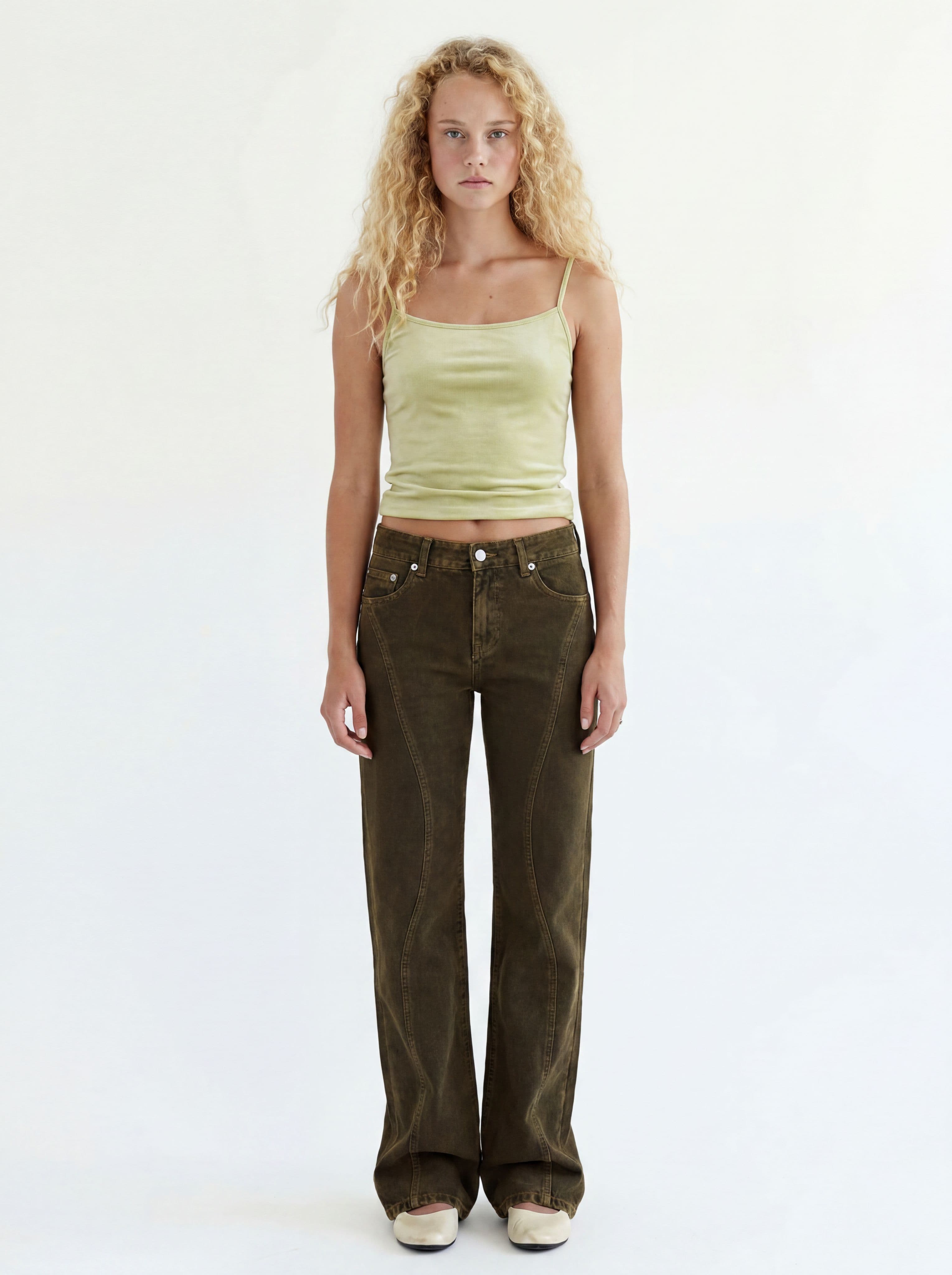
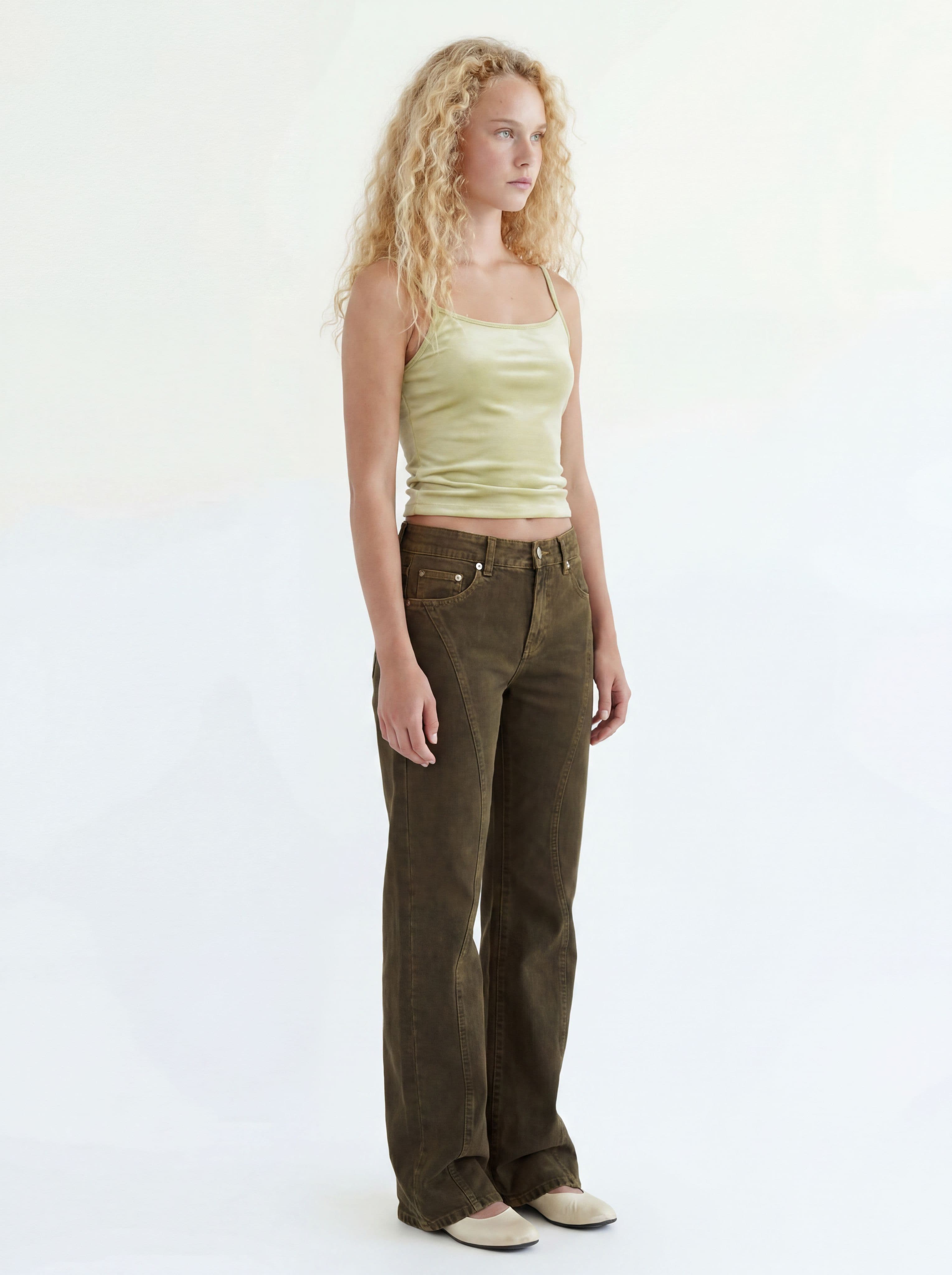
Open Video and choose a start frame from your lookbook.
How video works
Choose the frames
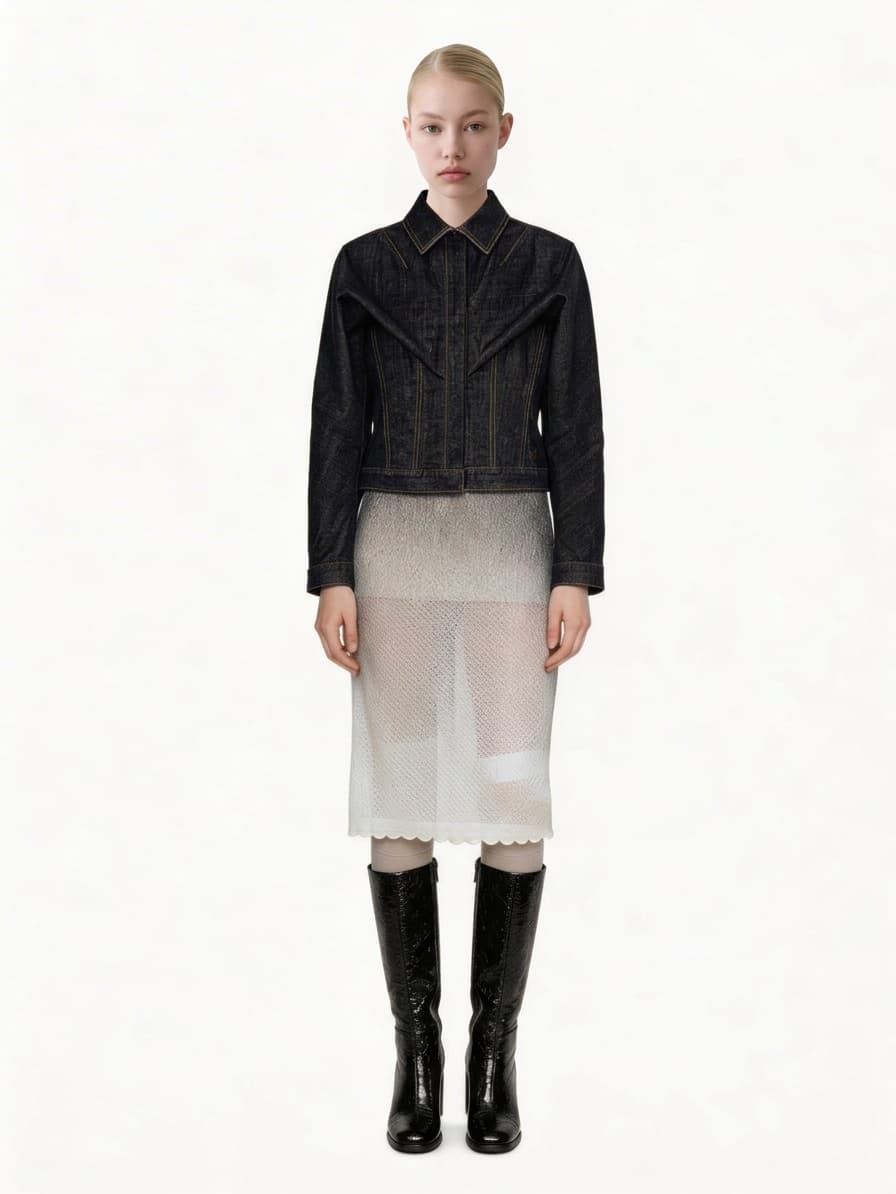
Pick a start image. Add an end image when you want to control where the motion lands.
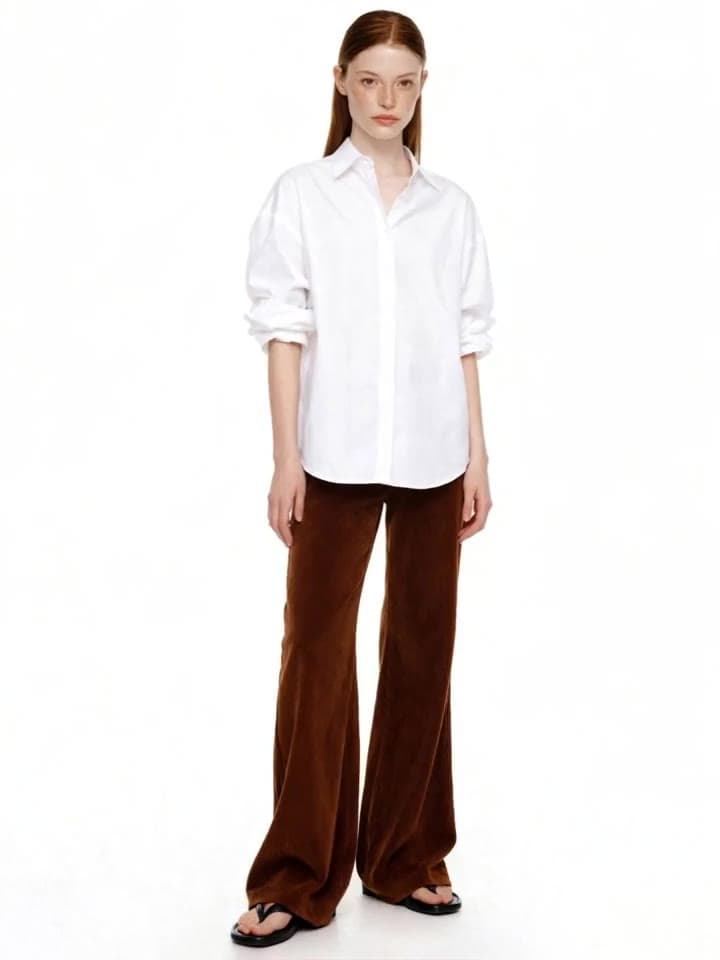
Start frame 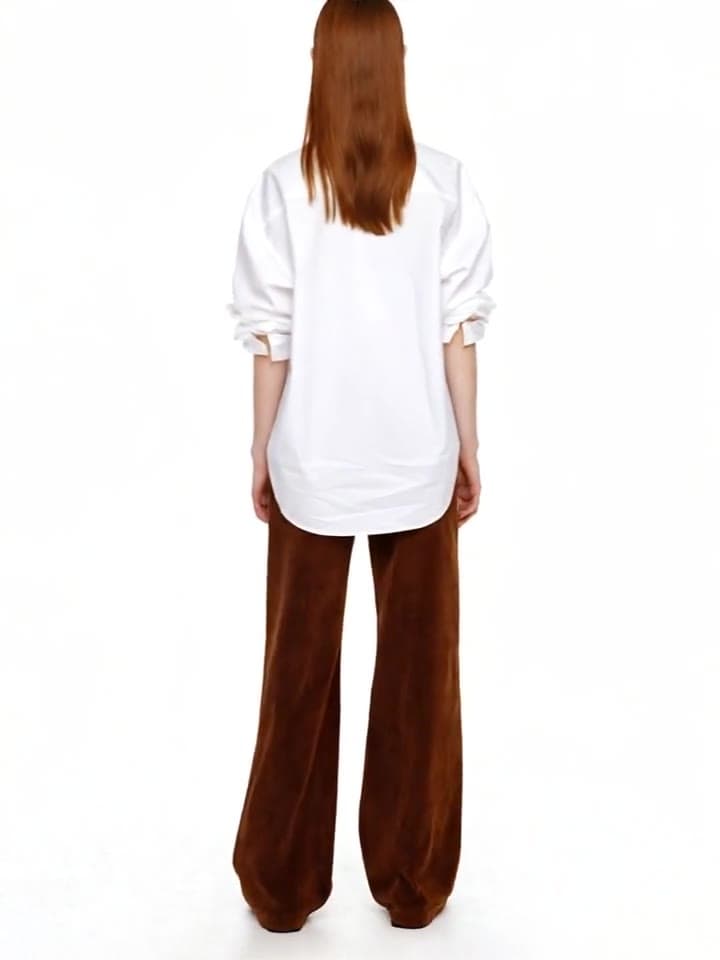
End frame Describe the motion
Write the subject action and camera movement. Sofi AI can help turn a rough idea into a production-ready prompt.
Motion prompt
The model turns slowly to the side while the camera stays centered and steady. Keep the garment shape and texture consistent.
Review the full clip
Check the garment details and motion from beginning to end, then download the strongest take.
Build the frames before you animate
Strong source frames make cleaner motion. Build, vary, or finish the cut before turning it into video.