Save locations
Upload a scene photo — Sofi extracts a background prompt you can refine, save, and reuse.
The real location picker opens right here — sign in to upload and extract.
How it works
Upload a scene photo
A shop you photographed, a mood-board save — anything works. Drag and drop it in.
Select backgroundUpload CustomMy BackgroundsDefault xmas-mint
 xmas-red
 White background
 Studio 4
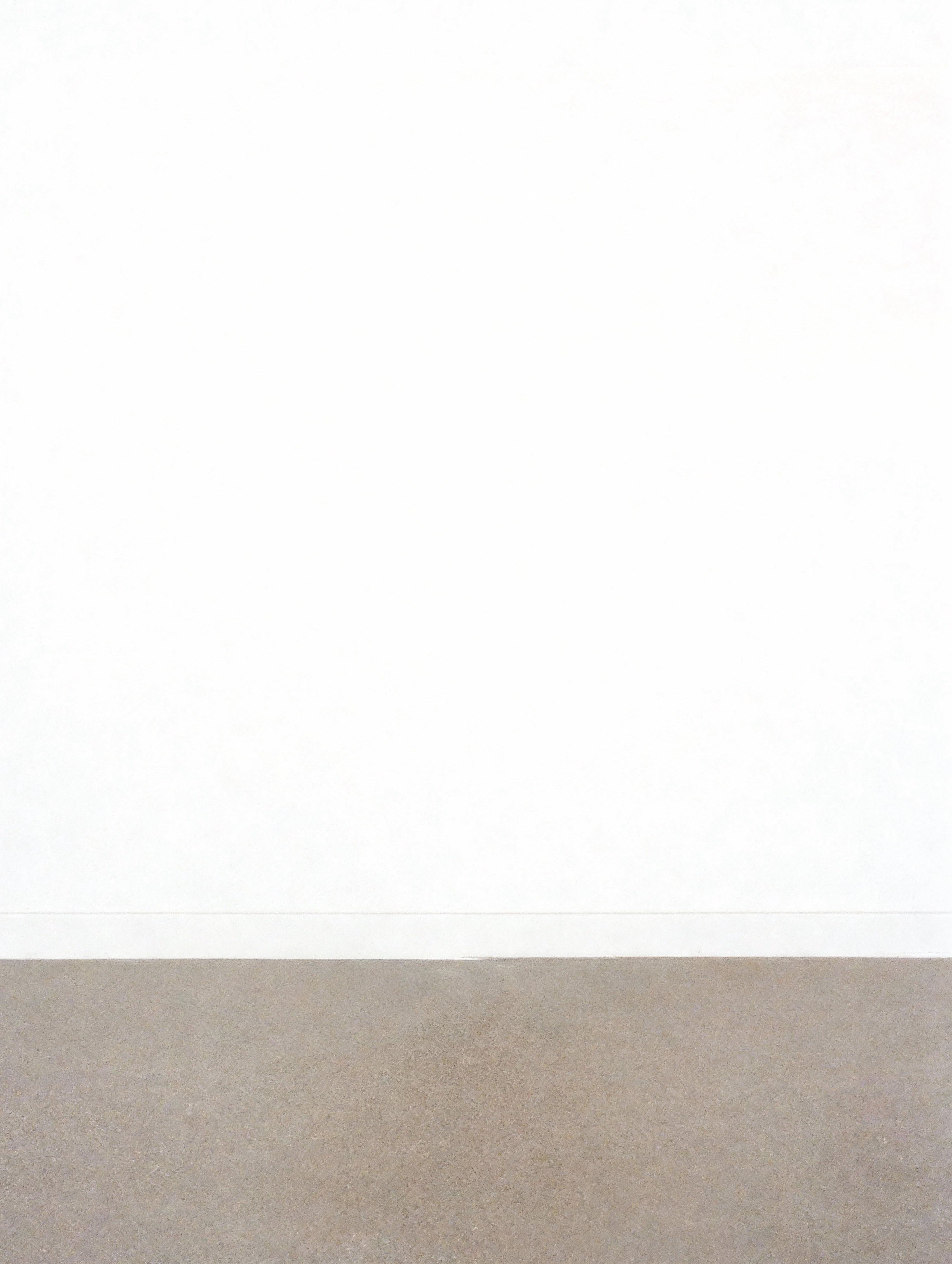 Studio 3
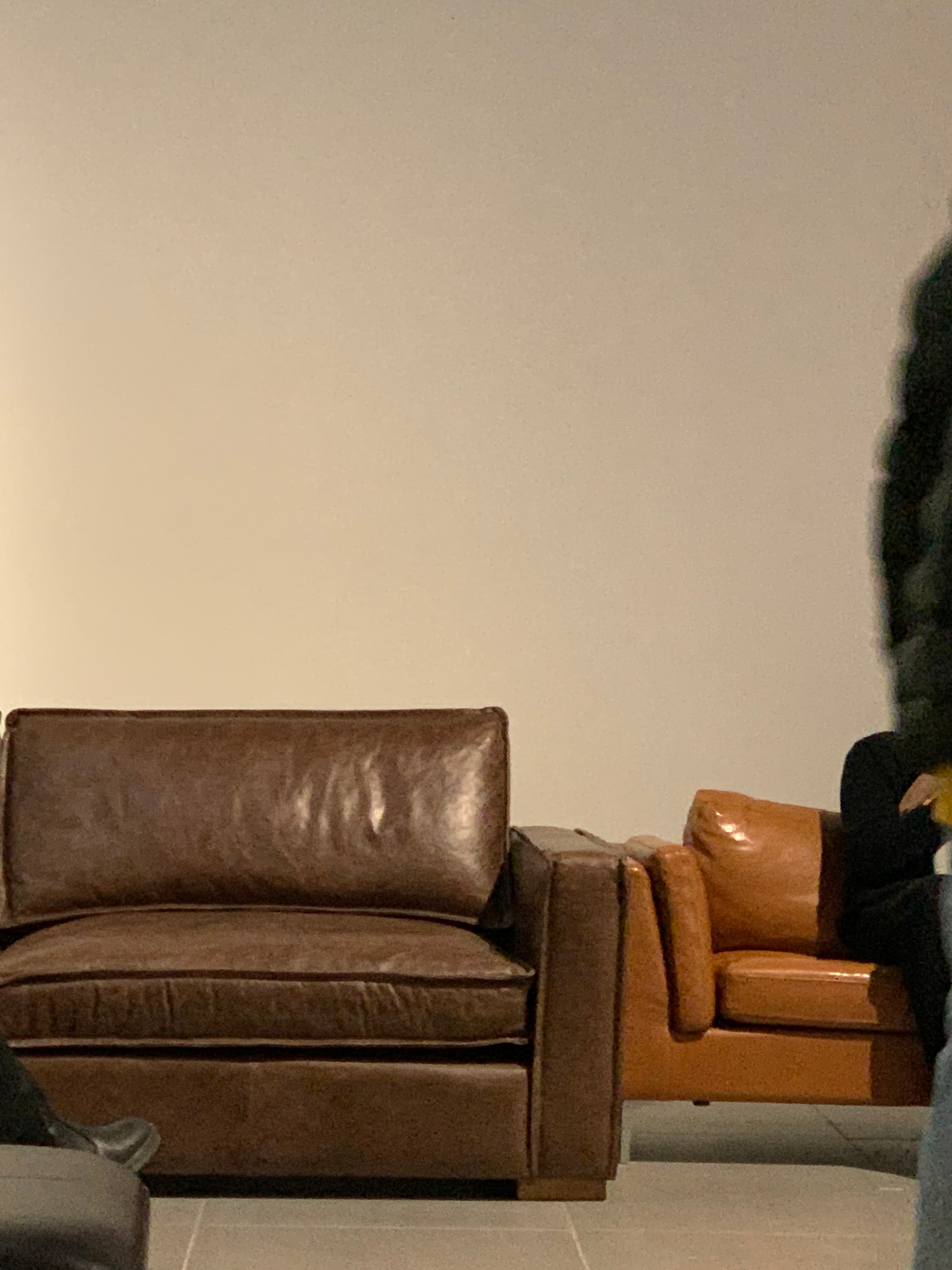 Studio
Sofi extracts the background prompt
Scene analysis to finished sentences, automatically — then edit the prompt however you like.
The prompt Sofi extracted
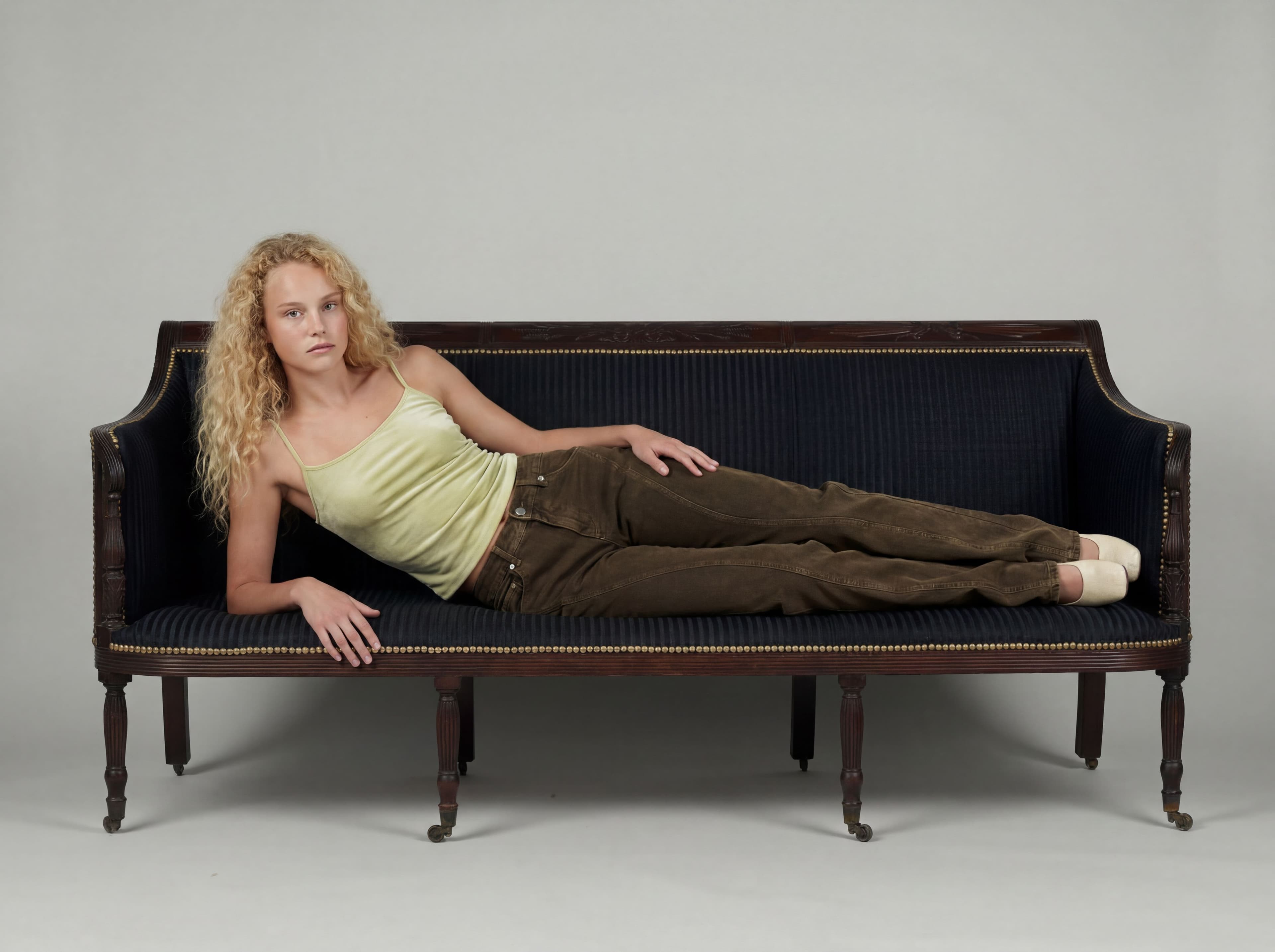
This is a studio setting with a seamless light gray background that curves from the floor to the wall, creating a soft, infinite horizon. The lighting is even and diffused, casting subtle shadows beneath the furniture. The camera is positioned at a medium height, looking directly at the scene.
Refine it, save it as a preset
Remove people or text watermarks to clean up the scene, then save. The preset is ready in Change-the-background and editorials.
Where saved locations get used
Pick the preset in any background change or editorial — no re-uploading.