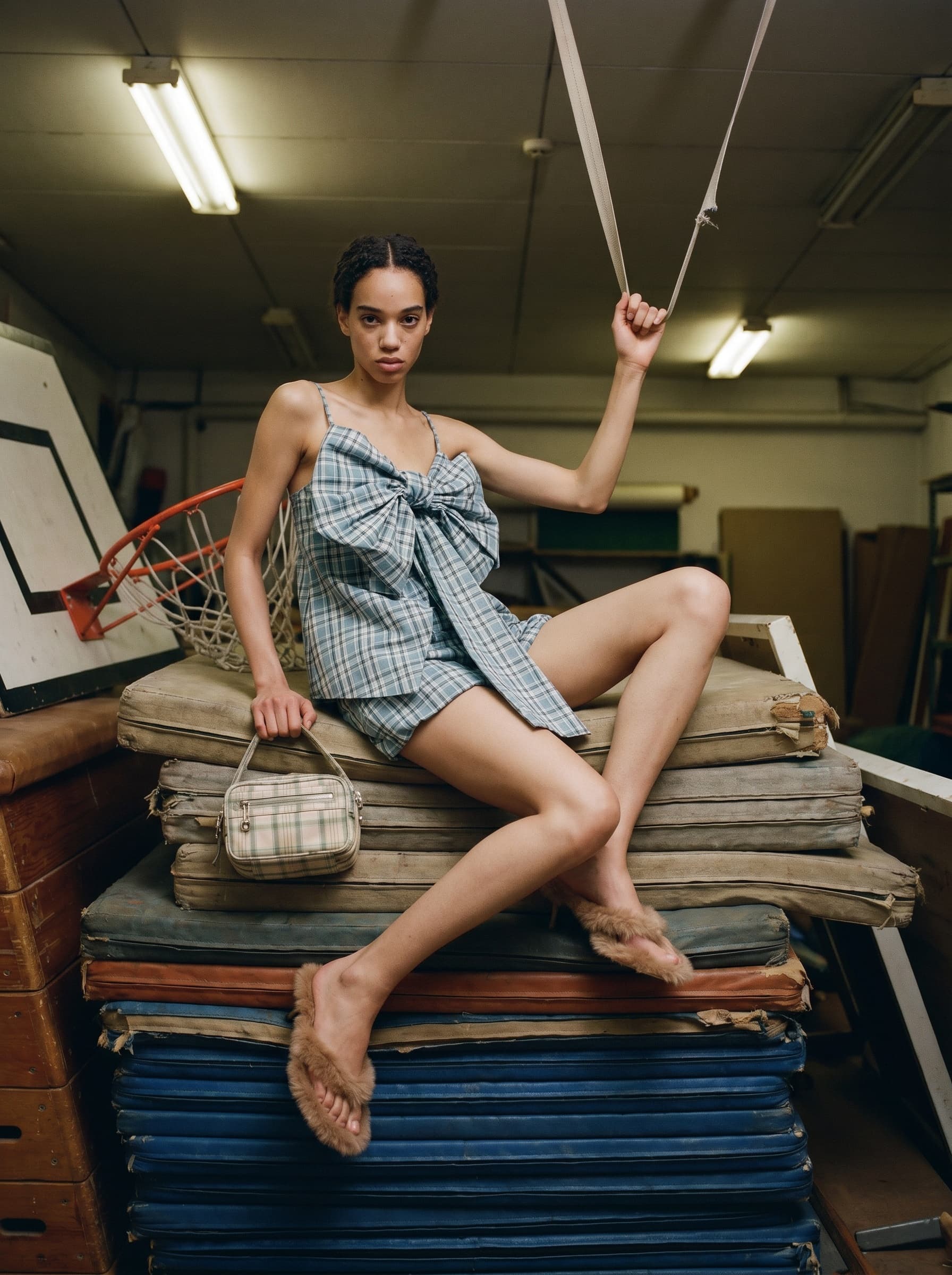
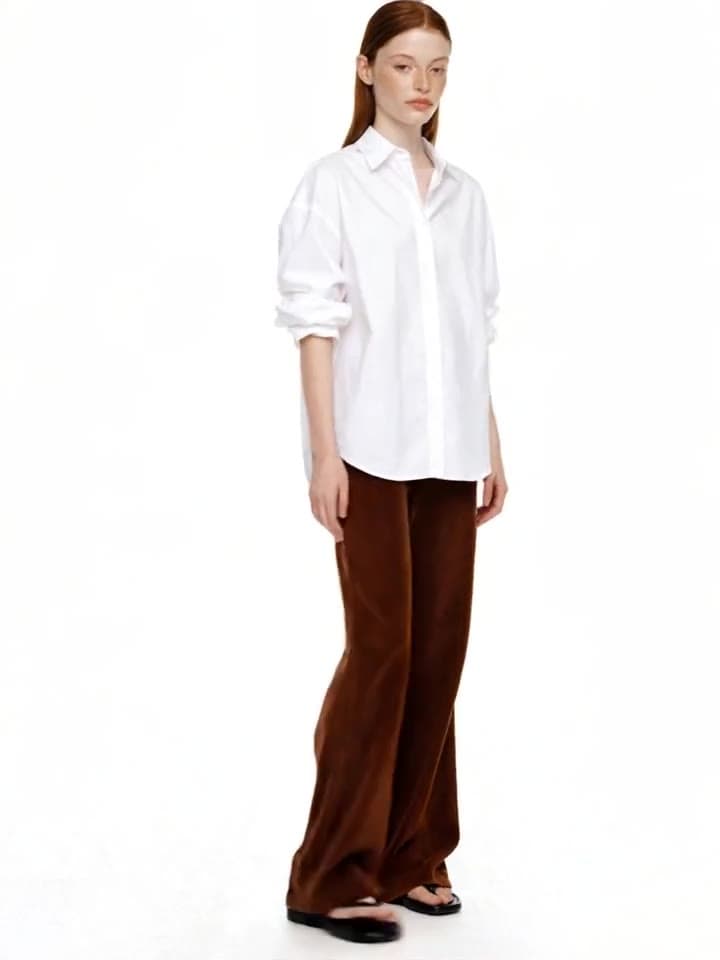
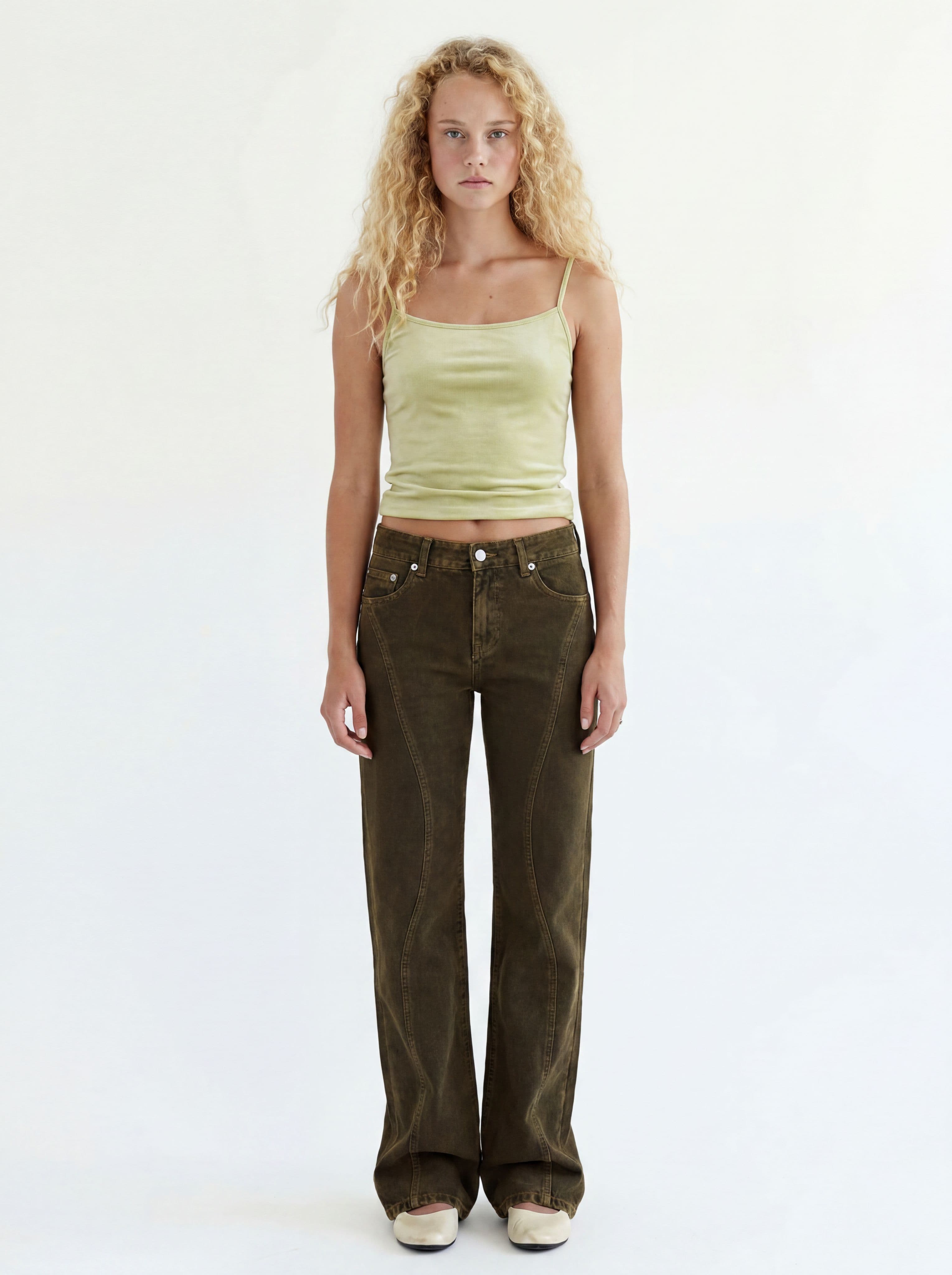
Change the background
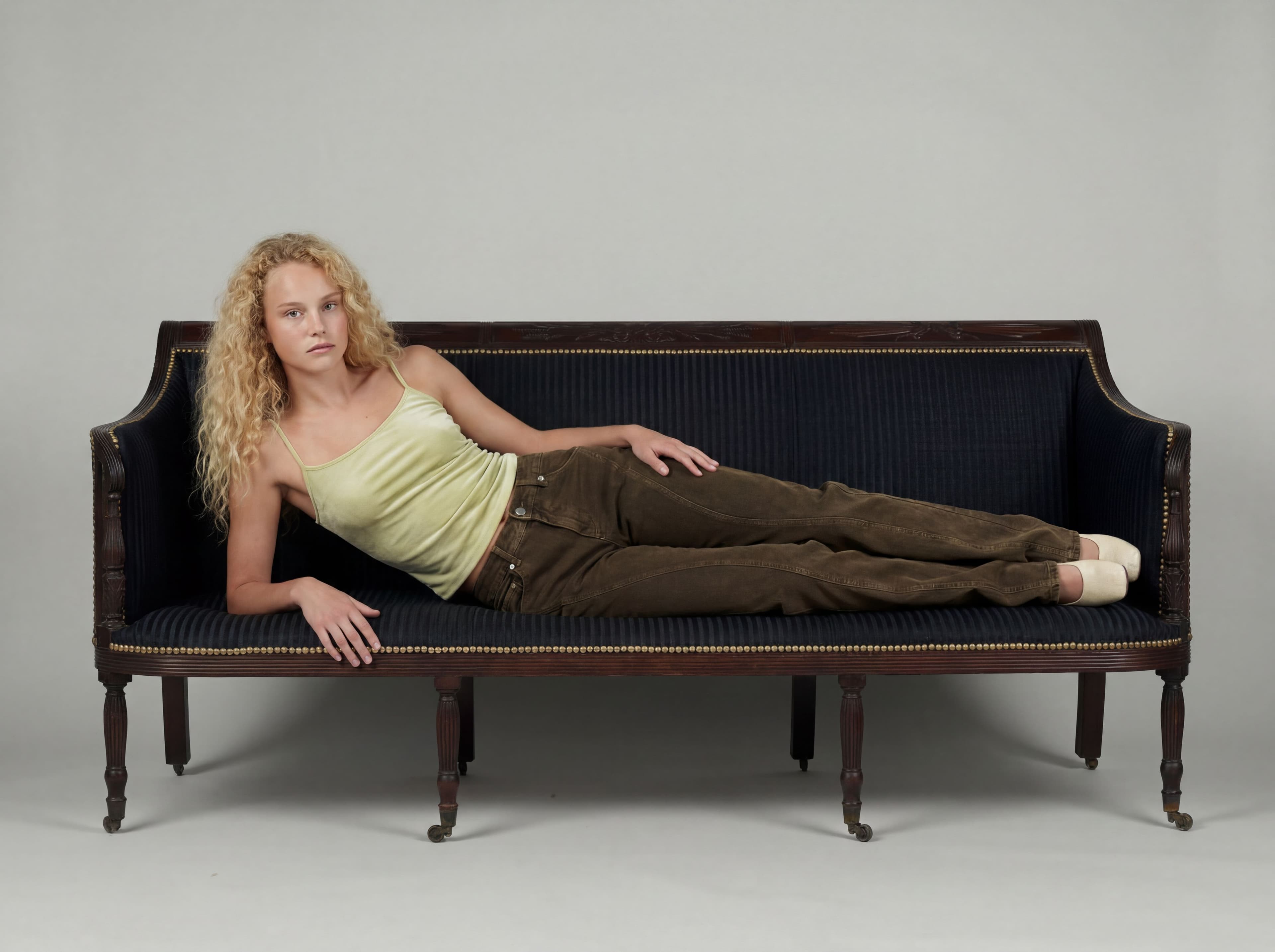
Move a finished cut to any location — the model and outfit stay put.
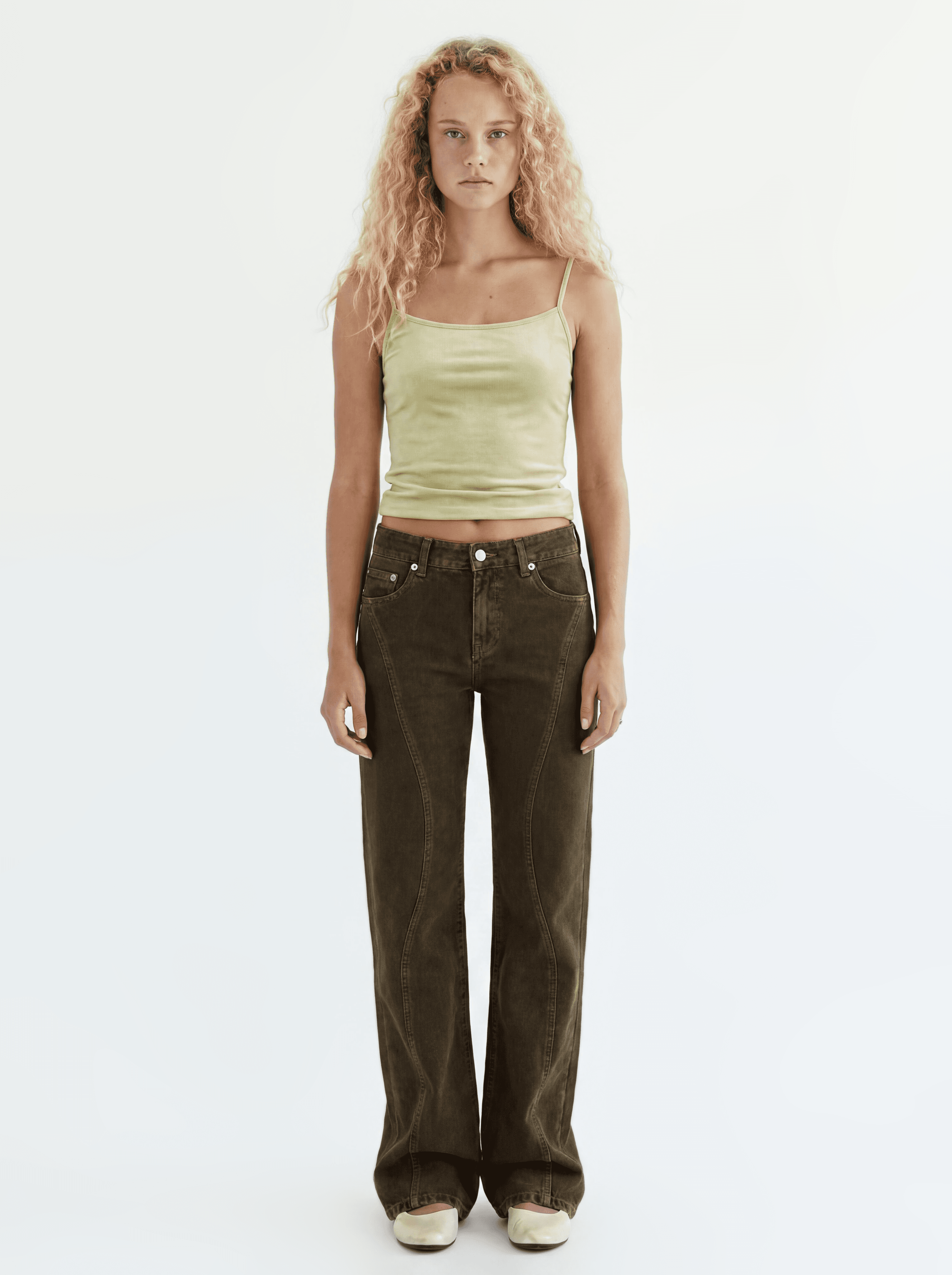
It loads into the real prompt bar — just press generate.
How it works
Pick a cut
The base cut or a variation — any cut you like works.
Your best cut Upload or pick a location
Upload a scene photo and Sofi extracts a background prompt. Save it as a preset and reuse it anytime.
The background prompt Sofi extracted
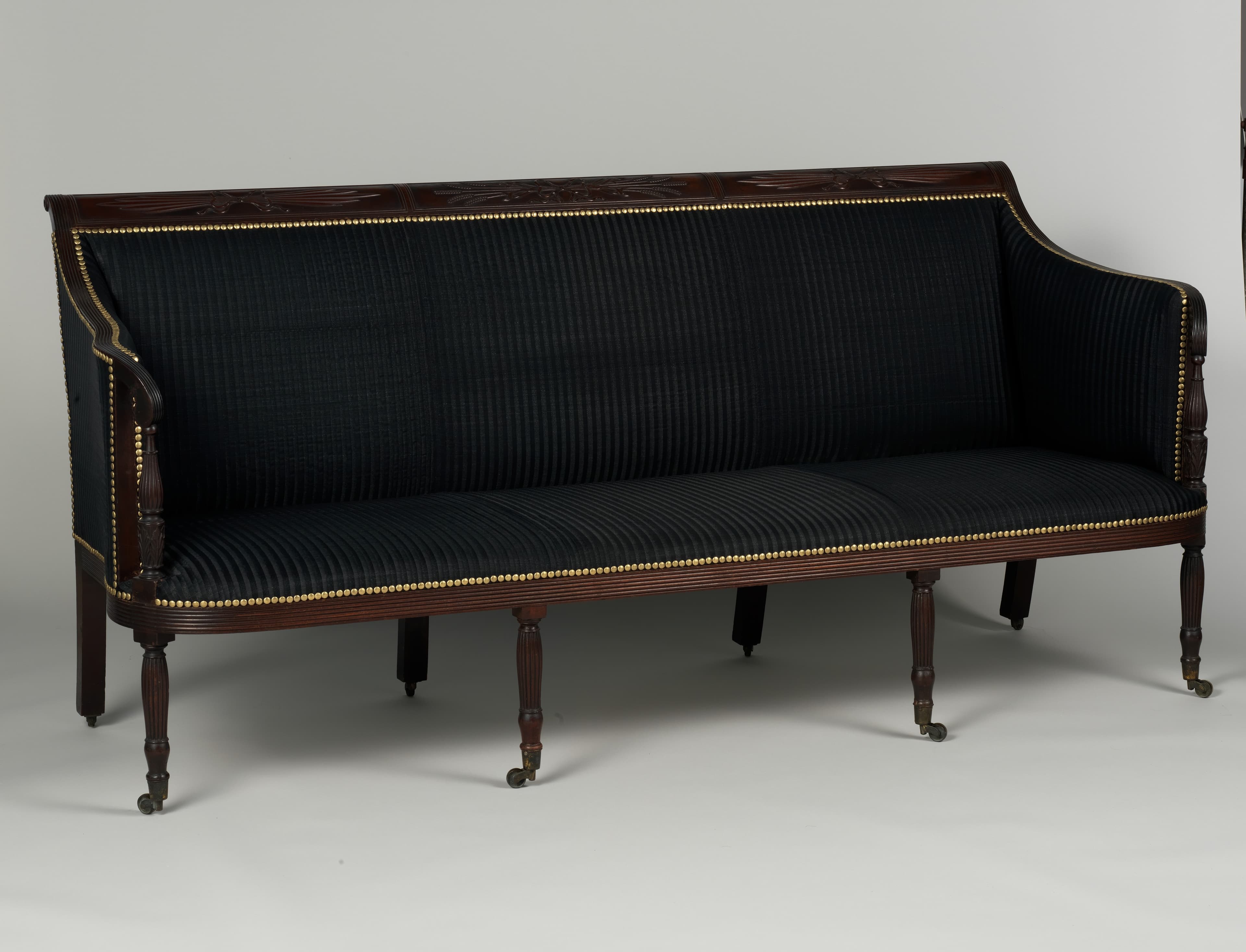
This is a studio setting with a seamless light gray background that curves from the floor to the wall, creating a soft, infinite horizon. The lighting is even and diffused, casting subtle shadows beneath the furniture. The camera is positioned at a medium height, looking directly at the scene.
Generate in that place
The model and outfit stay put; the light and perspective follow the new scene.
Before After
What comes after the background
A relocated cut flows straight into editorials, face swaps, and video.