Save your model
Save your own model from a single photo — every cut after keeps the same face.
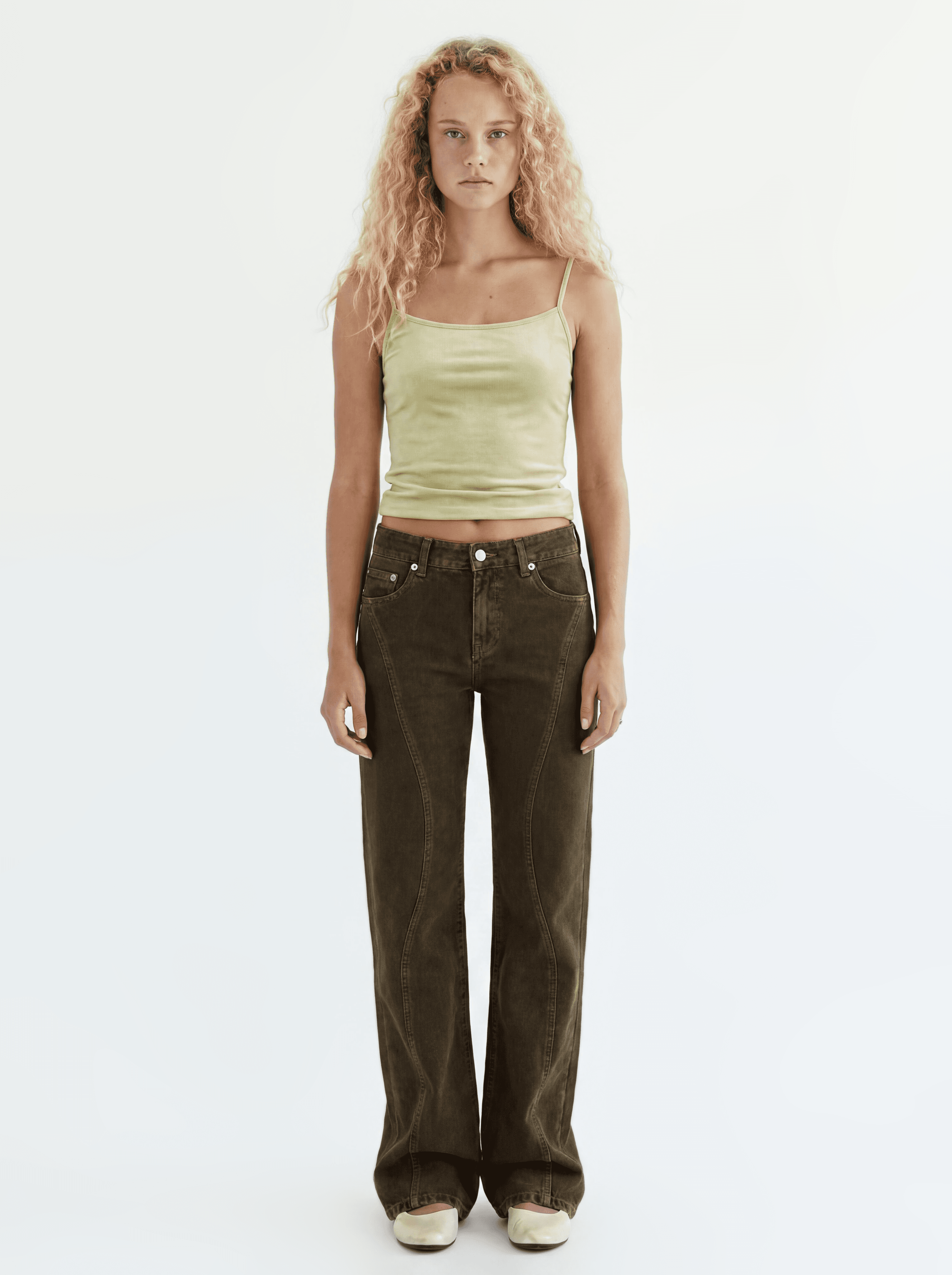
The real model picker opens right here — heart-save Sofi models, and sign in to upload your own.
How it works
Upload a model photo
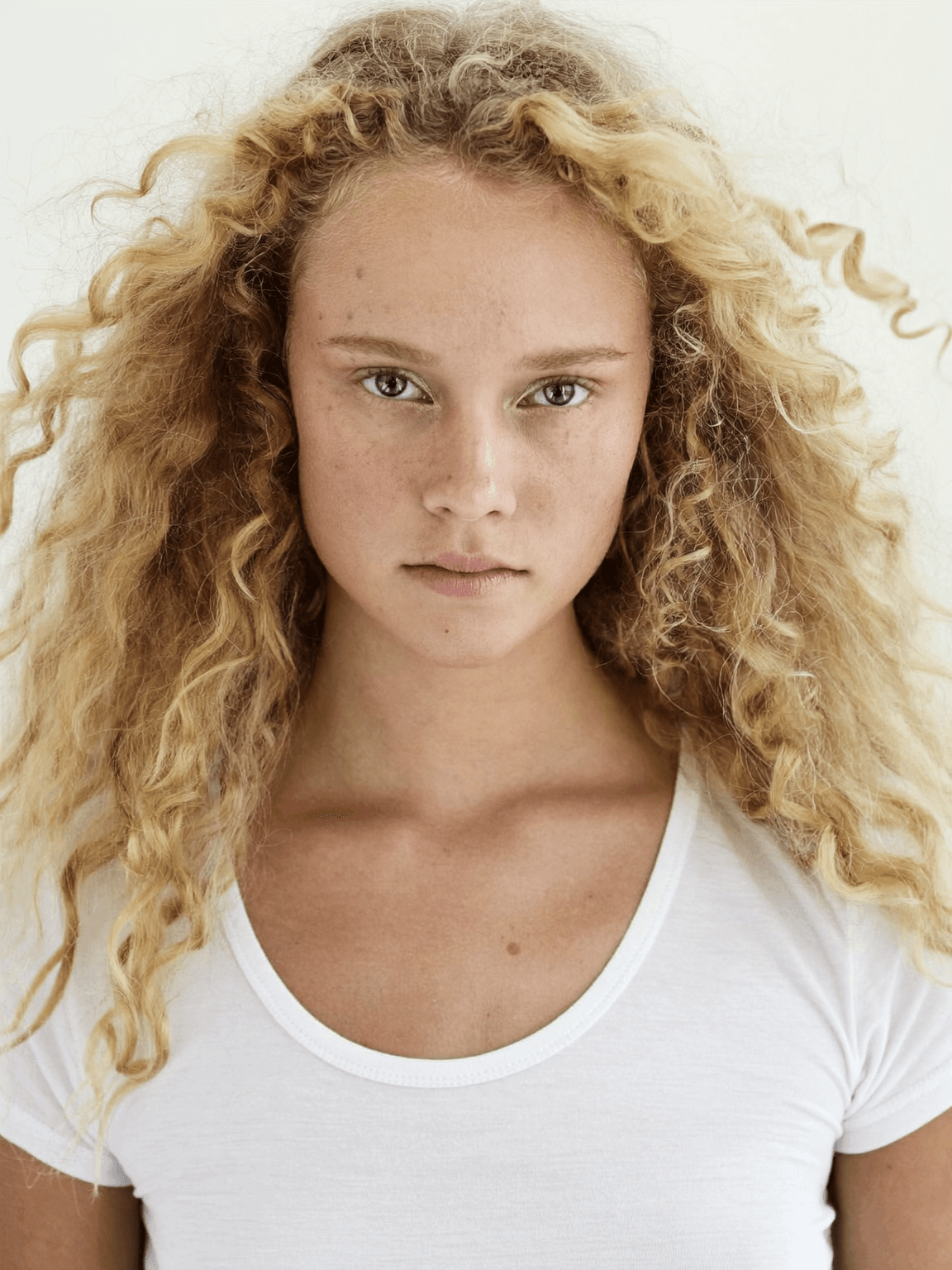
One photo is all it takes. Upload it, crop to 3:4, and it's saved as your own private model.
One model photo Connect a full-body image
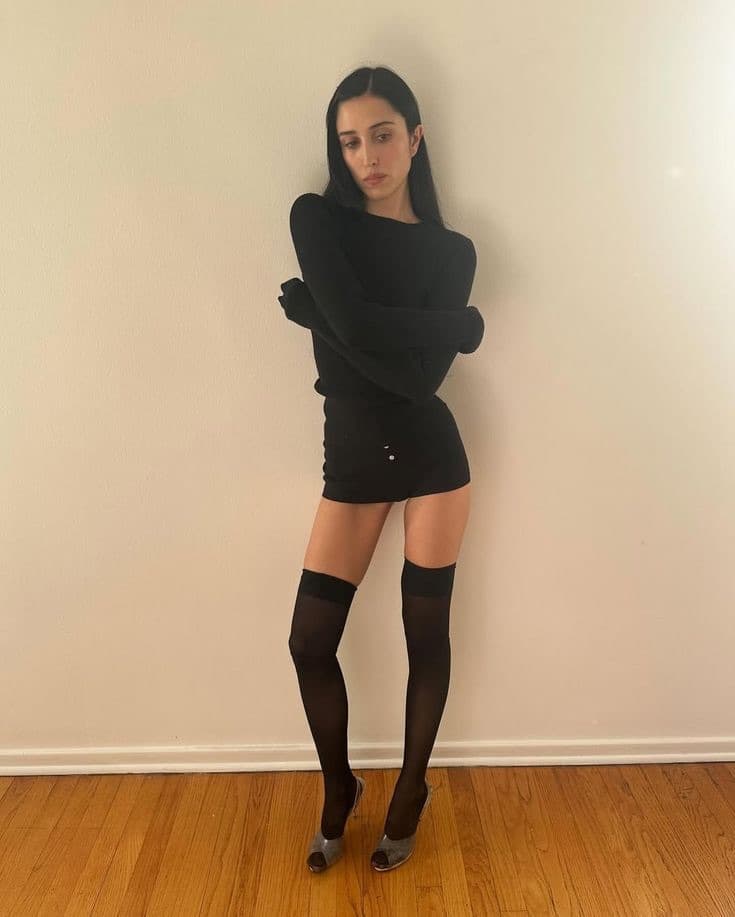
Connect a full-body photo to the face preset, and body shape and proportions stay consistent too.
Face preset Connected full body The same face in every cut
Pick the model in the prompt bar, and every cut you make generates with the same face. Heart-save the Sofi models you use often.
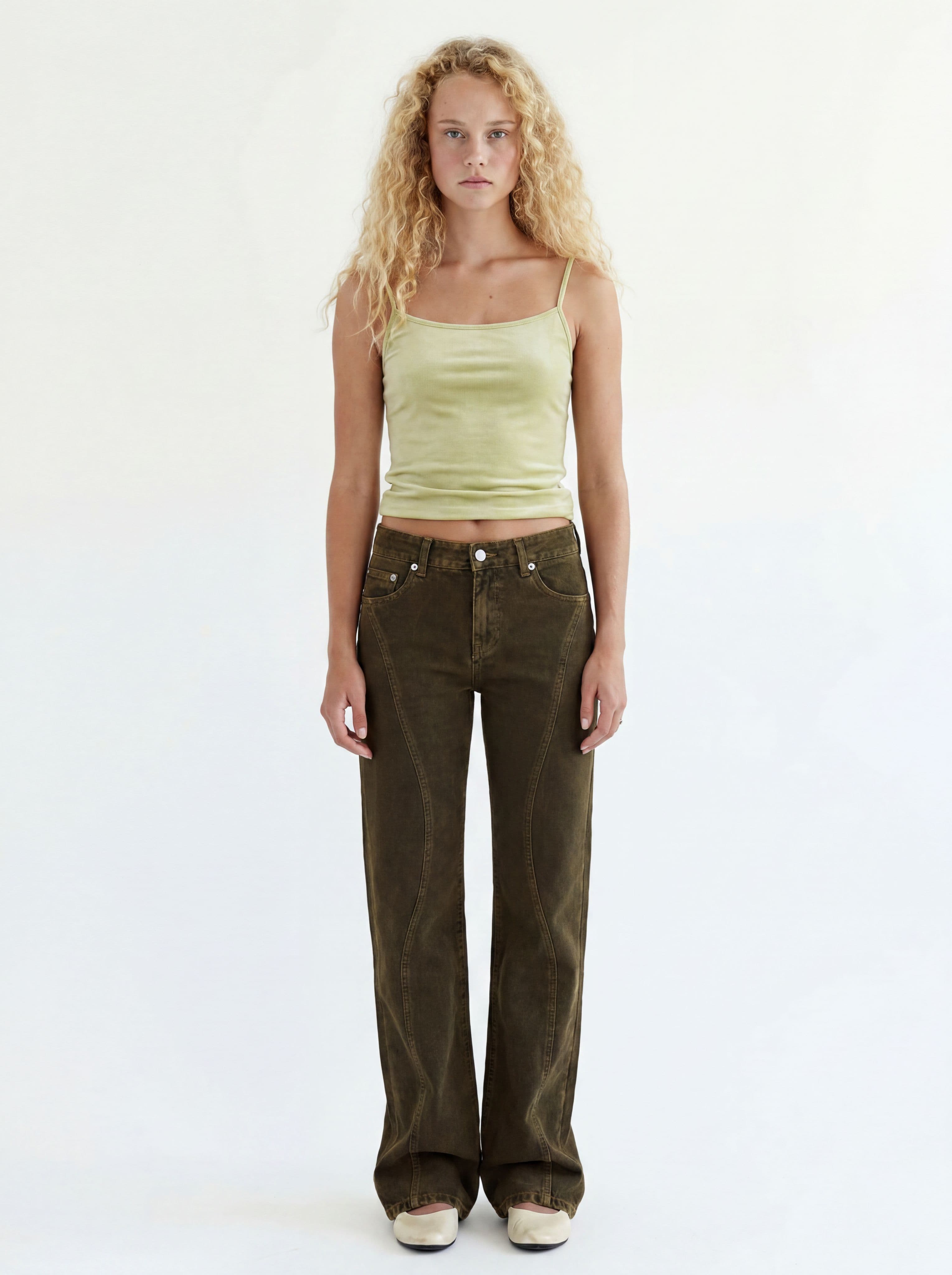
Base cut 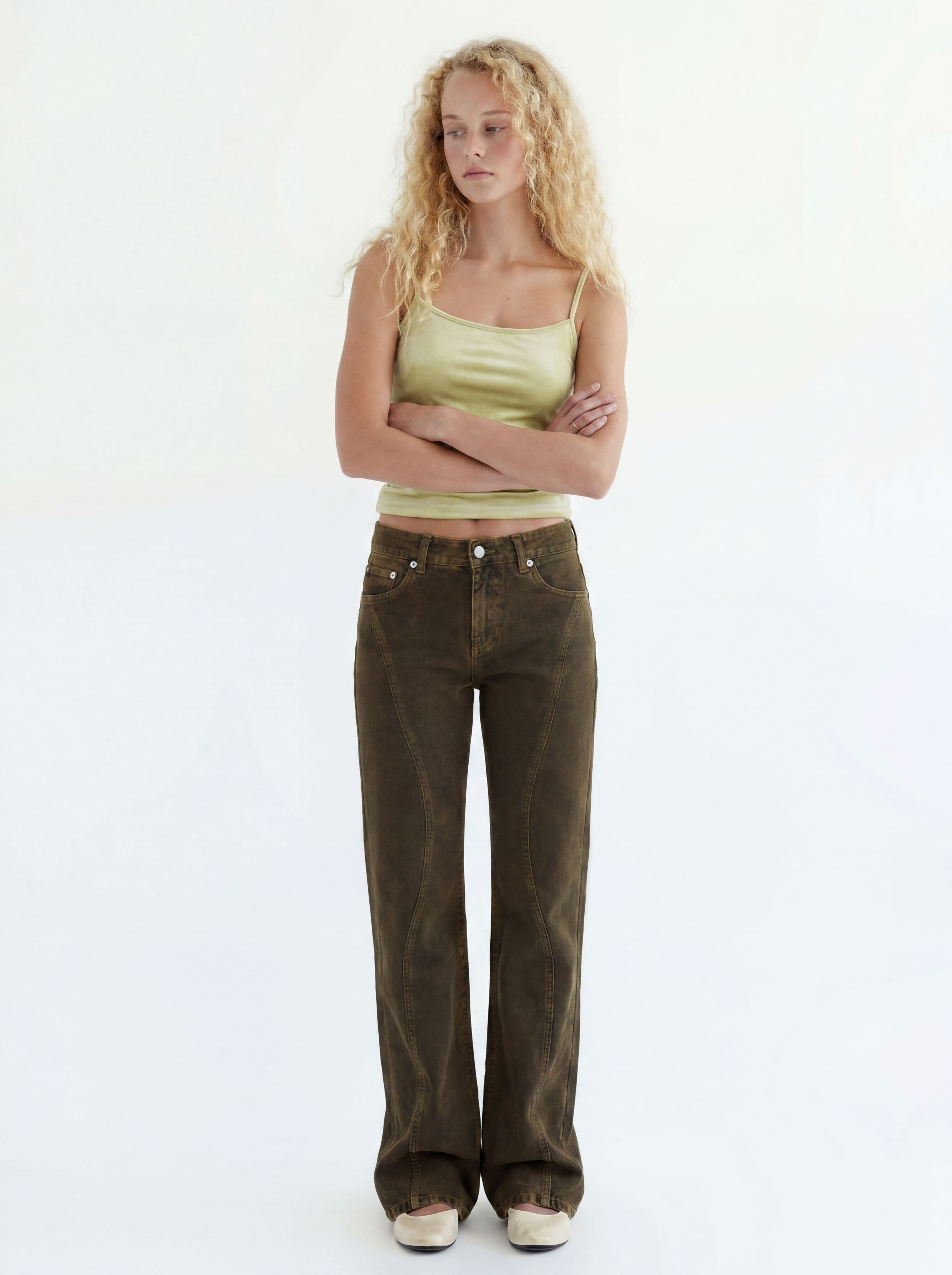
Pose change 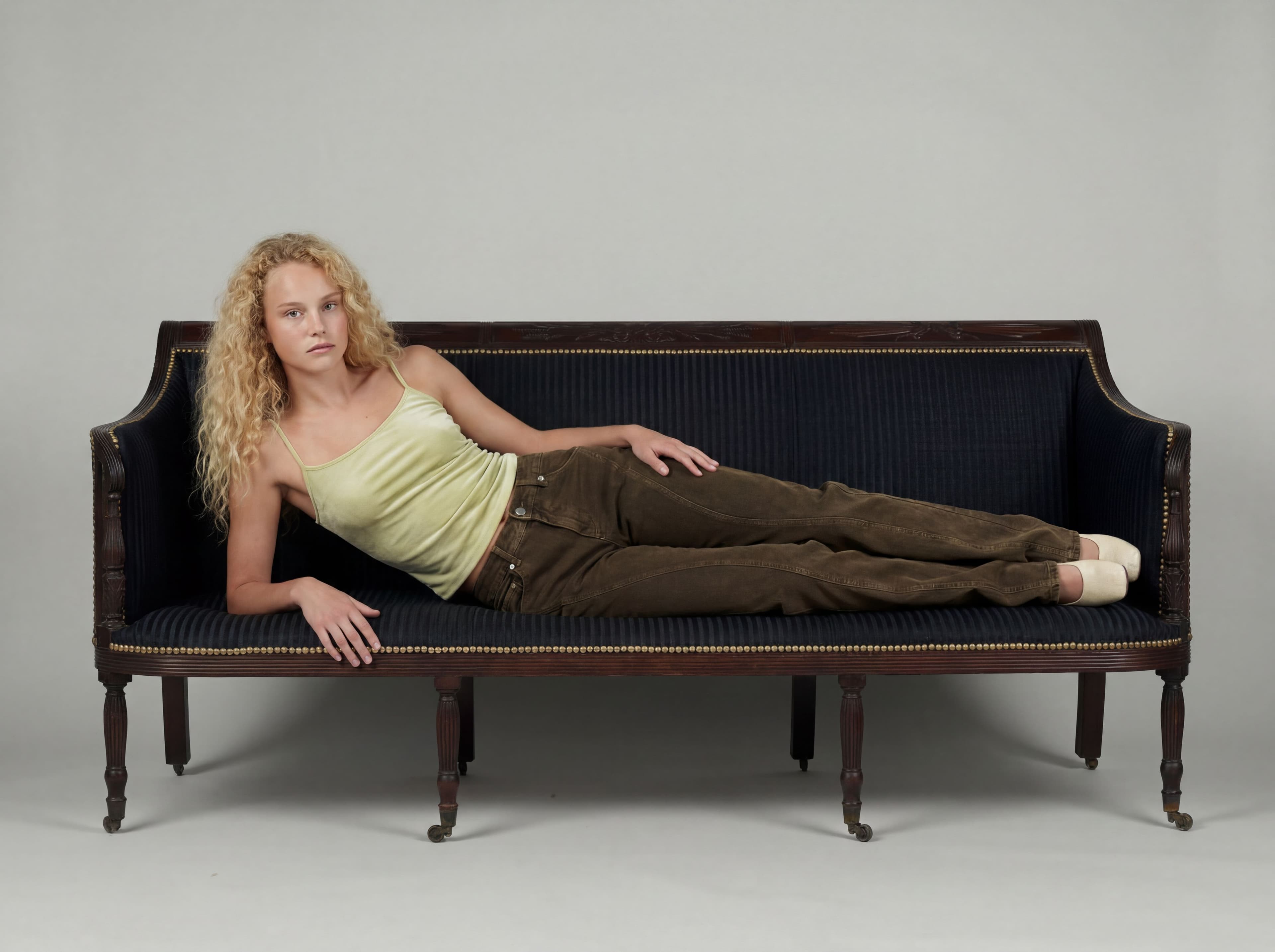
Editorial
Save your next asset
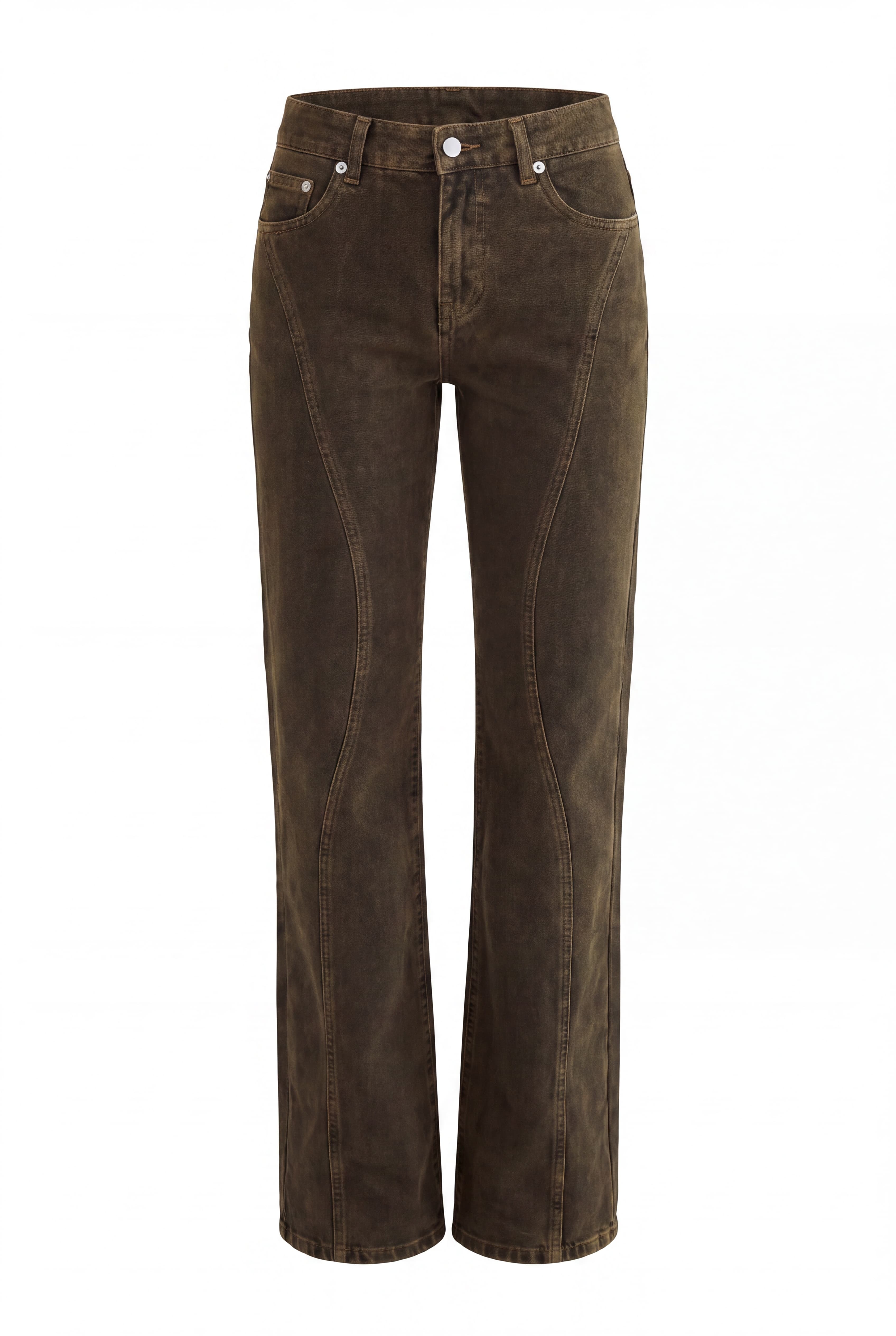
Save products and poses the same way, then make the base on-model cut with your saved model.