Create a custom AI model
Turn a visual direction into a reusable private model through a guided conversation with Sofi.
Invite-only beta
AI Model Studio is currently available by invitation. Open the studio to enter an access code or request access.
From an idea to a reusable model
Create and refine your model in five steps. You stay in the same conversation from the first reference to the saved model.
Share the model direction
Upload reference images, describe the model’s features, or do both. Reference images are analyzed to understand your preferences; the uploaded images themselves are not used directly for generation.
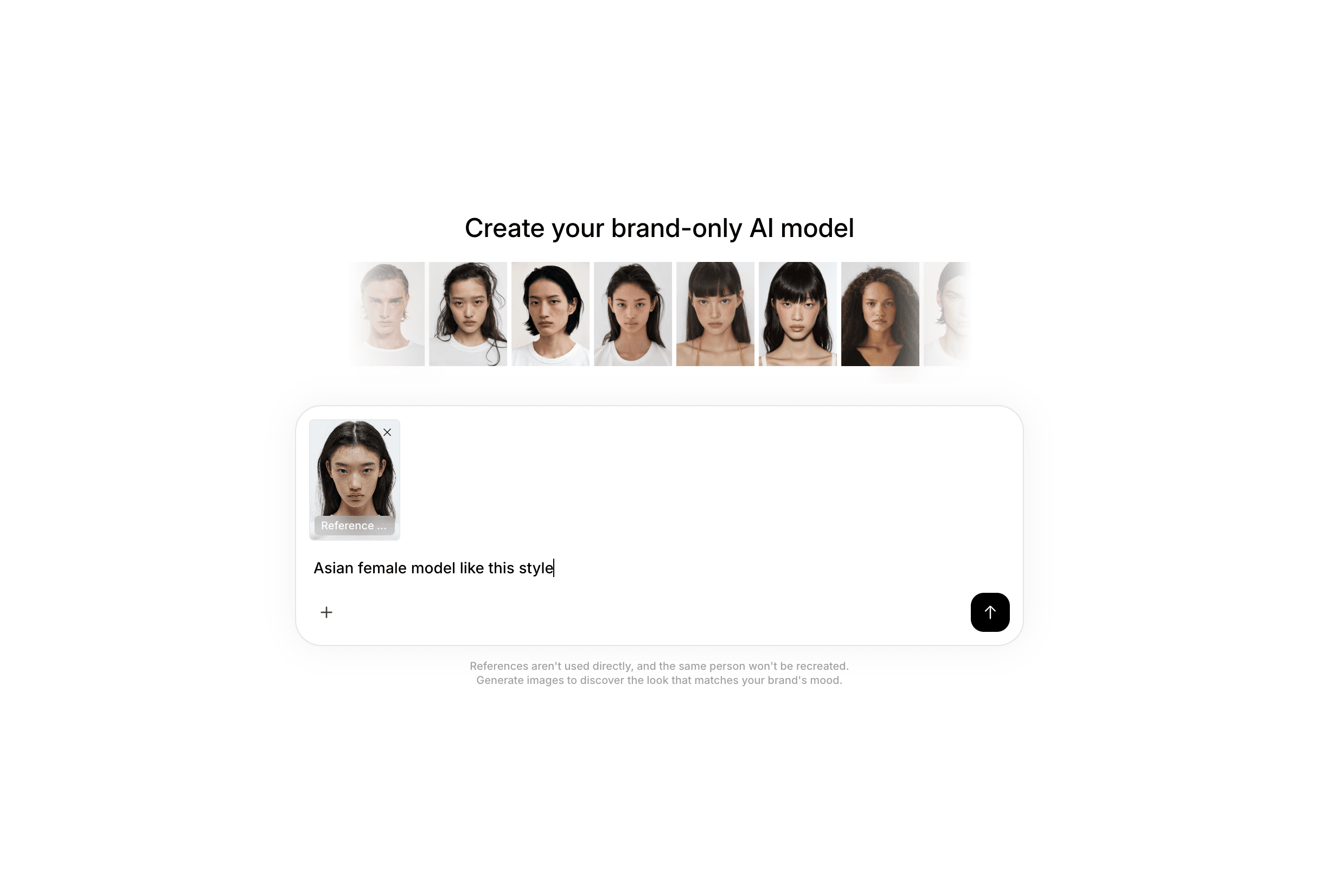
Reference upload or text description Review the AI-generated model profile
Sofi analyzes the features and mood you prefer, then turns them into a model profile and generation prompts. Continue the conversation to adjust any detail before creating an image.
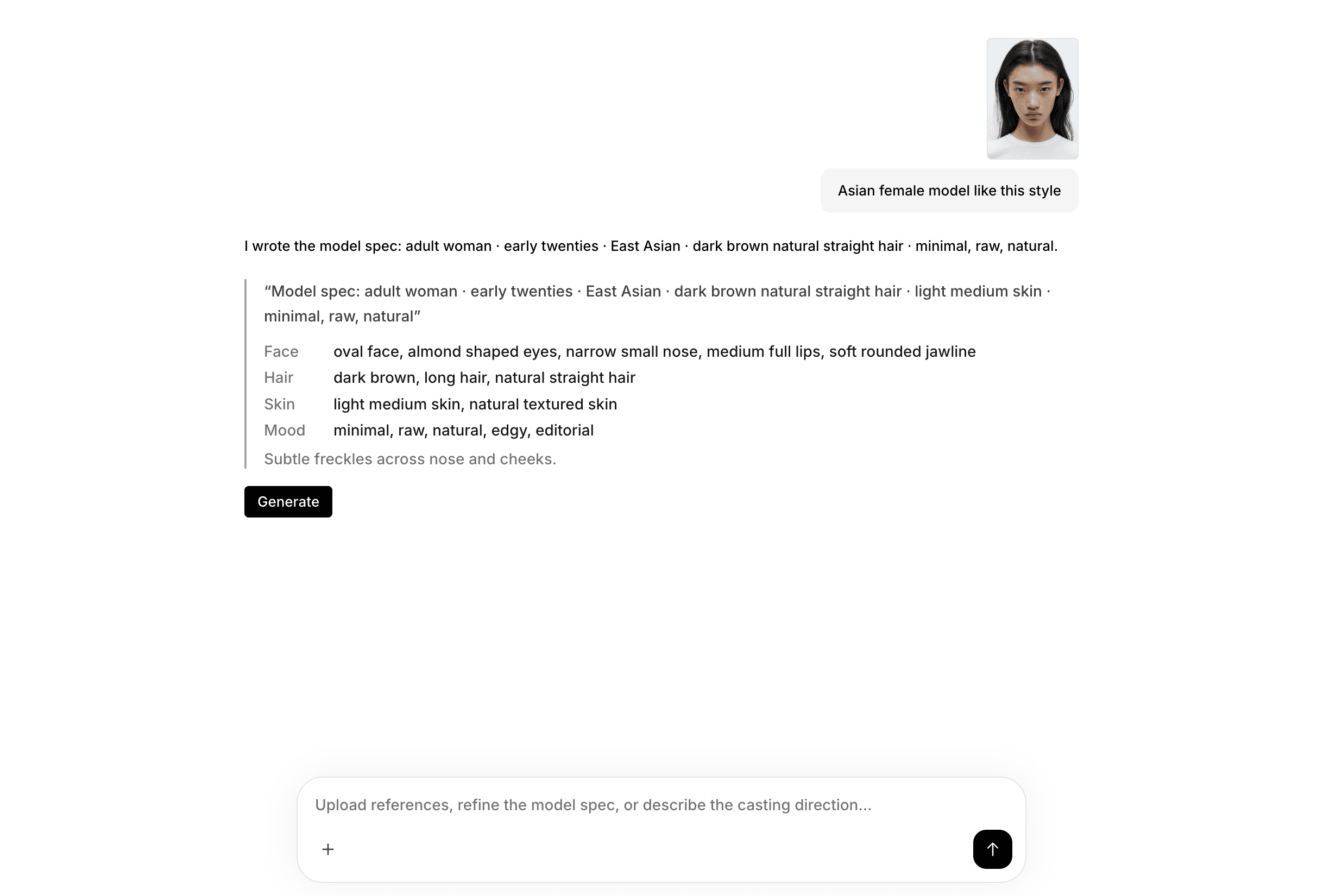
AI-generated model profile and prompts Generate, retry, or edit
Generate a first image to see the model. Retry for a different interpretation, or select an image and describe the changes you want to make.
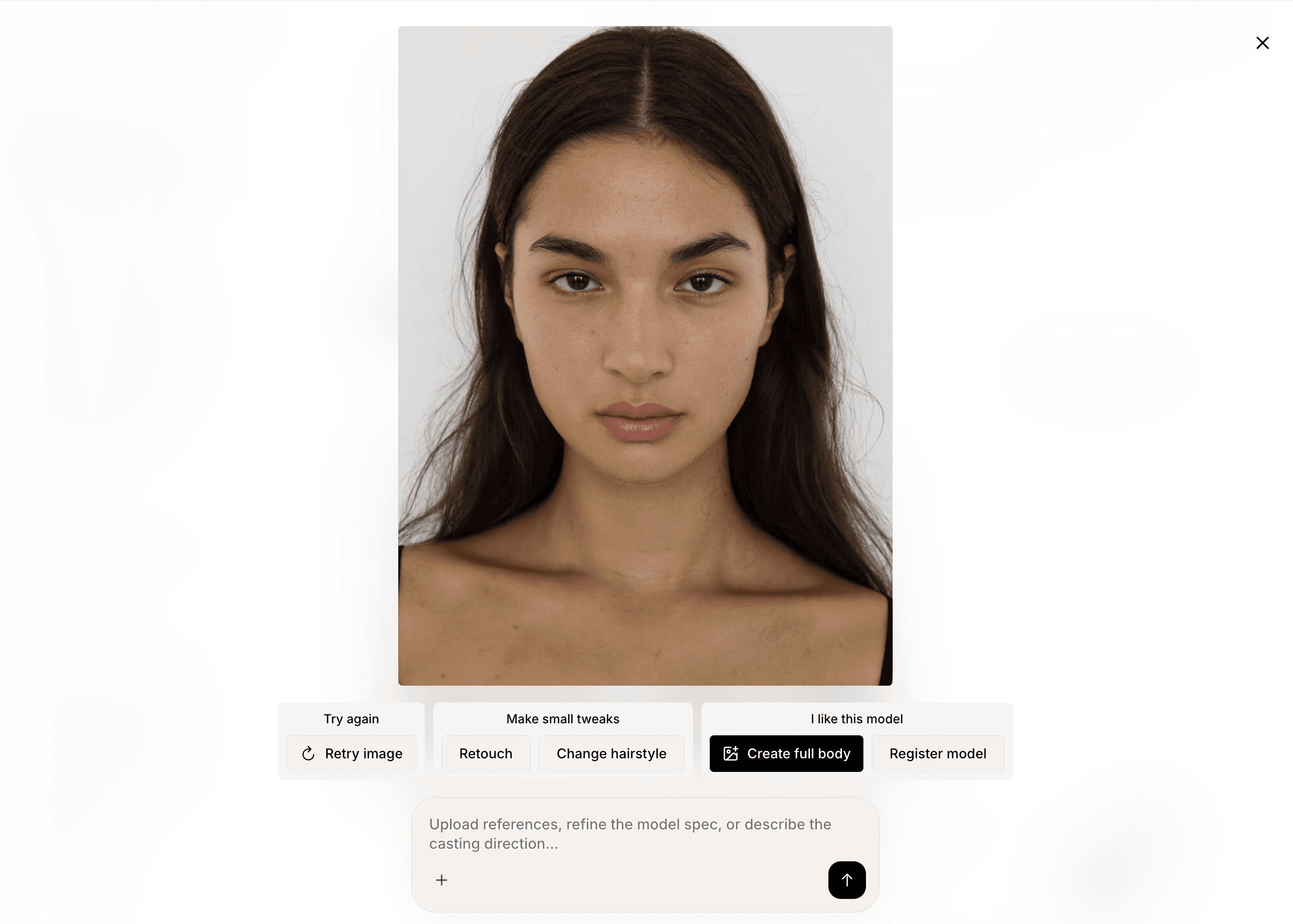
Generation result with retry and edit actions Create a full-body image
Once the face and overall mood feel right, create a full-body version. A clear full-body image gives future generations a stronger reference for consistent proportions and appearance.
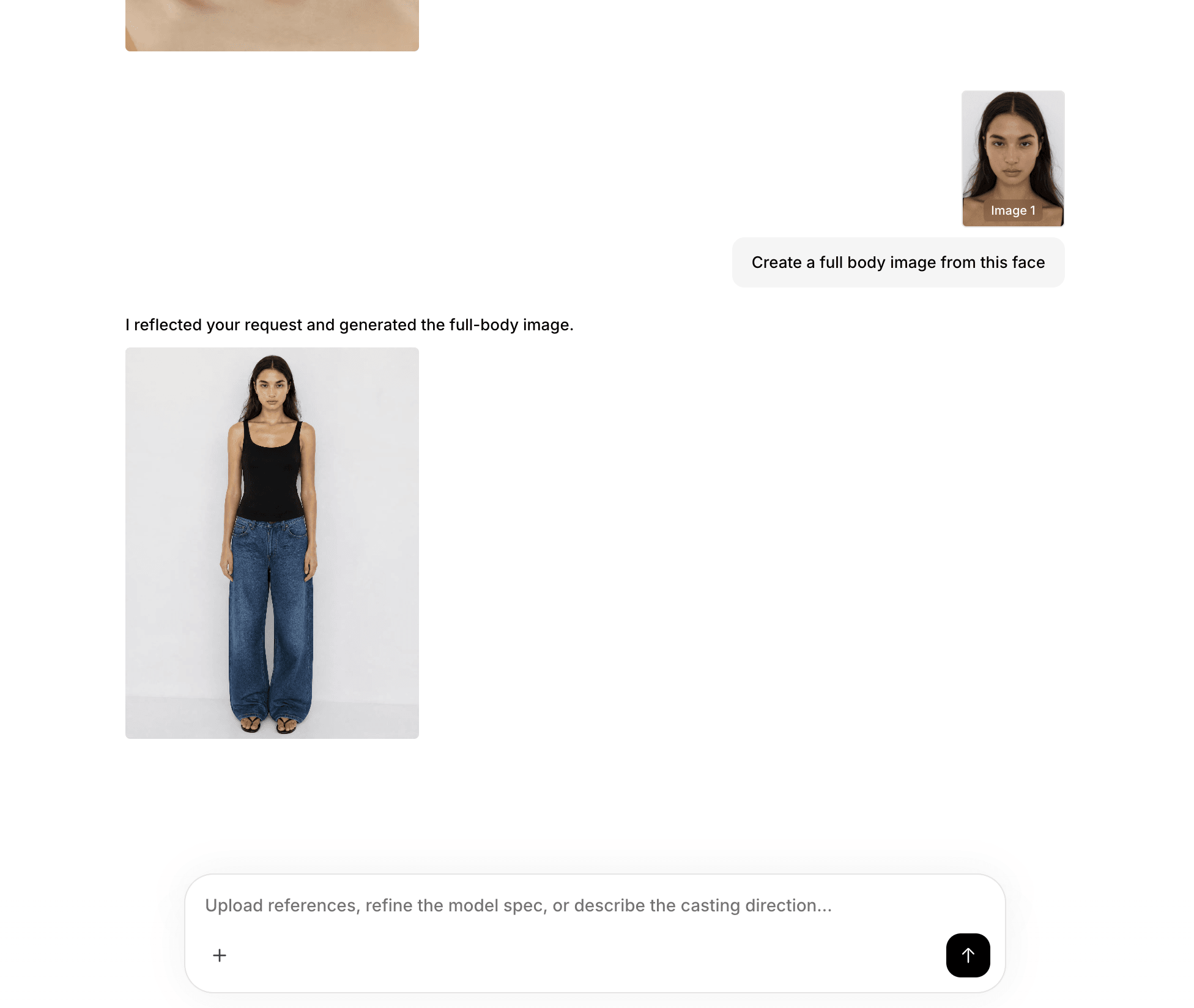
Full-body generation Save and reuse the model
Save the finished result as your private model. It will appear in the model picker so you can reuse it throughout your generation workflow.
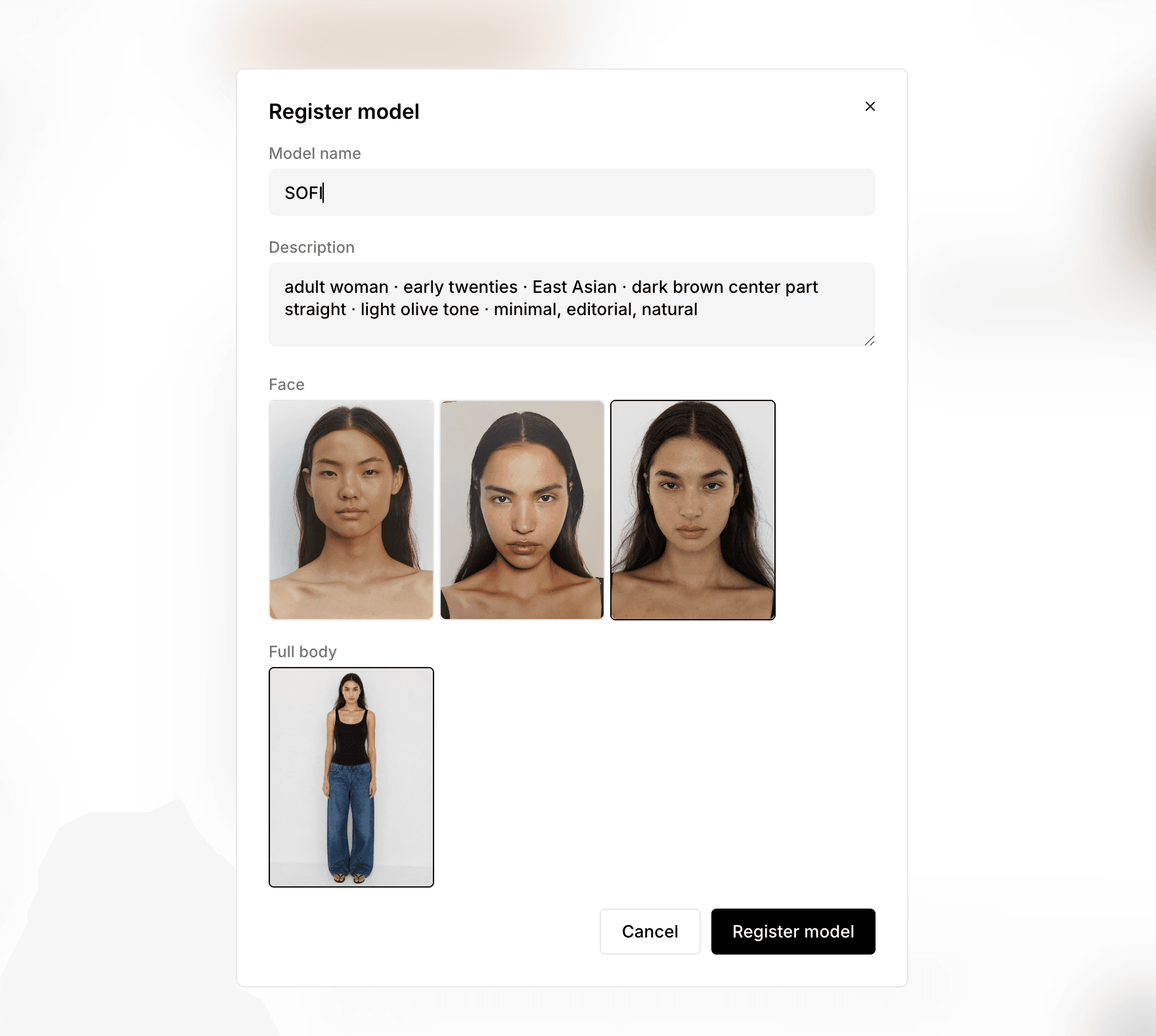
Save model dialog and model picker