Save poses
Upload a pose photo — Sofi extracts a pose prompt you can save as a preset and apply to any cut.
The real pose picker opens right here — sign in to upload and extract.
How it works
Upload a pose photo
Screenshot a pose you love from any editorial and upload it. Drag and drop — done.
Select poseUpload Custom PoseMy PosesDefault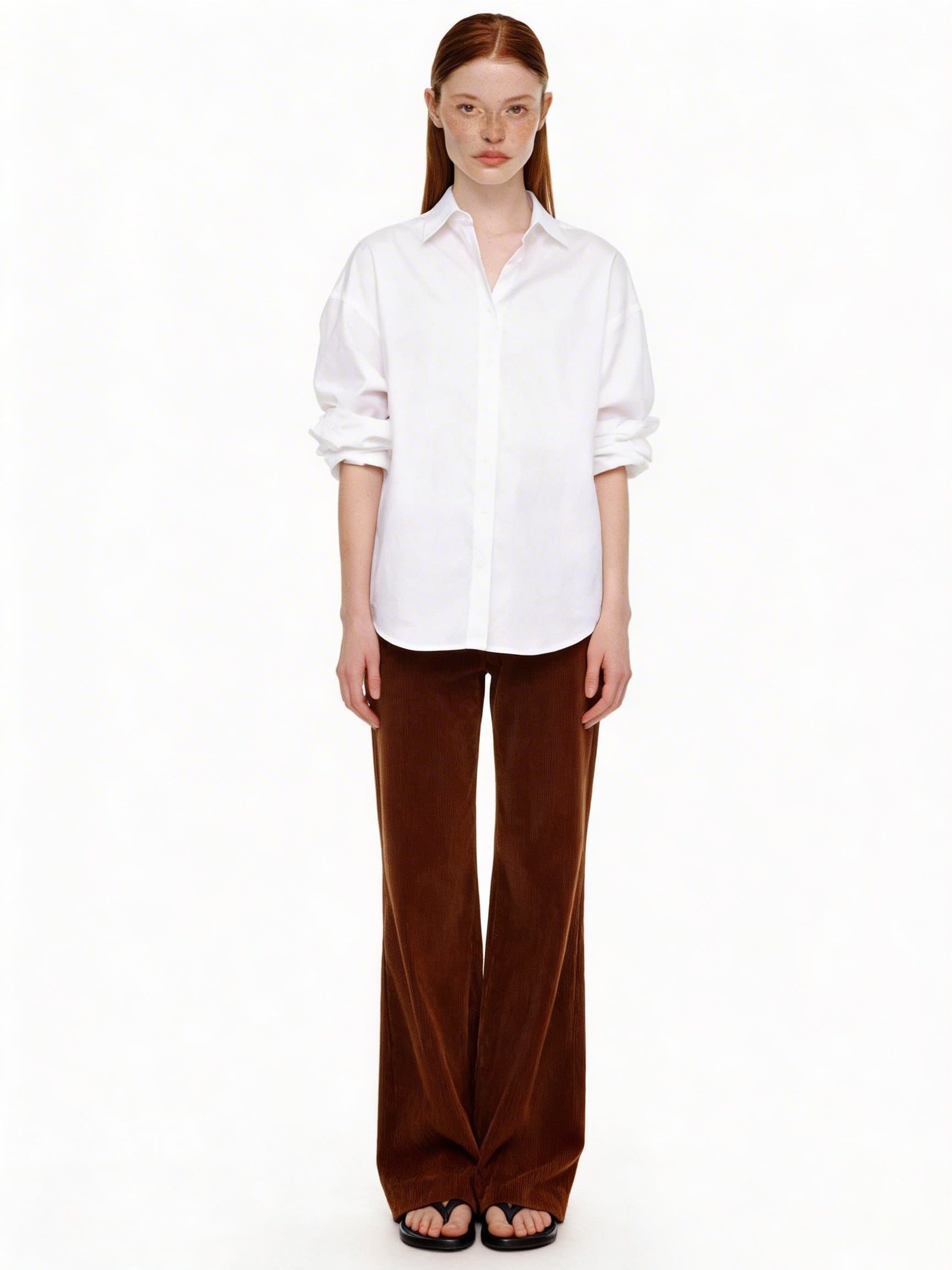 Pose 01
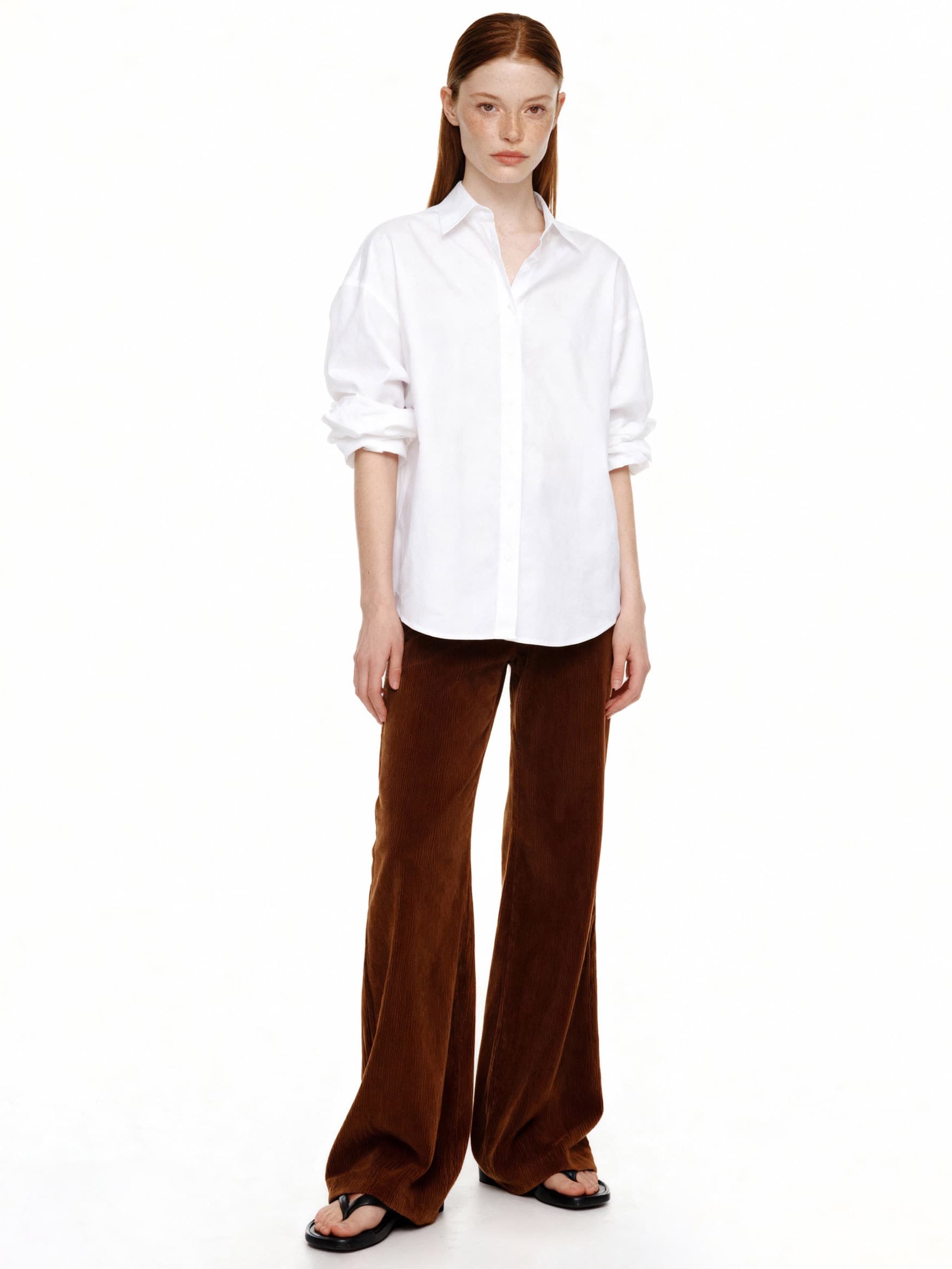 Pose 02
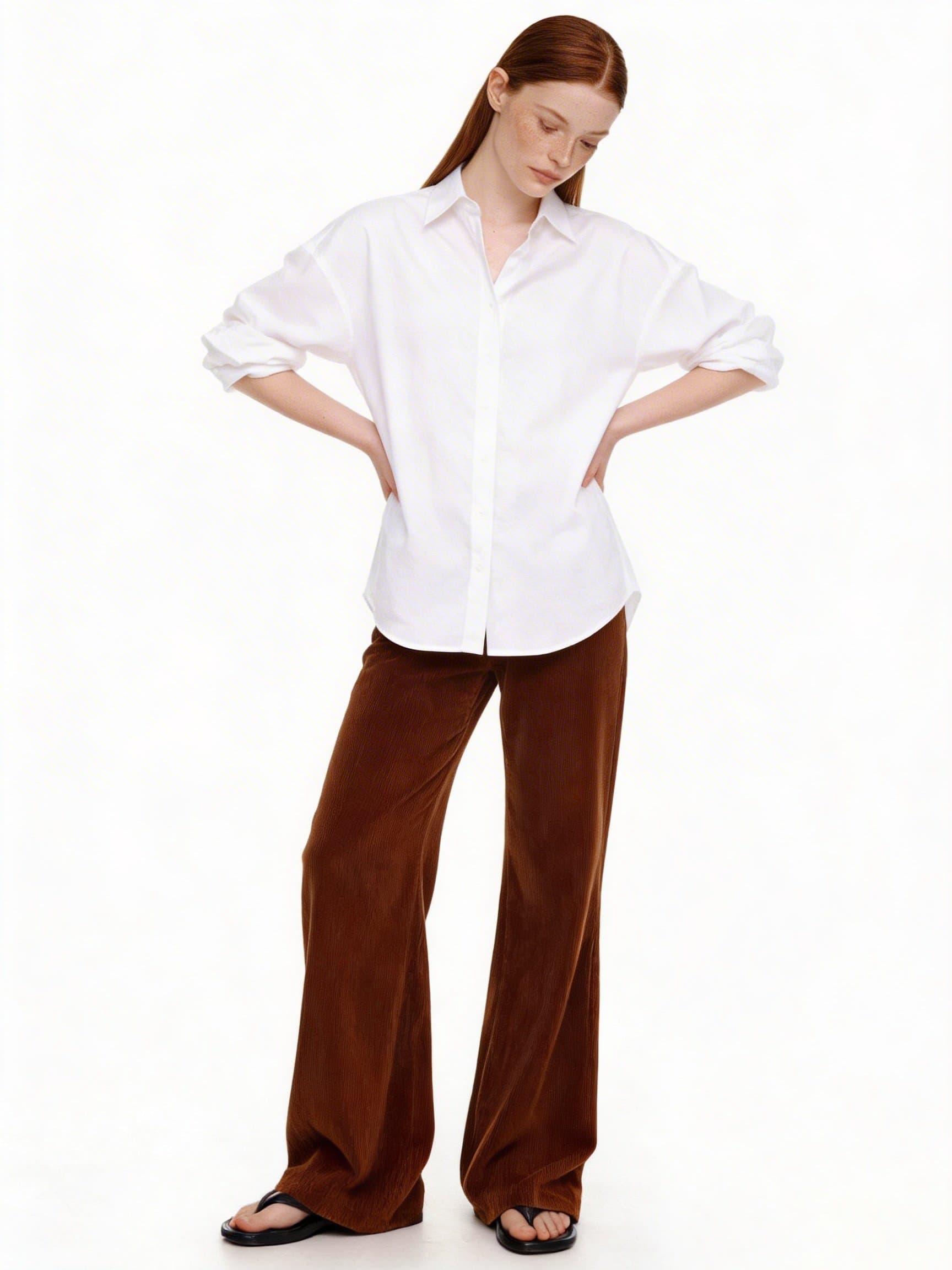 Pose 03
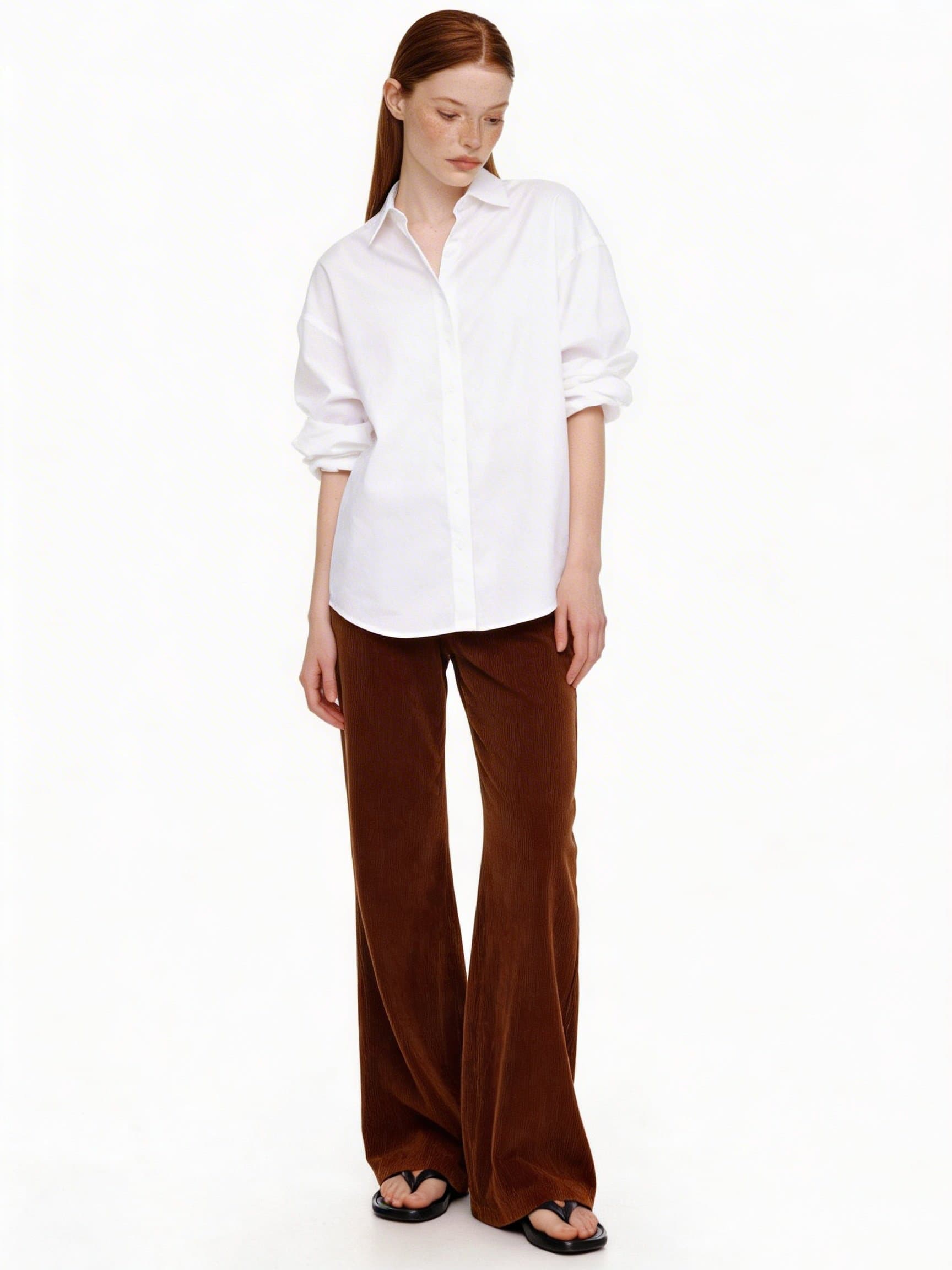 Pose 04
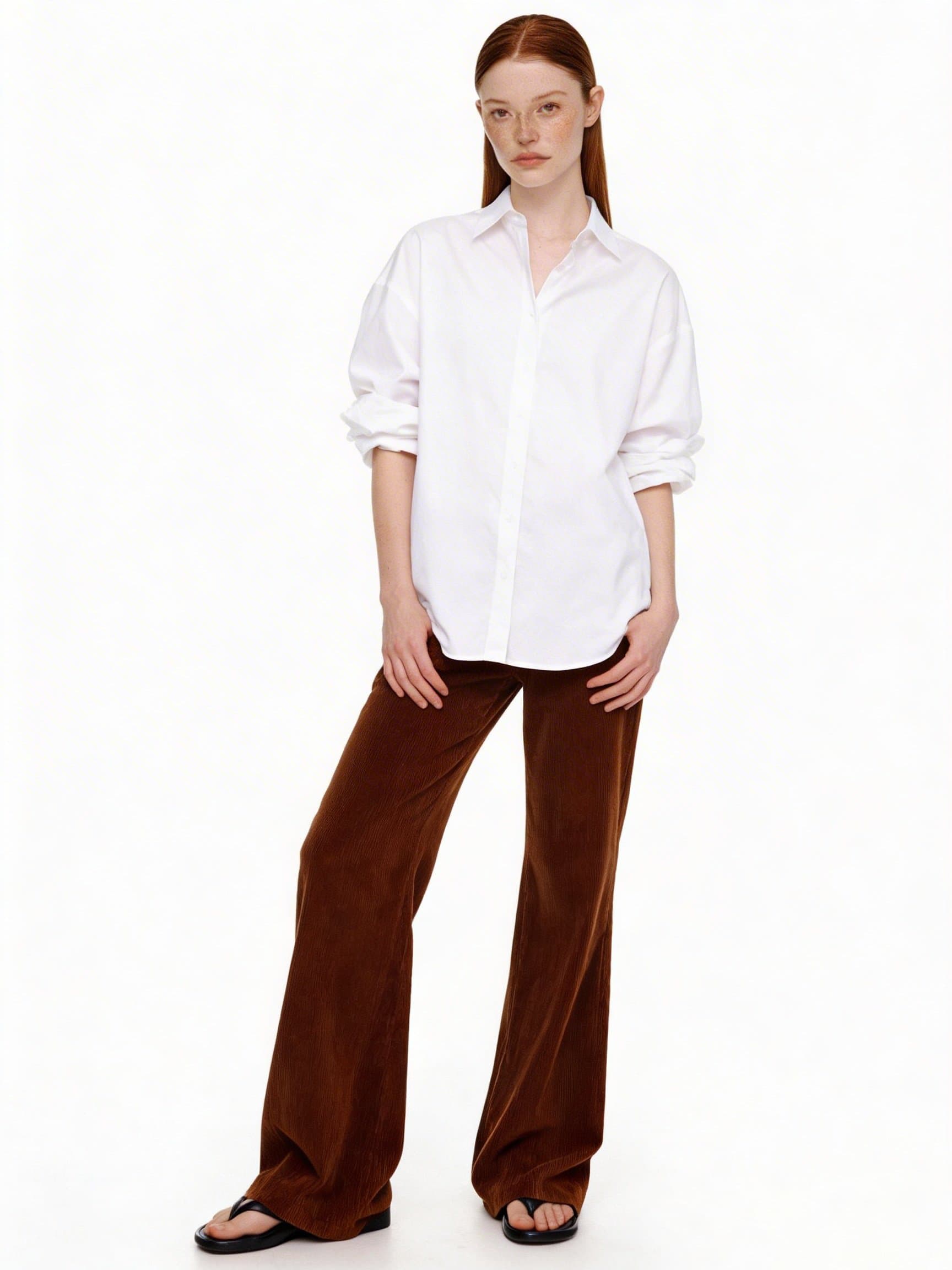 Pose 05
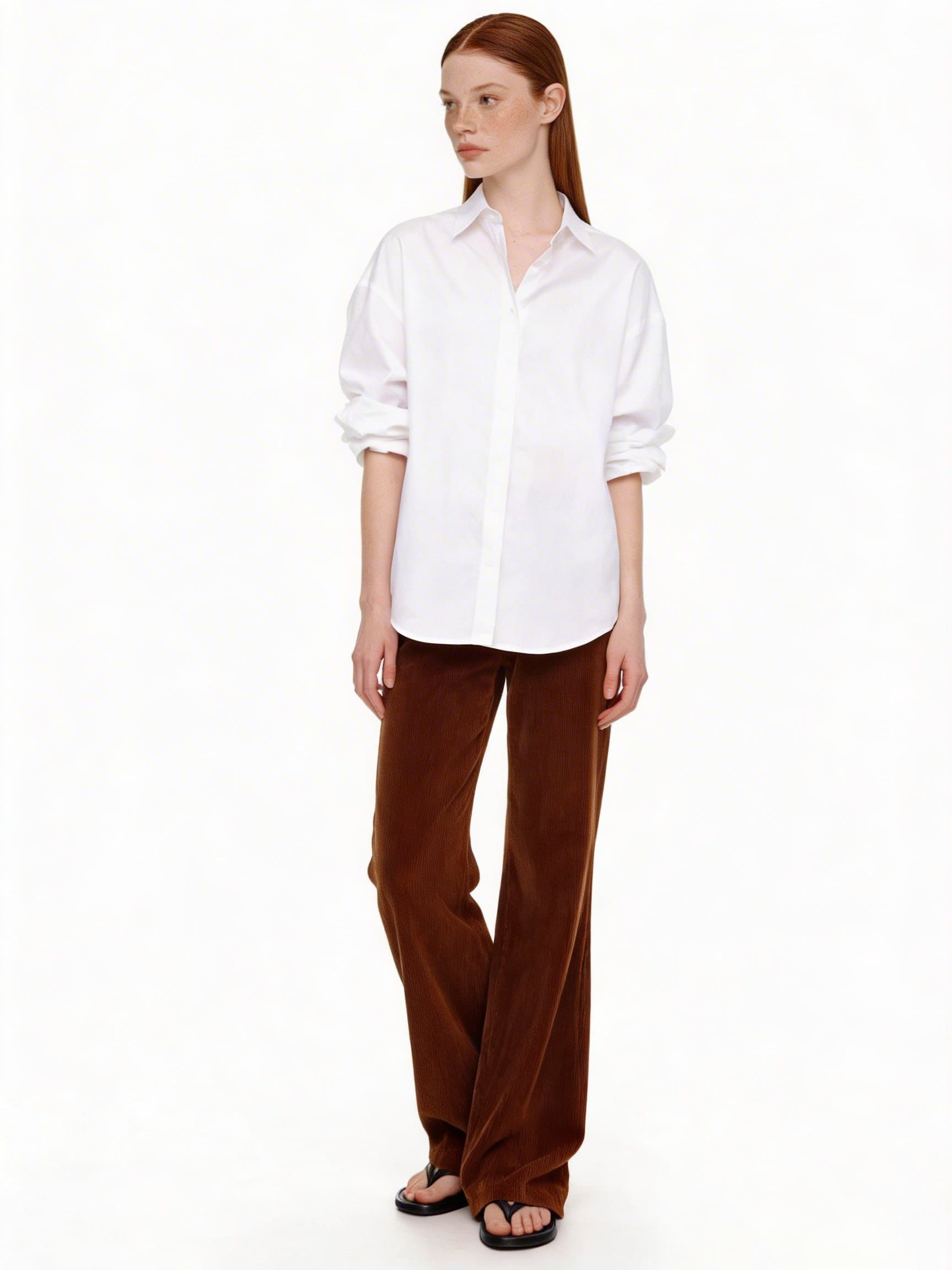 Pose 06
Sofi extracts the pose prompt
The image itself is never sent to generation — this prompt directs the pose. So results may not match the reference exactly.
The pose prompt Sofi extracted
The person stands facing the camera in a relaxed, upright posture, leaning back slightly. Arms are crossed in front of the body, the head turned slightly to the left with the gaze downward. Legs straight, weight evenly distributed.
Save it as a preset, apply it anywhere
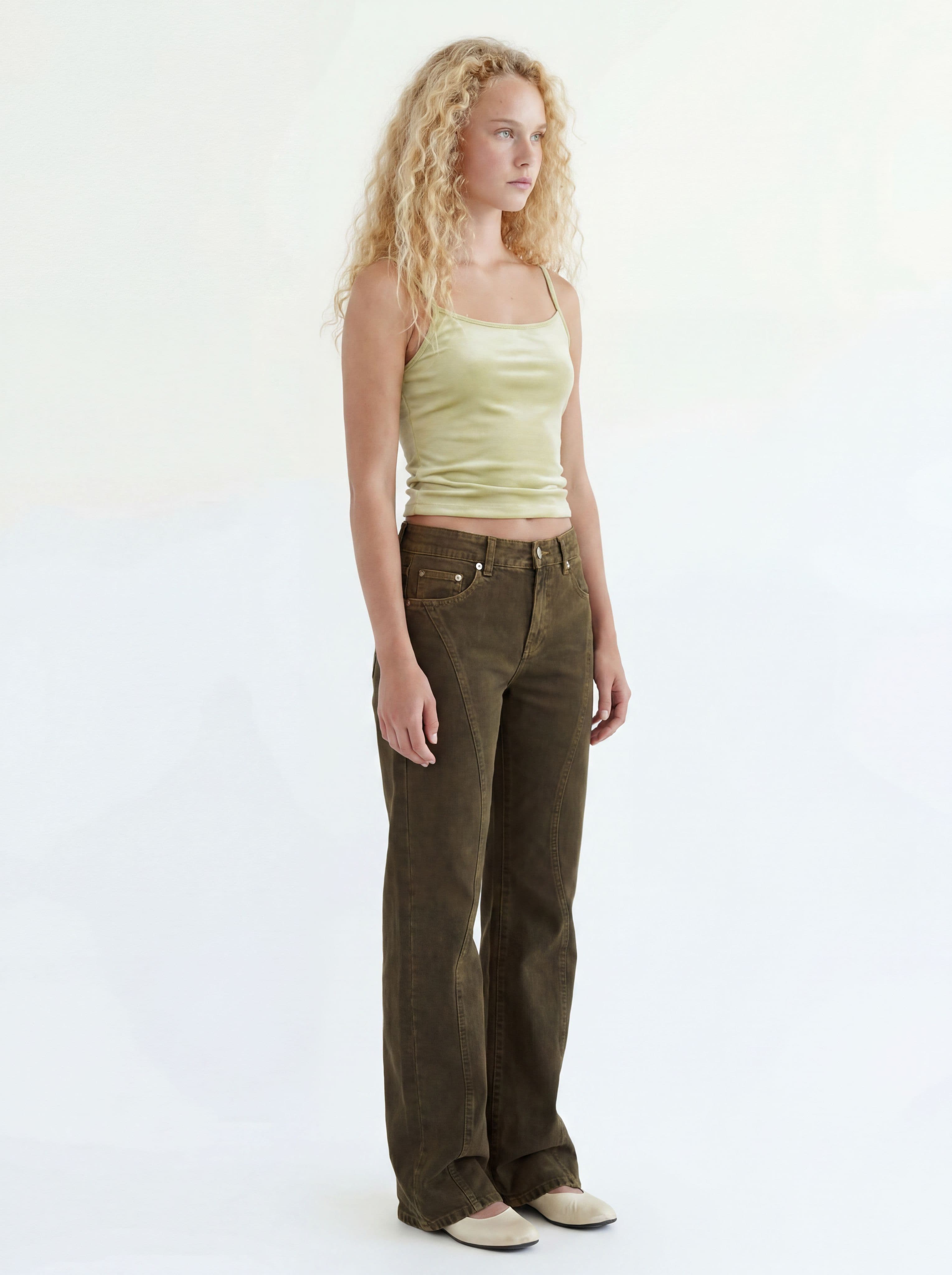
Your own poses join the seven built-in ones. One pick applies the pose to any cut.
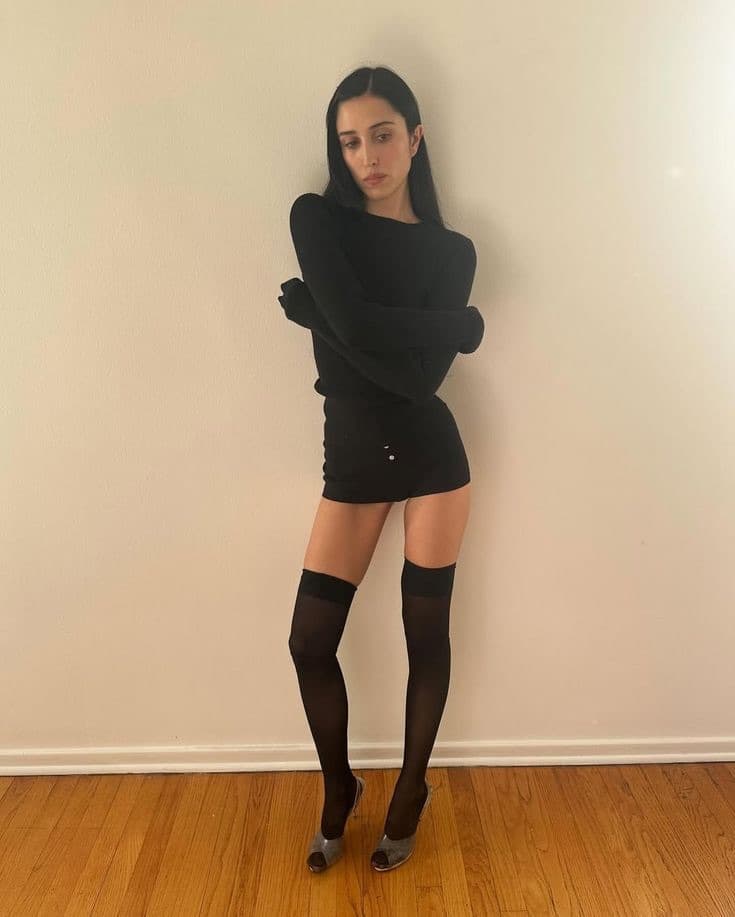
A pose reference 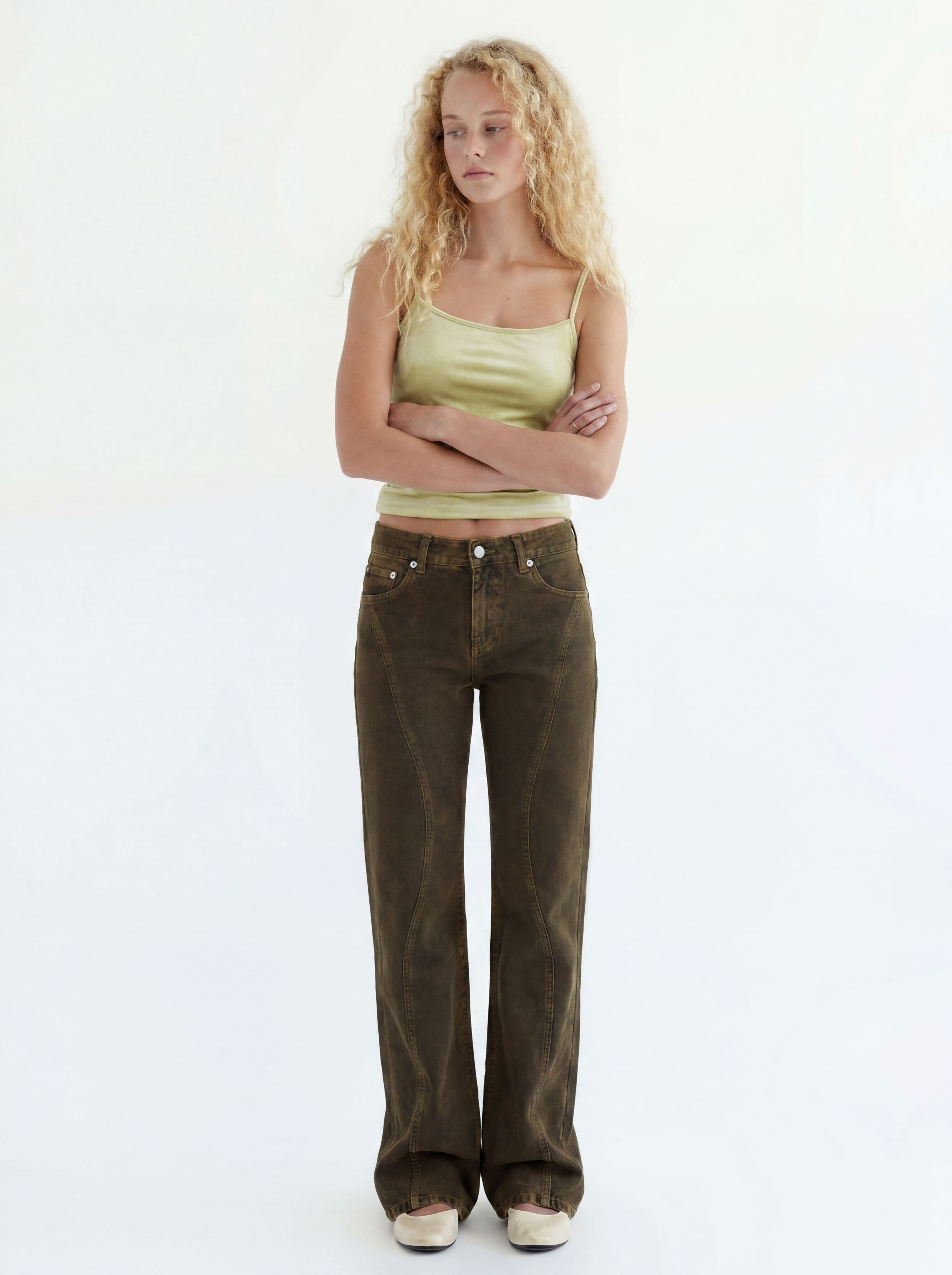
A cut generated with this pose
Save your next asset too
Locations and models save the same way — then every cut is just picking a combination.