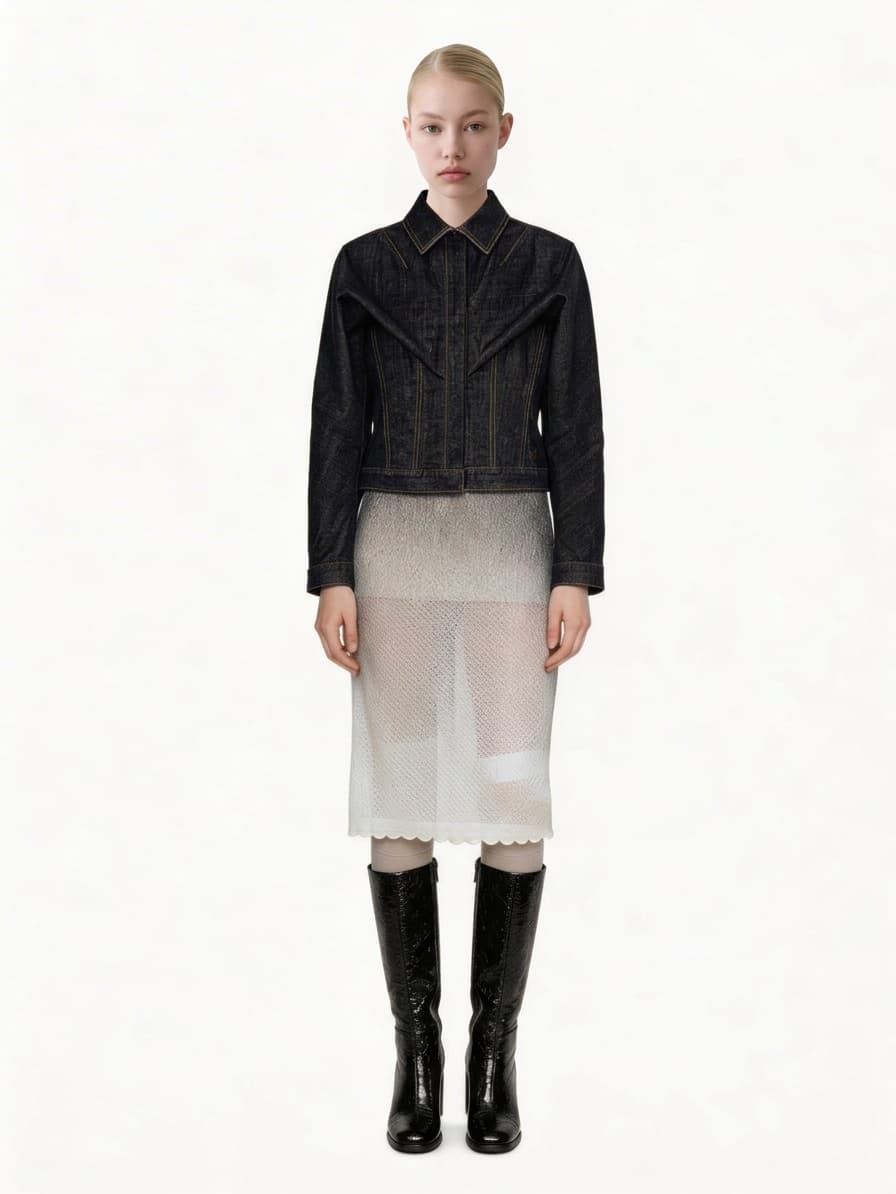
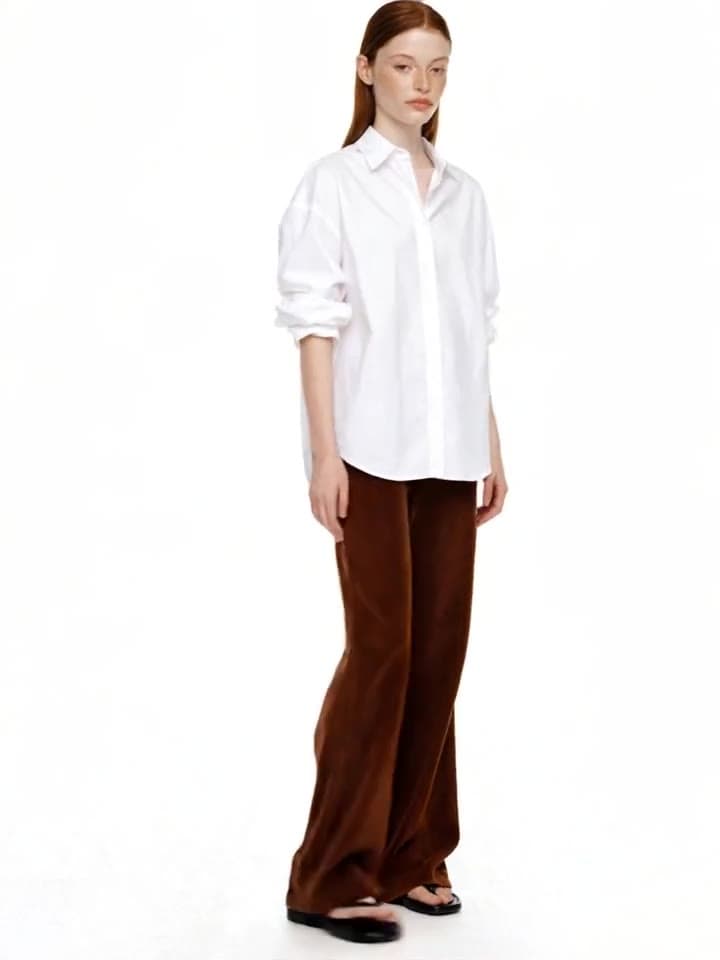
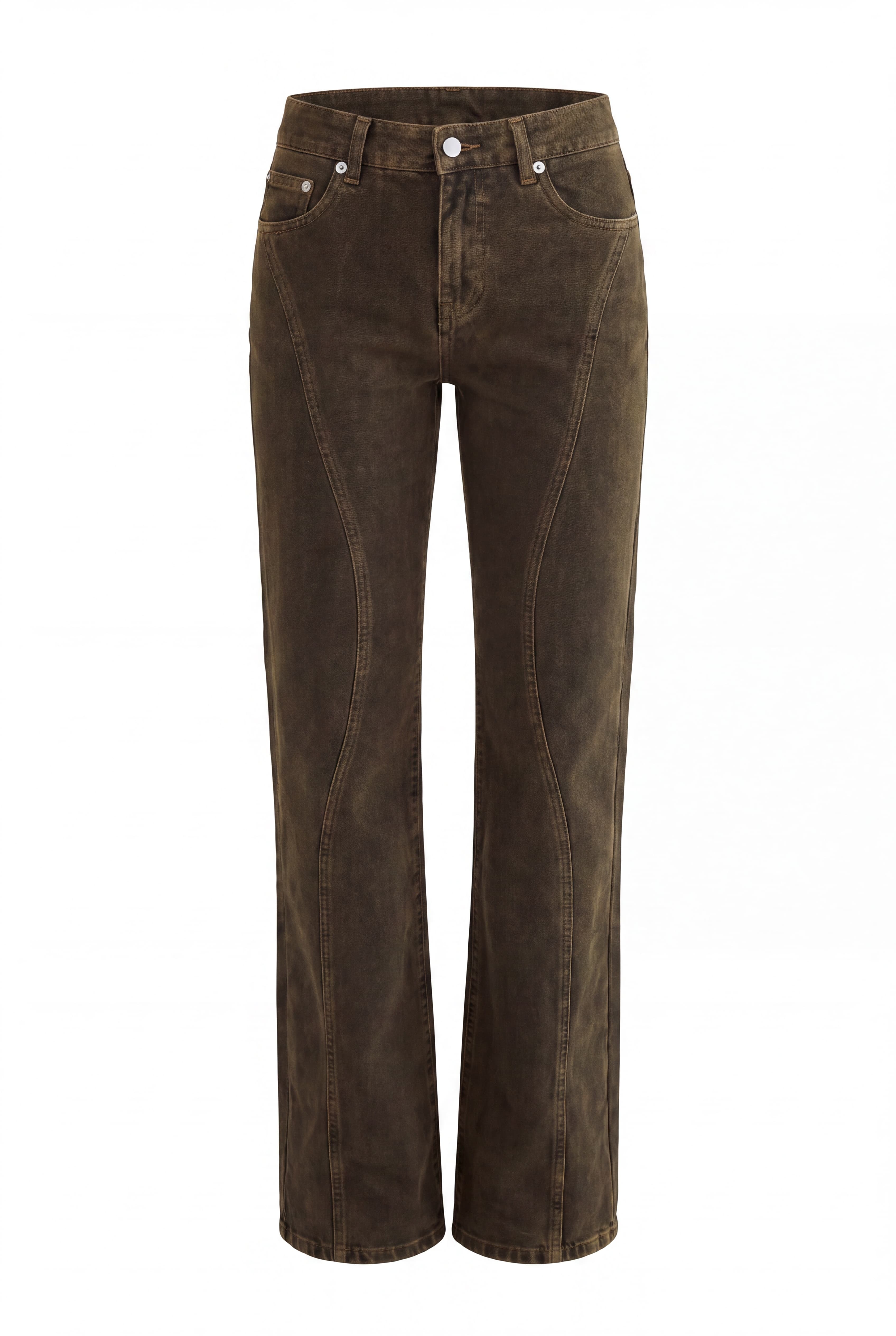
Direct an editorial
Location, pose, mood — direct it all with prompts, like a real photoshoot.
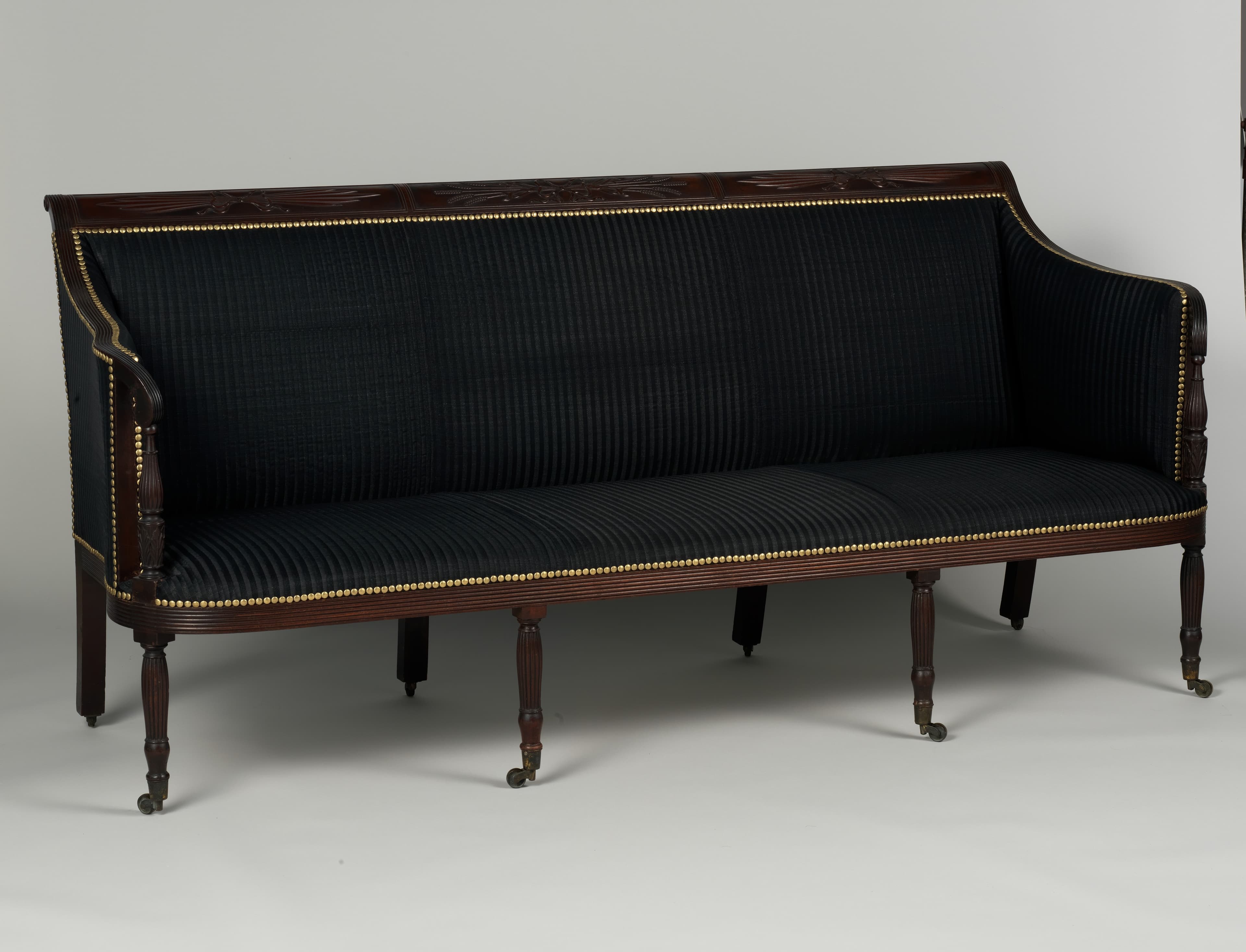
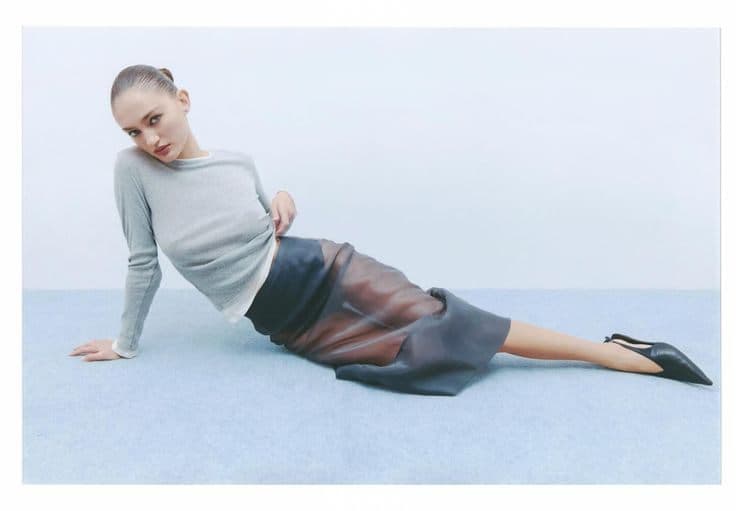
It loads into the real prompt bar — just press generate.
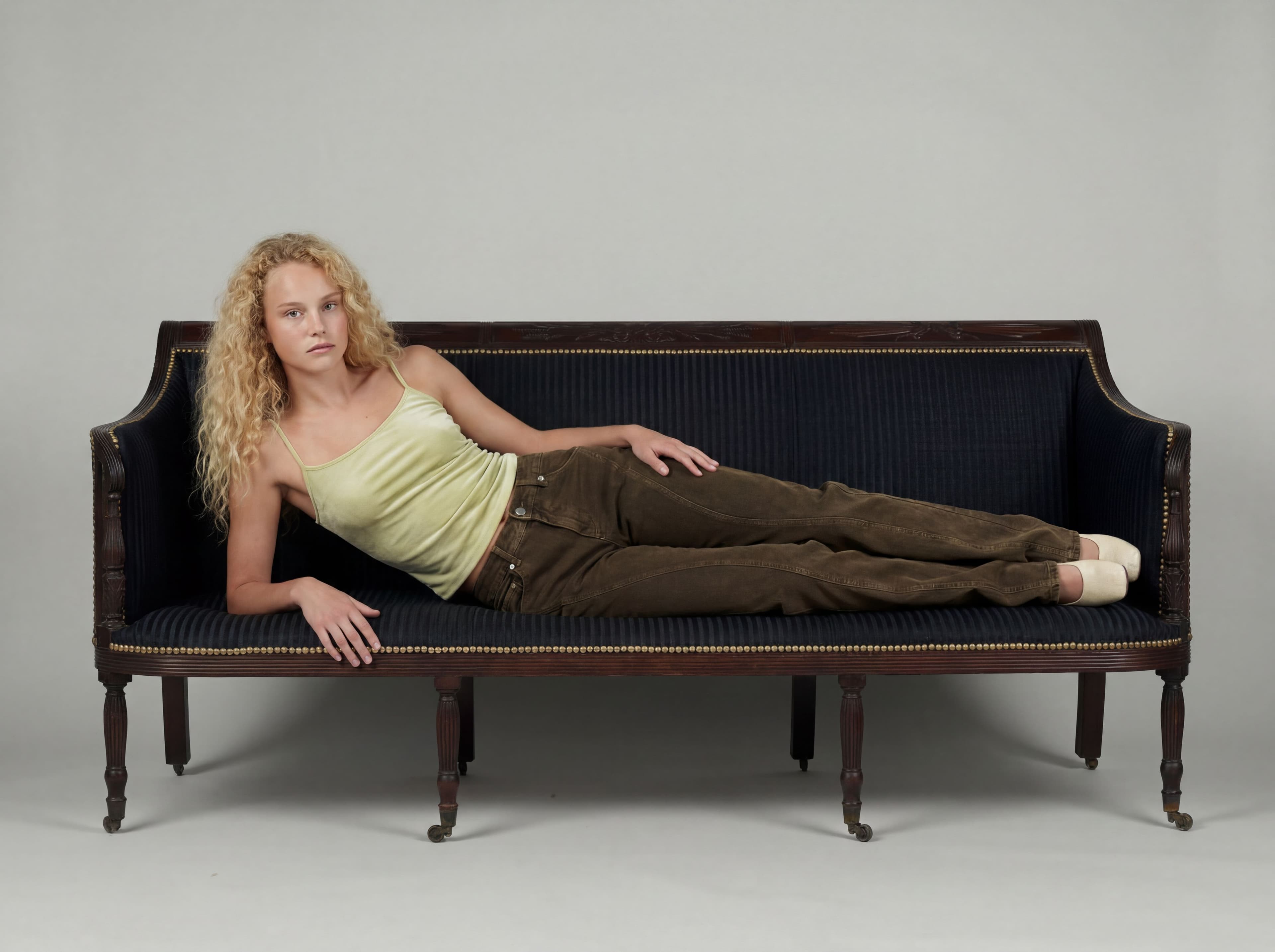
How it works
Set the scene
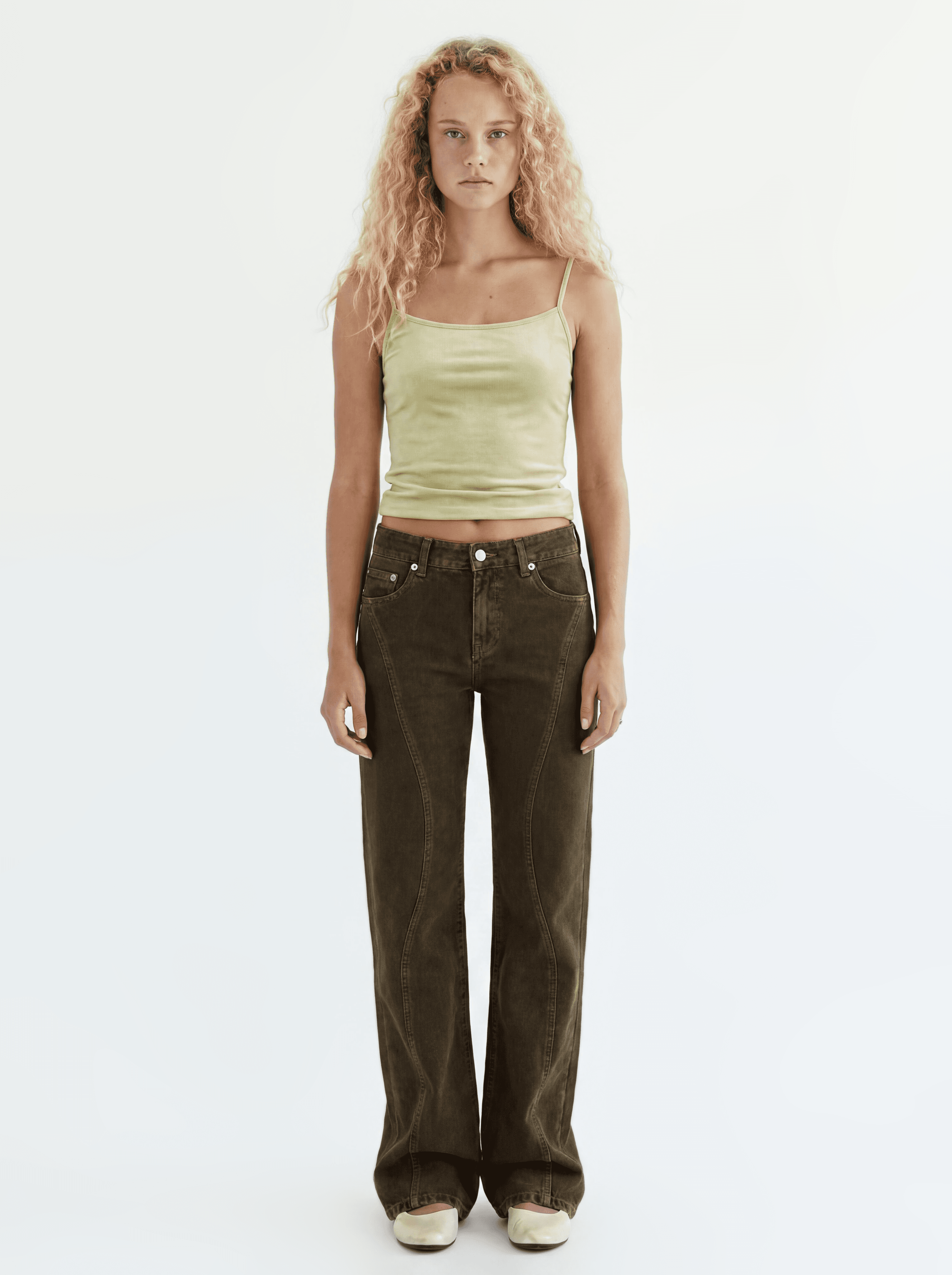
Add a location and a pose reference to your cut. Presets work, and so do your own uploads.
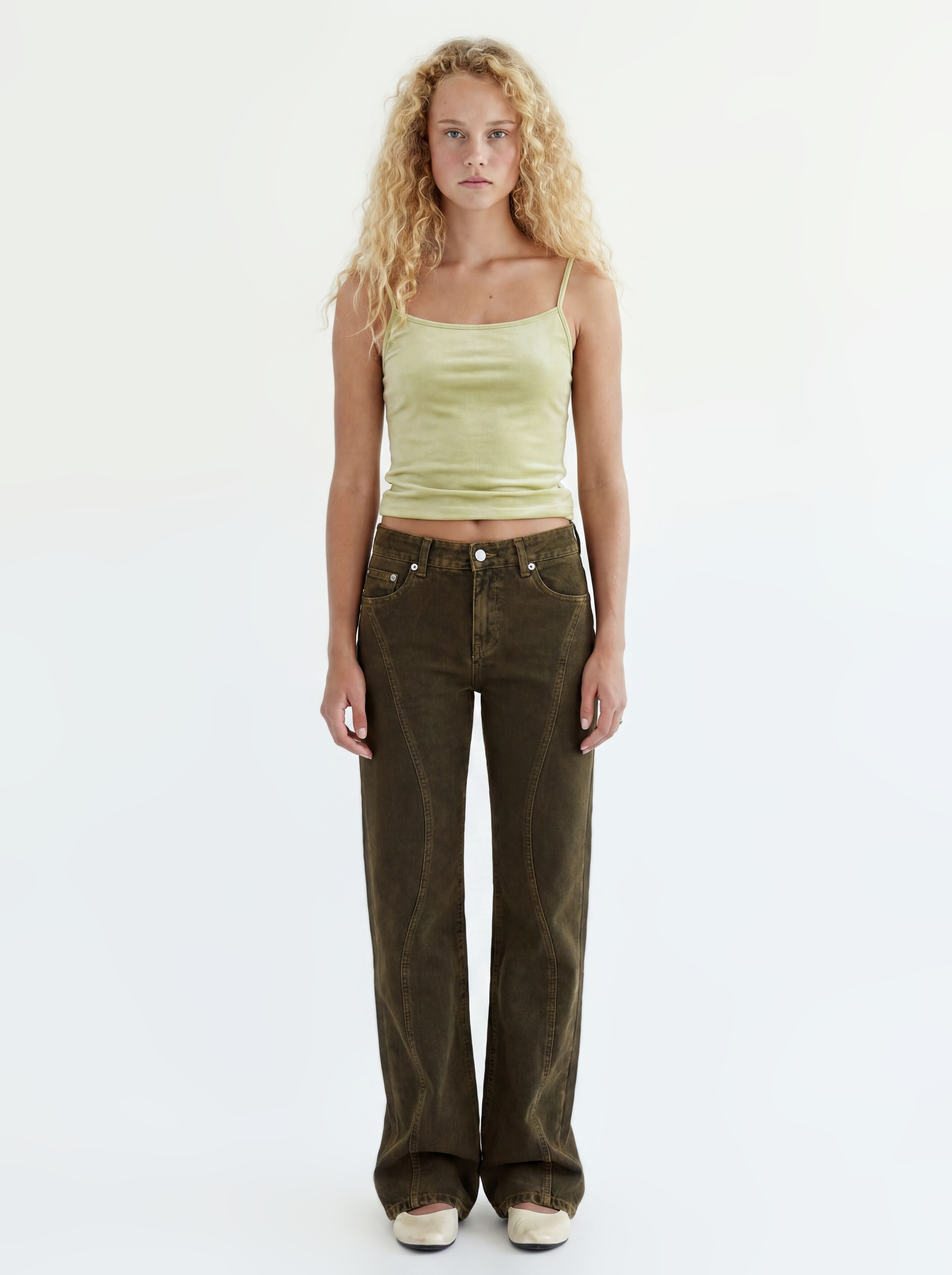 Cut
Cut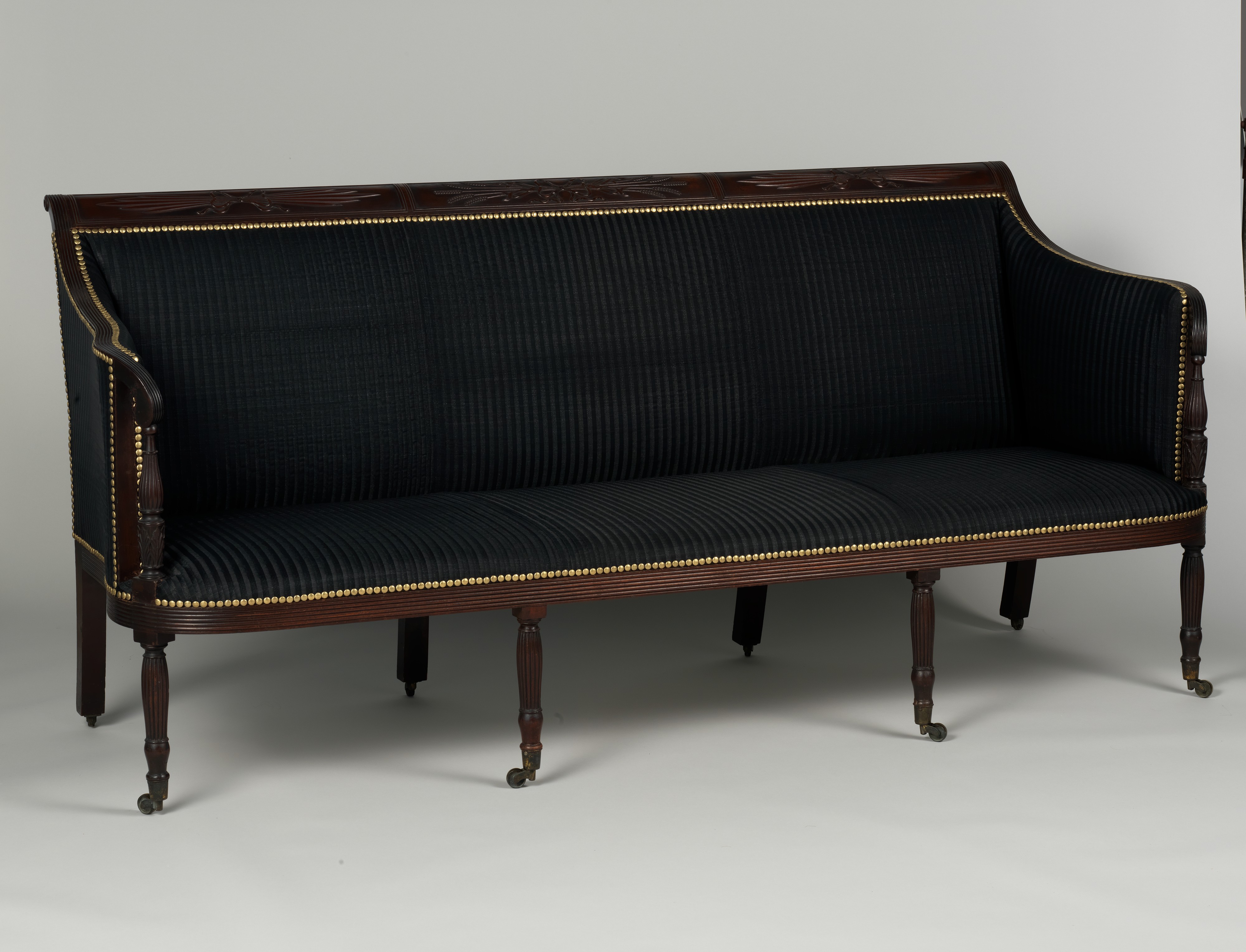 Location
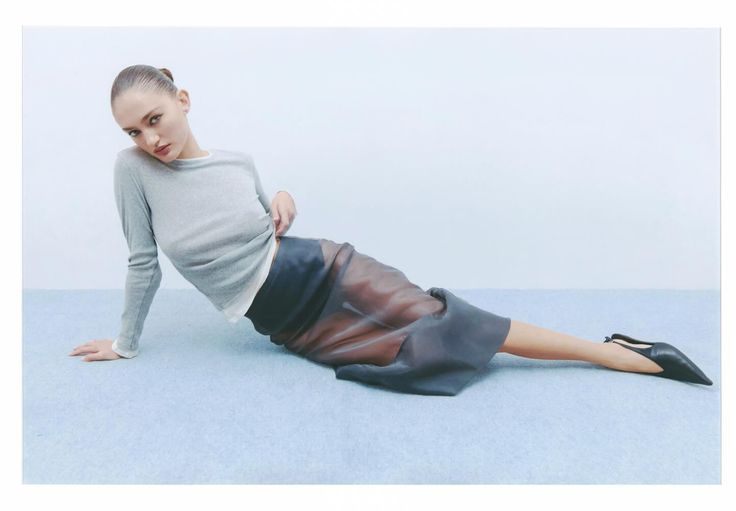 Pose
PoseDirect with prompts
Call framing, light, and mood like a director. Be concrete: "white background, natural light" (✓) beats "clean look" (✗).
The direction for this cut
She is lying on the sofa naturally, in a comfortable pose, viewing the camera naturally.
Iterate on the best frames
Keep the strongest frames and push them further with edits and variations.
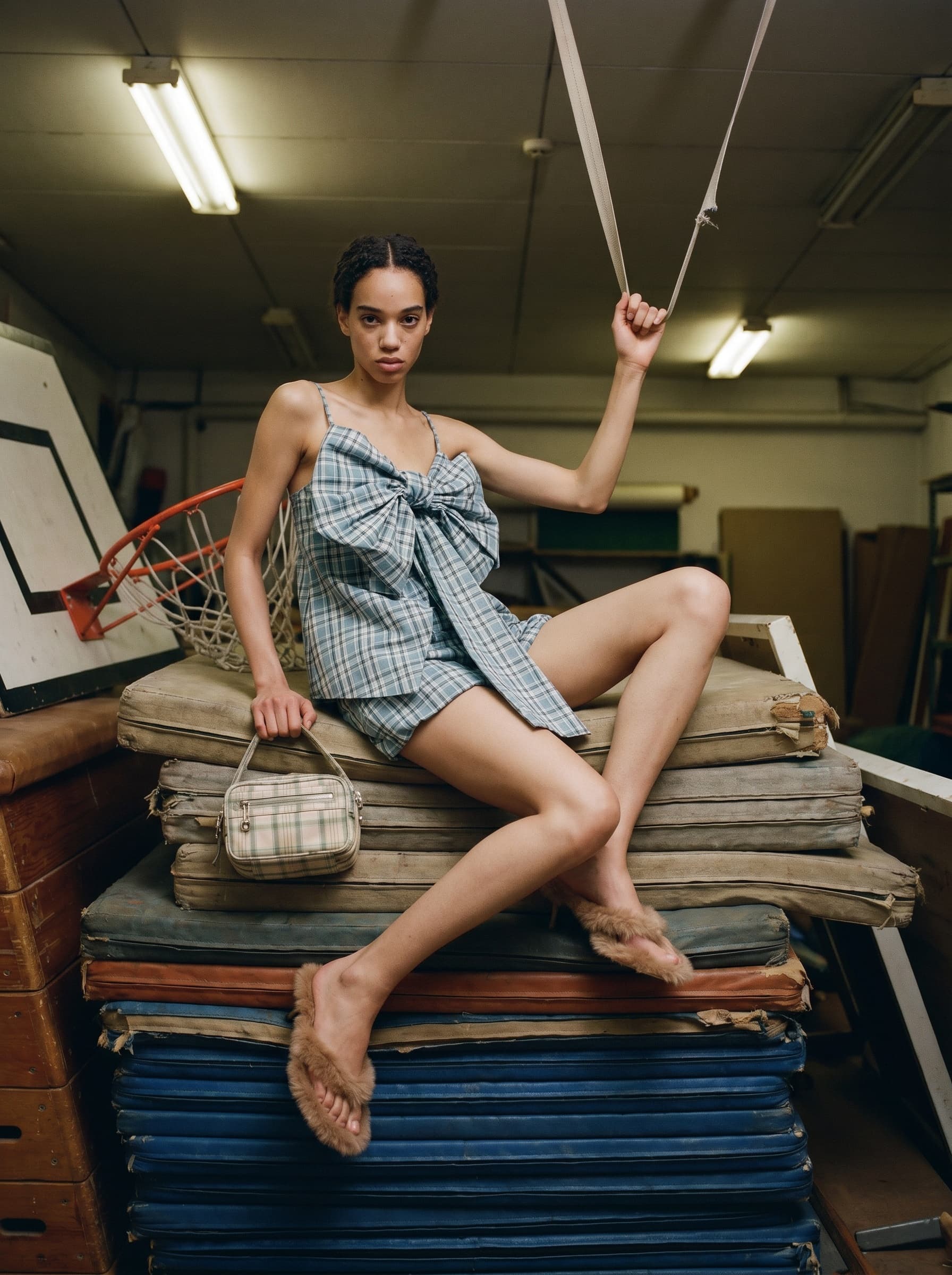
What comes after the editorial
Swap the face, turn it into video — or start the next product from here.