Multiply one cut
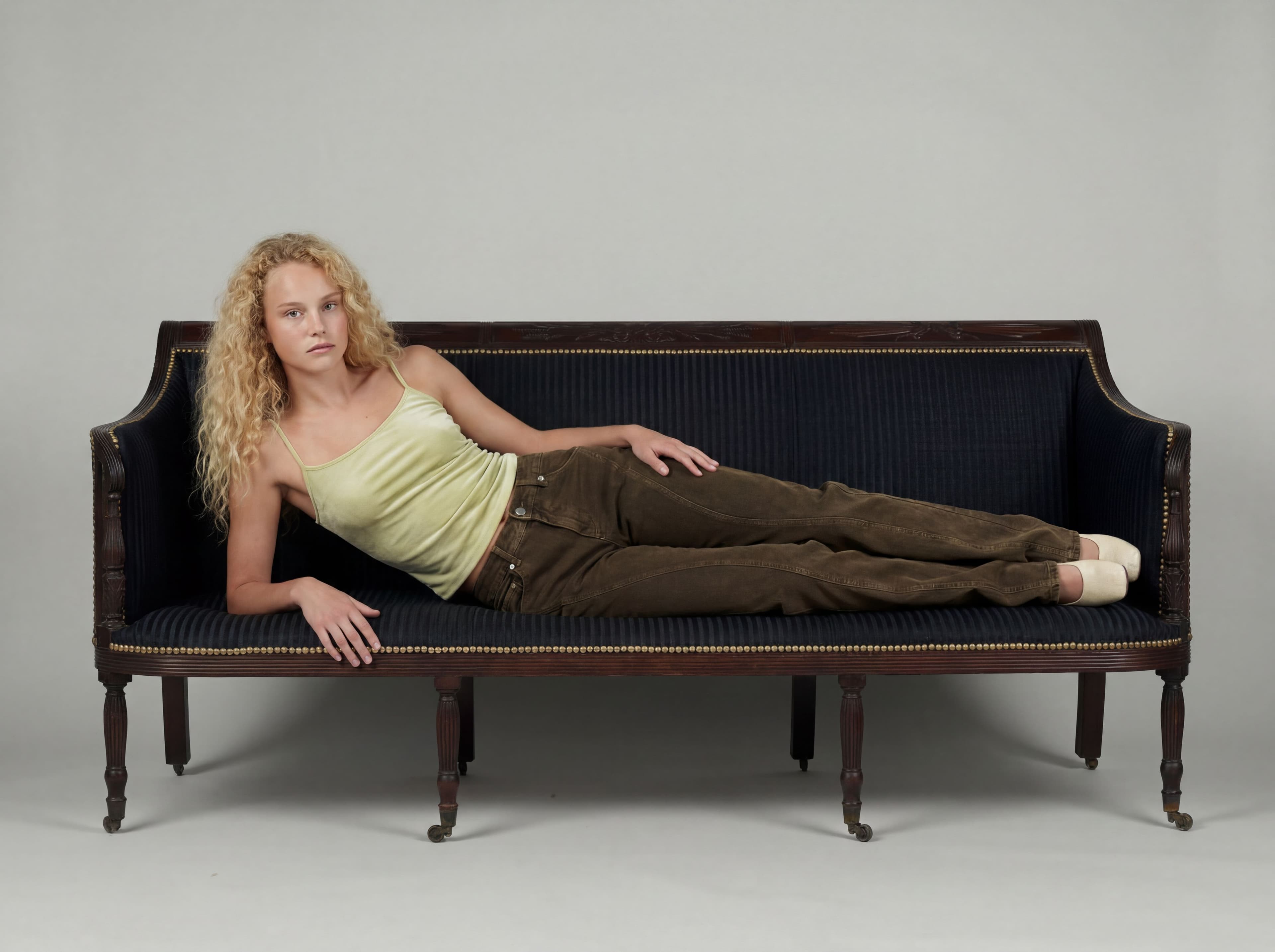
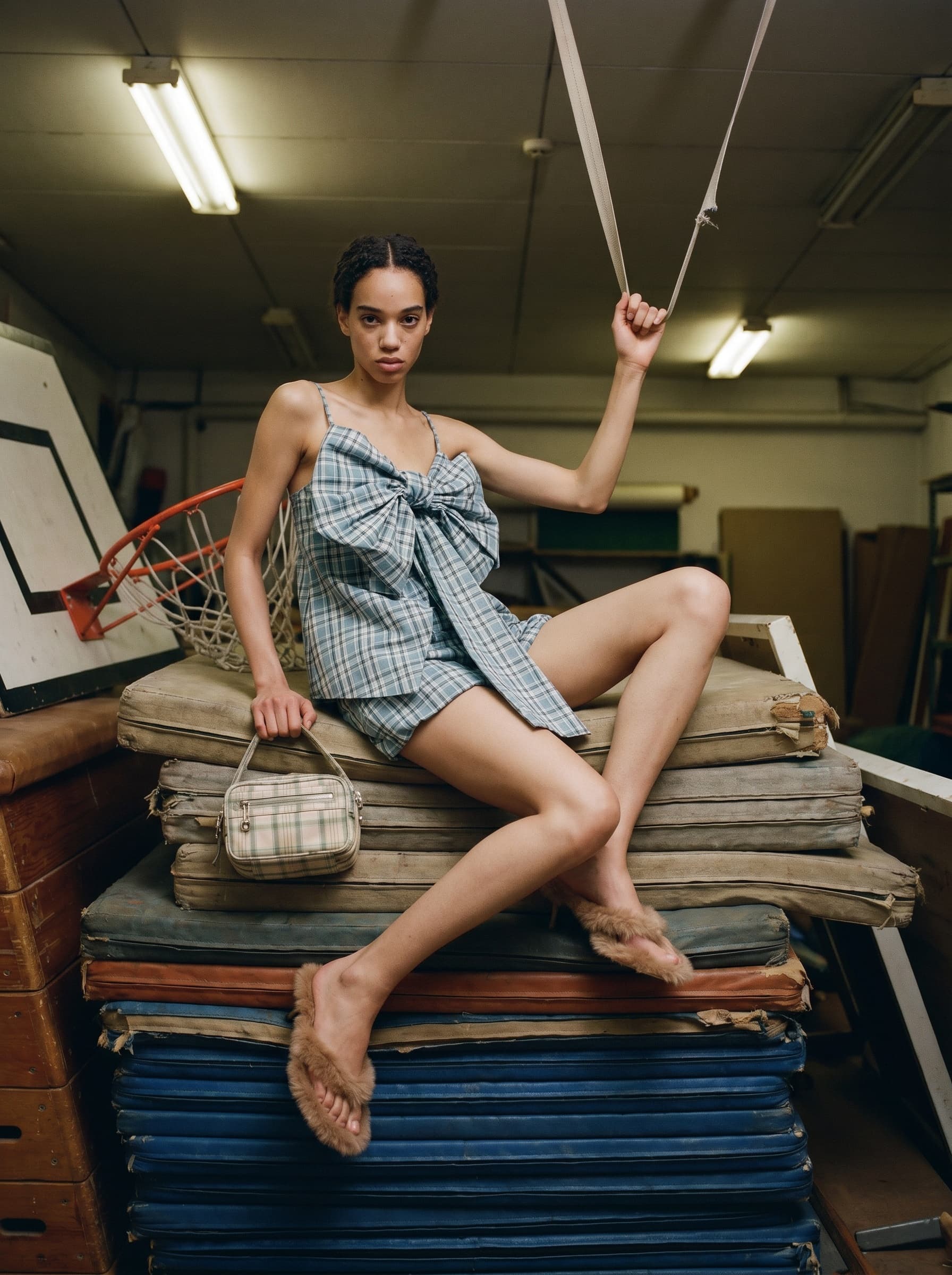
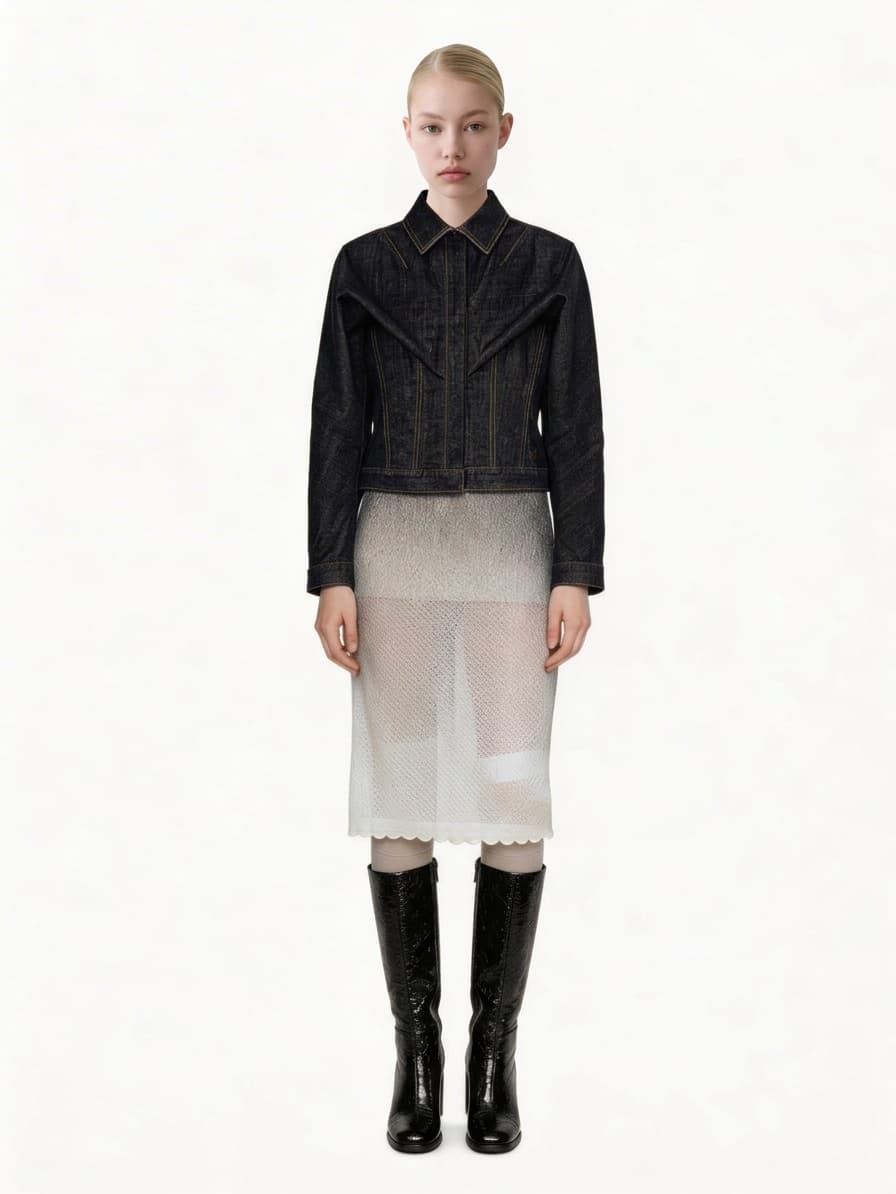
Turn one base cut into the set of angles, poses, and shot sizes your product page needs.
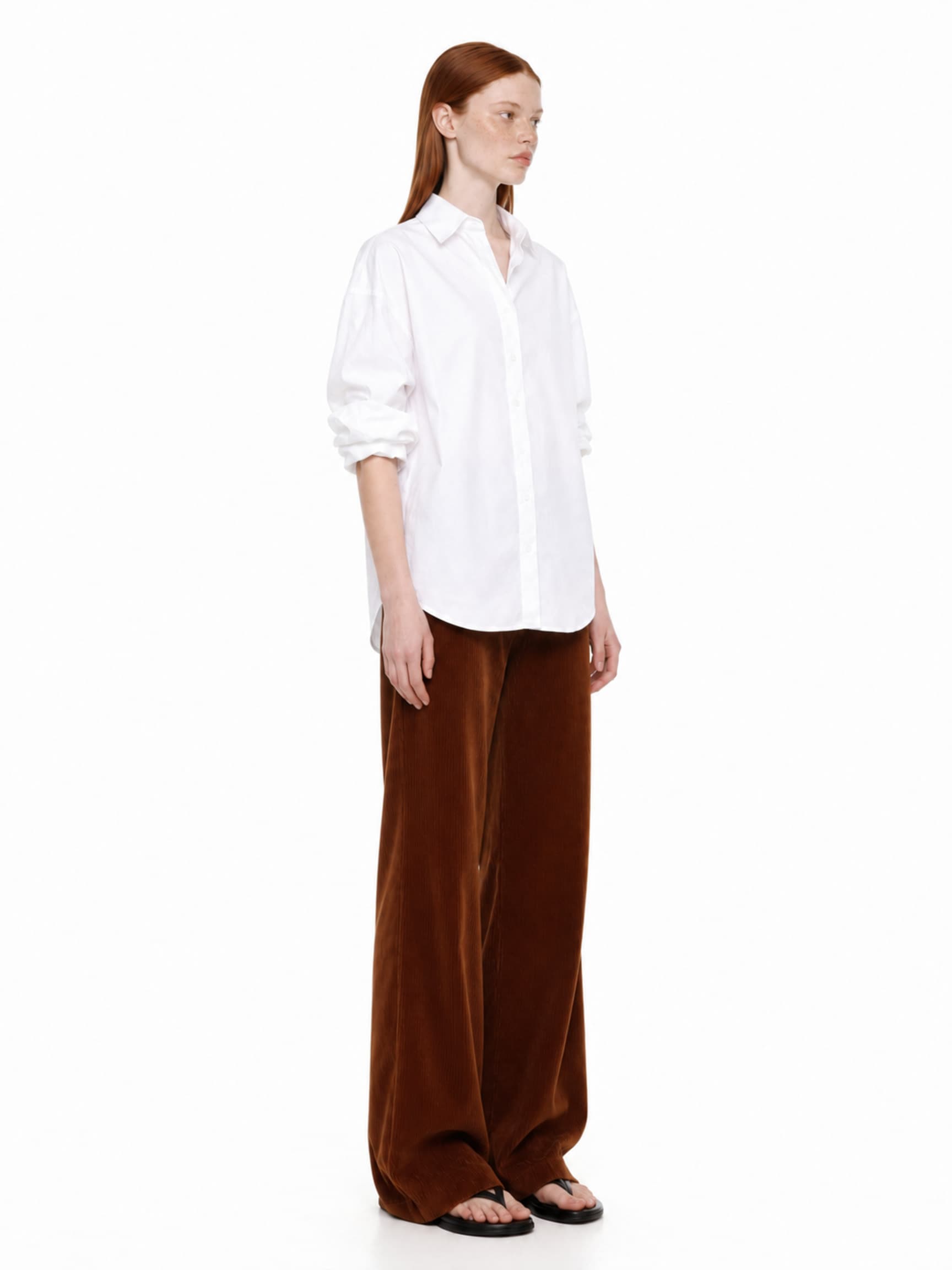
It loads into the real prompt bar — just press generate.
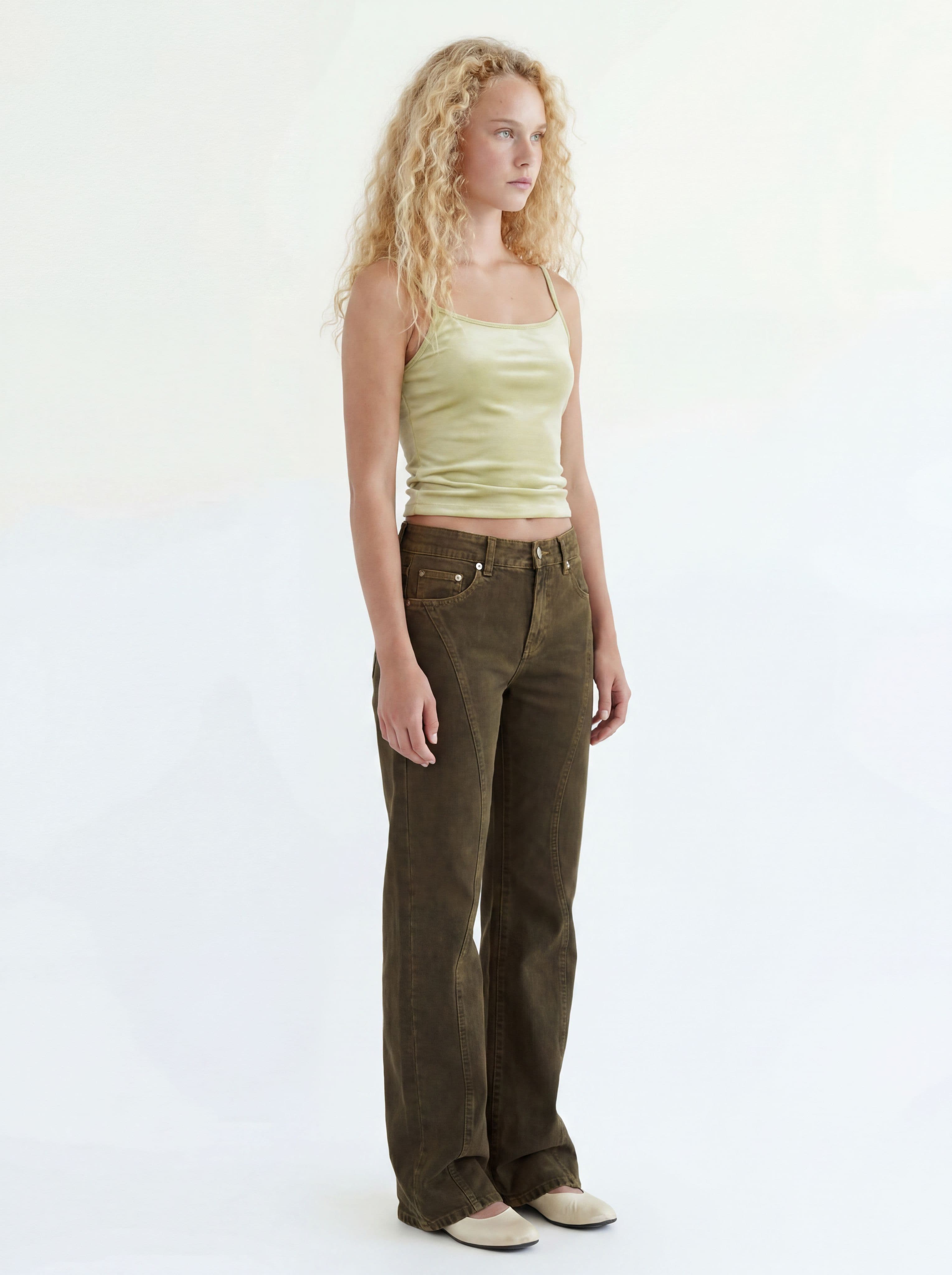
How it works
Start from the base cut
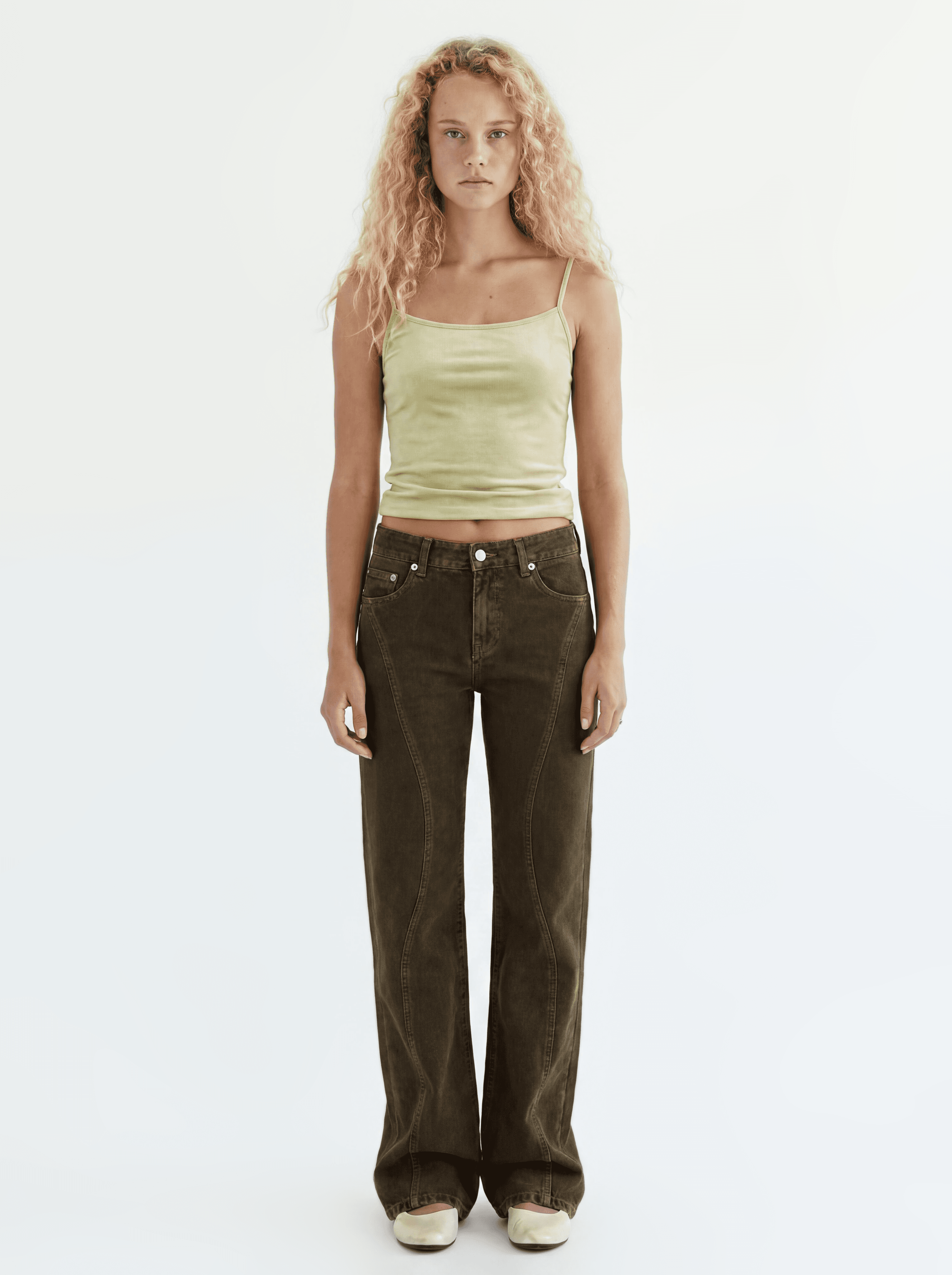
Use the base cut as the source image — the model and outfit carry over exactly.
Source image Pick a preset
8 camera angles, 7 poses, and shot sizes — or upload your own reference.
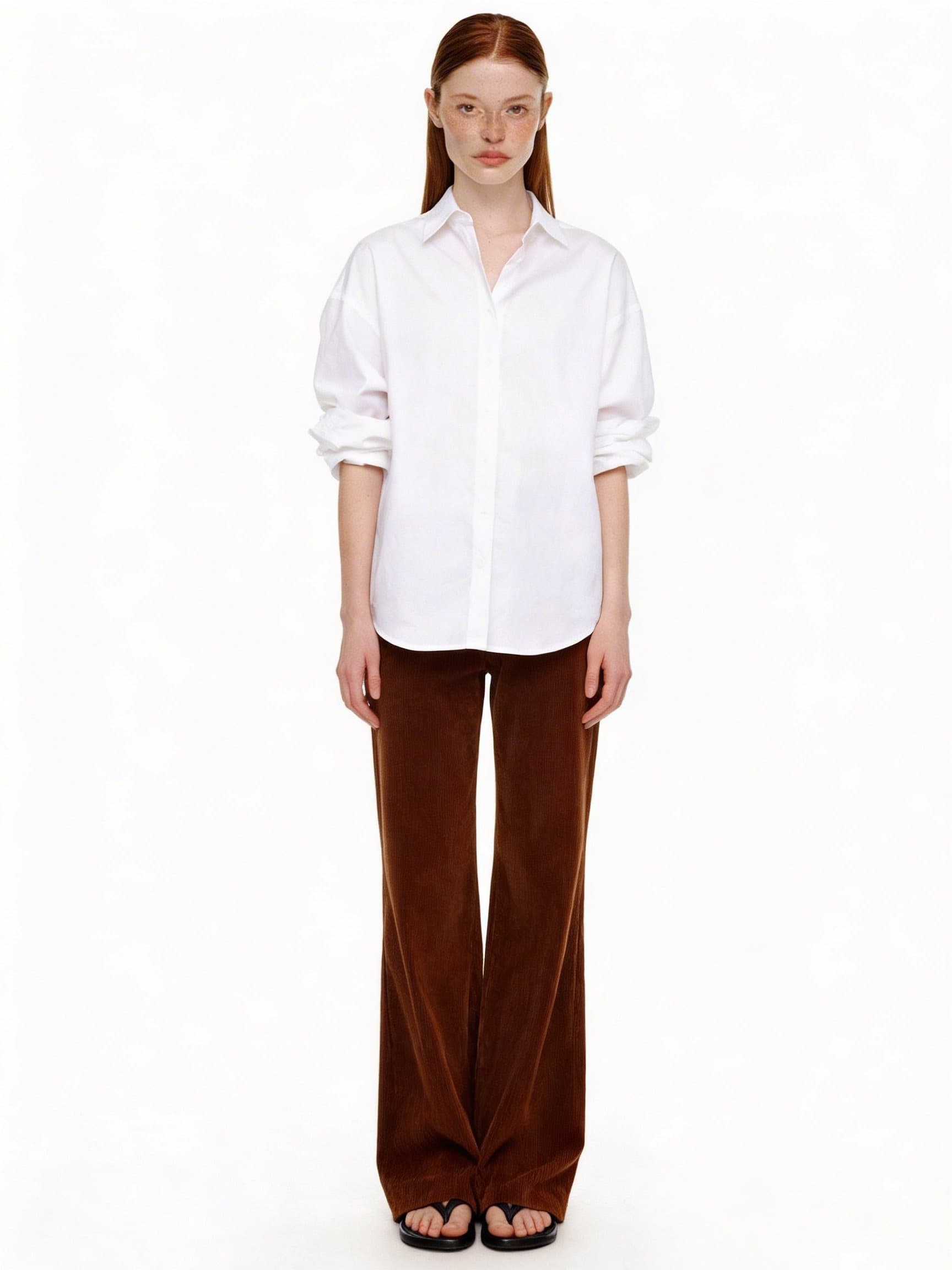
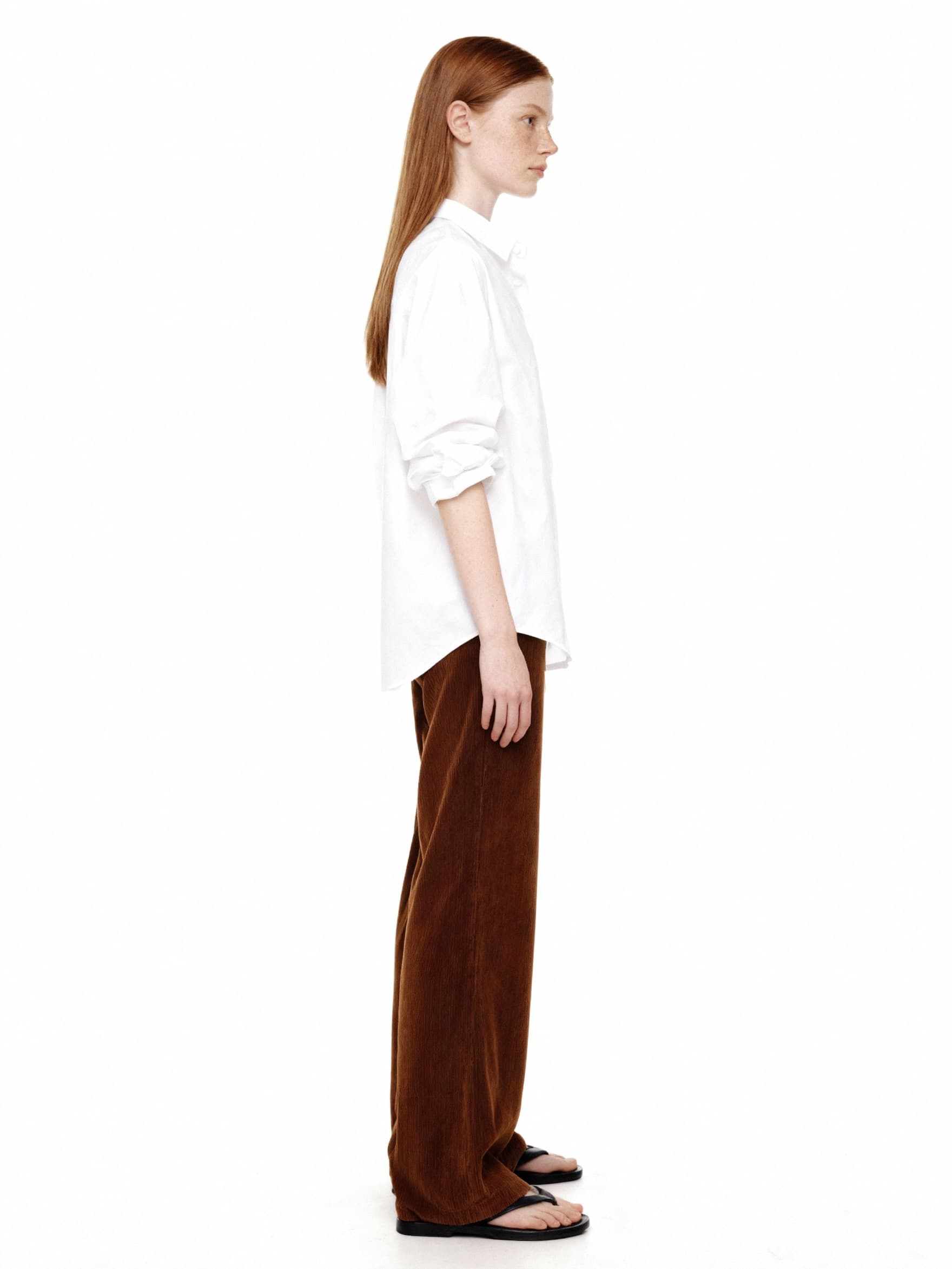
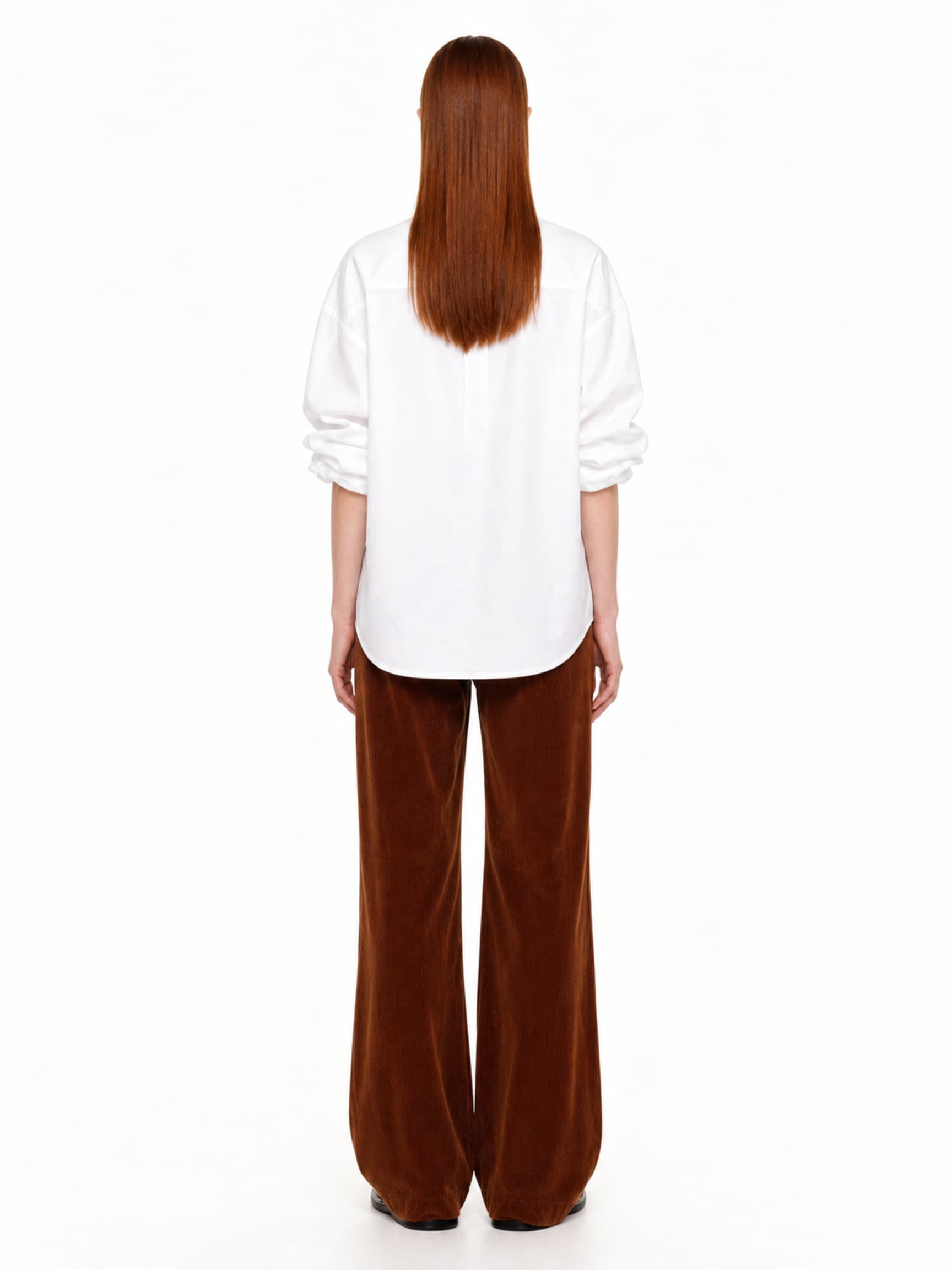
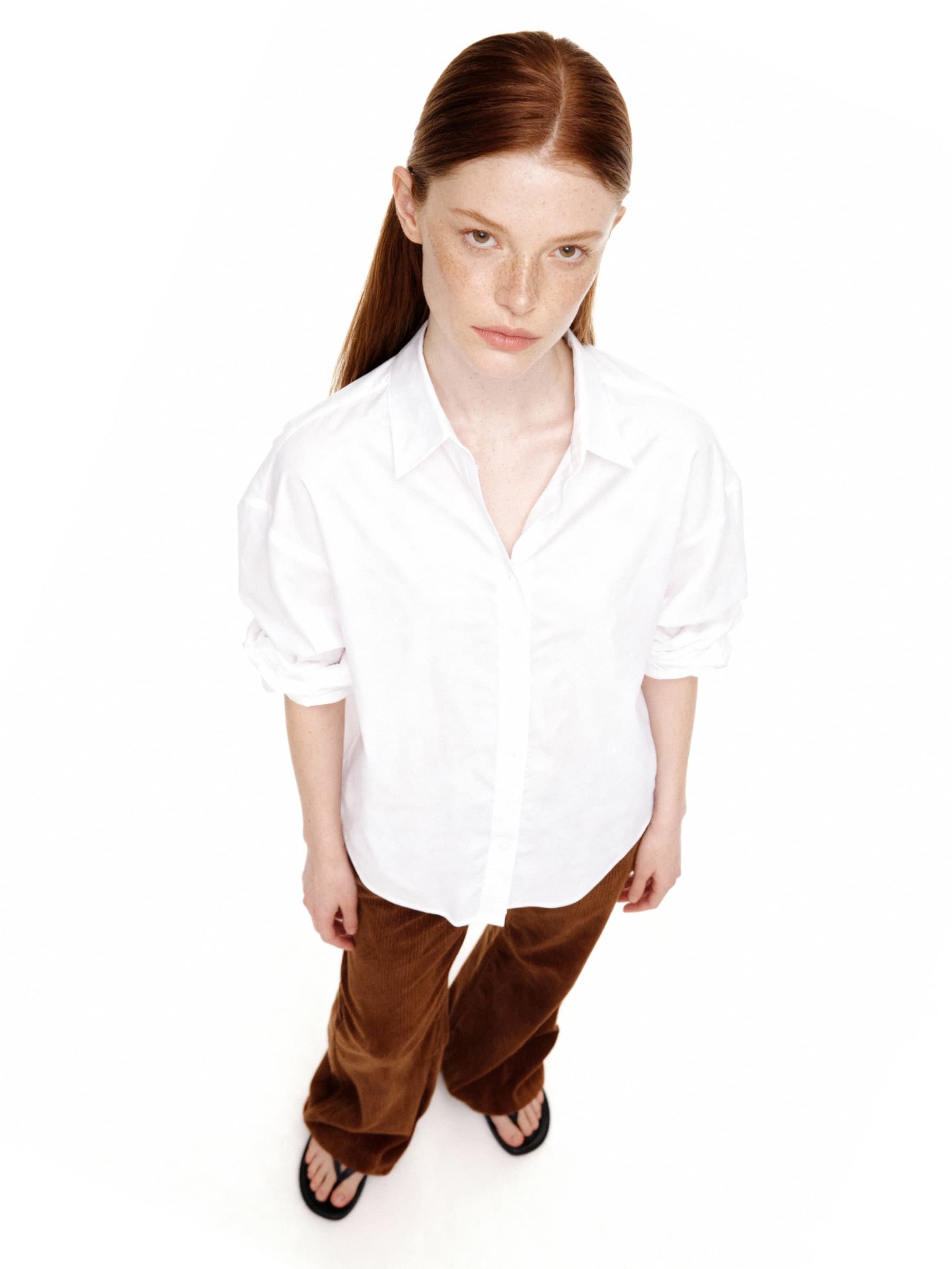
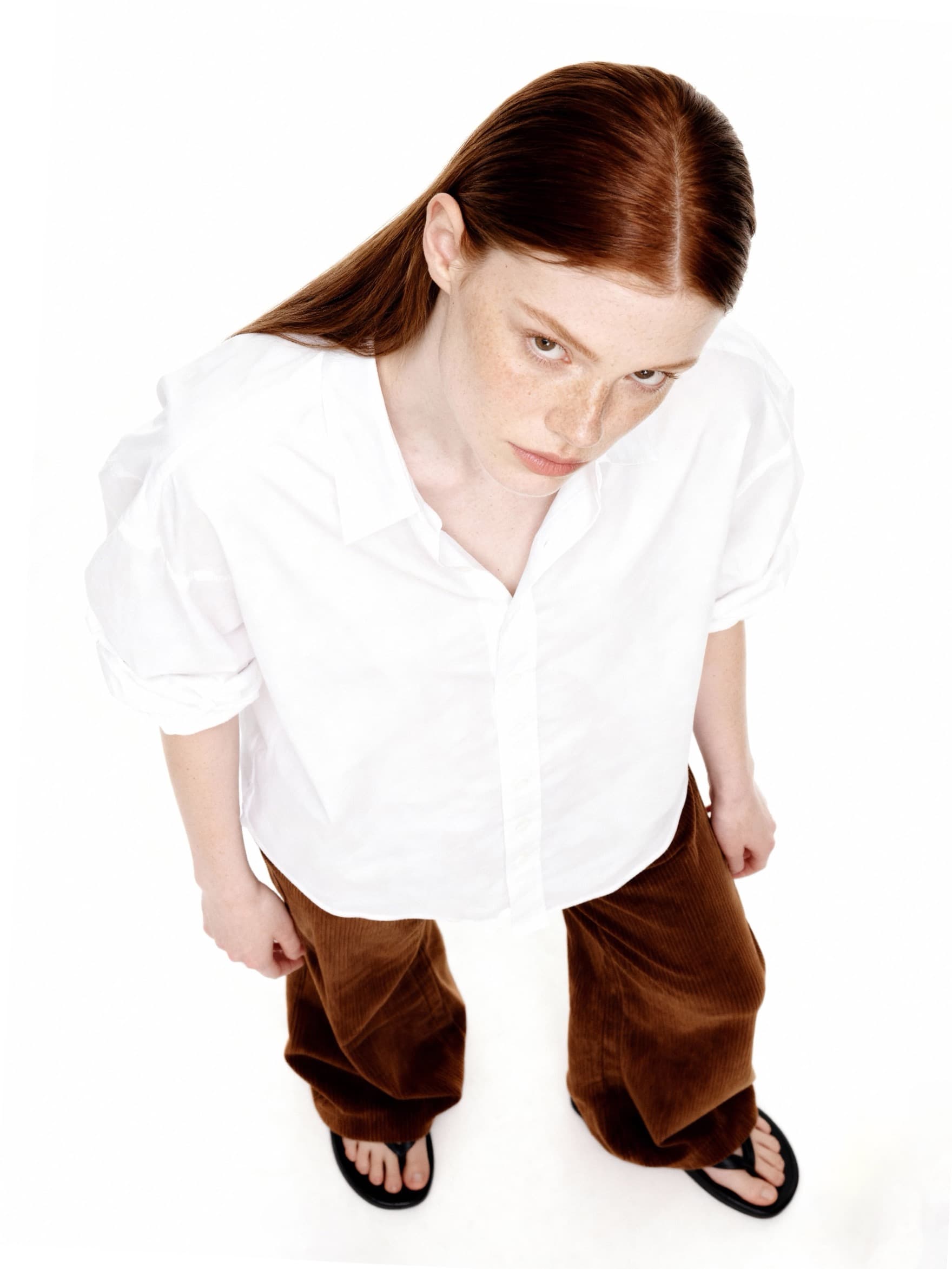
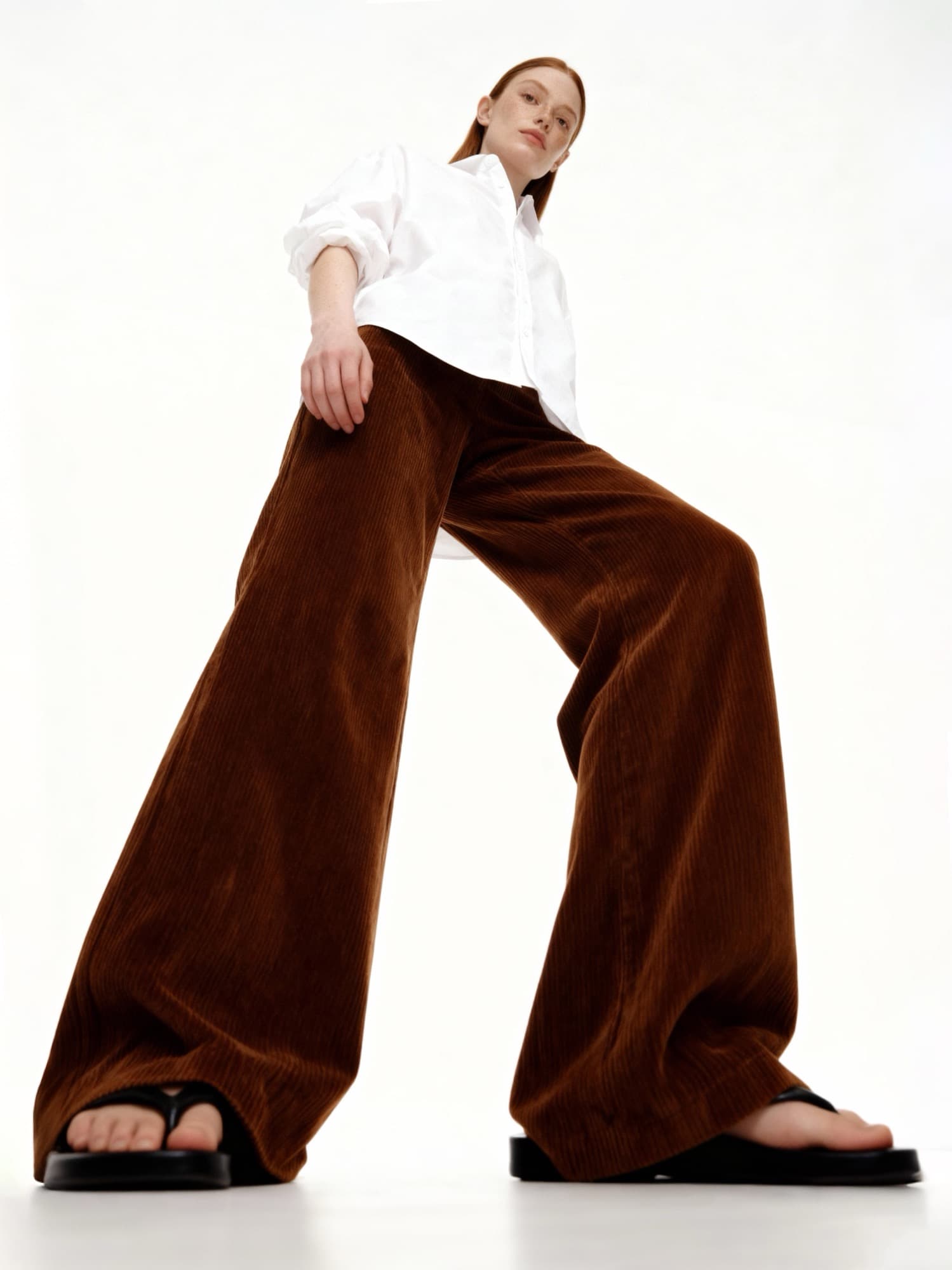
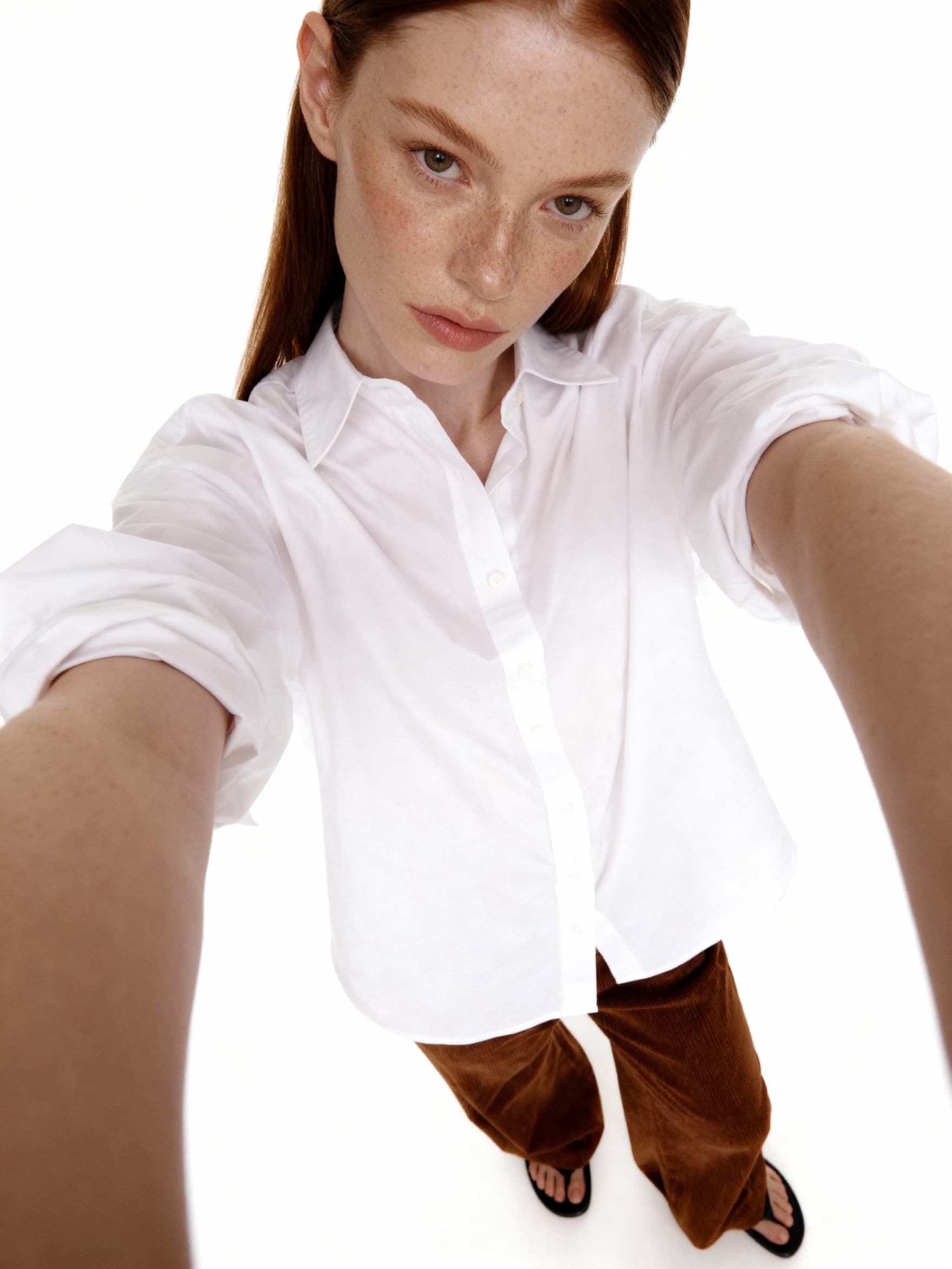
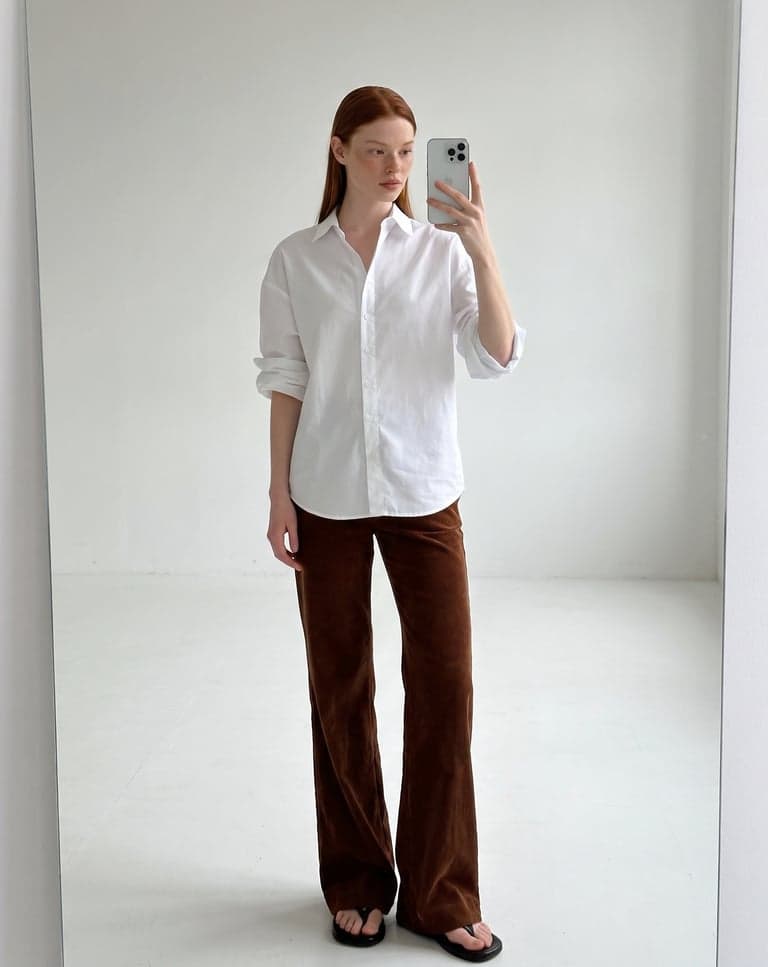
Get the set
The model, outfit, and lighting stay consistent across every cut.
Change angle 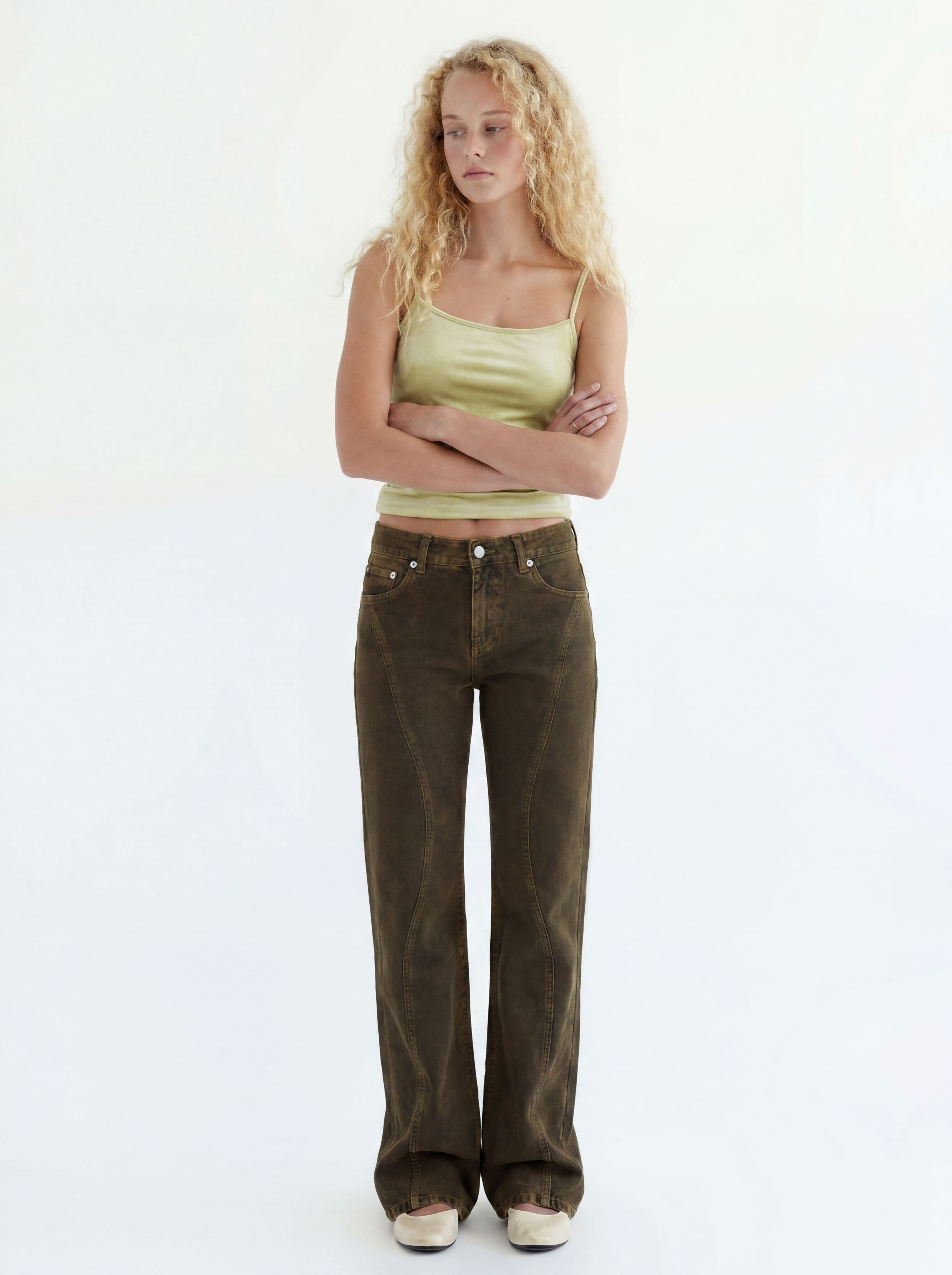
Change pose
What comes after the set
Any variation cut becomes the source for the next step.