Journal
― 2026-09-28
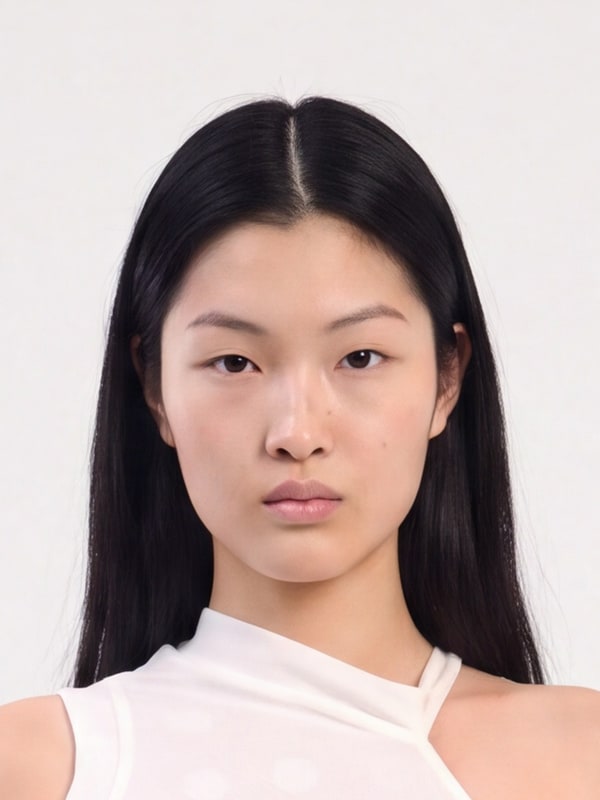
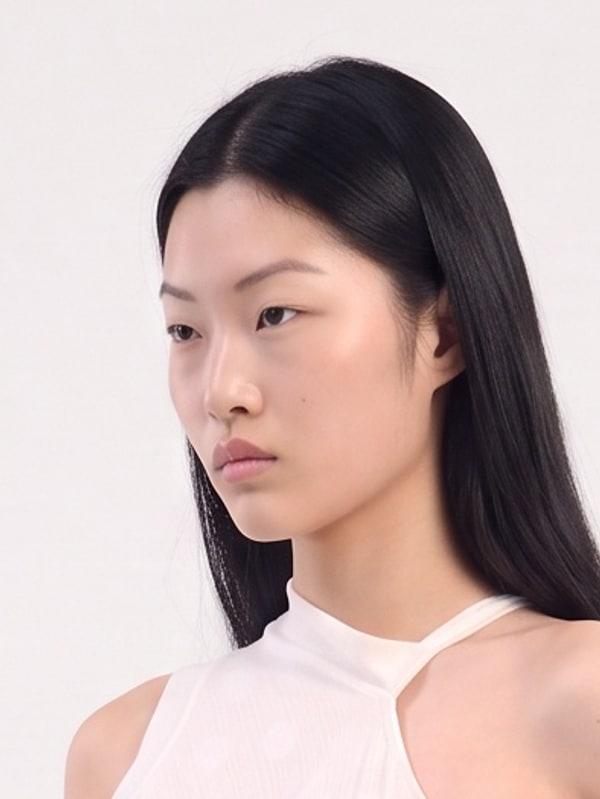
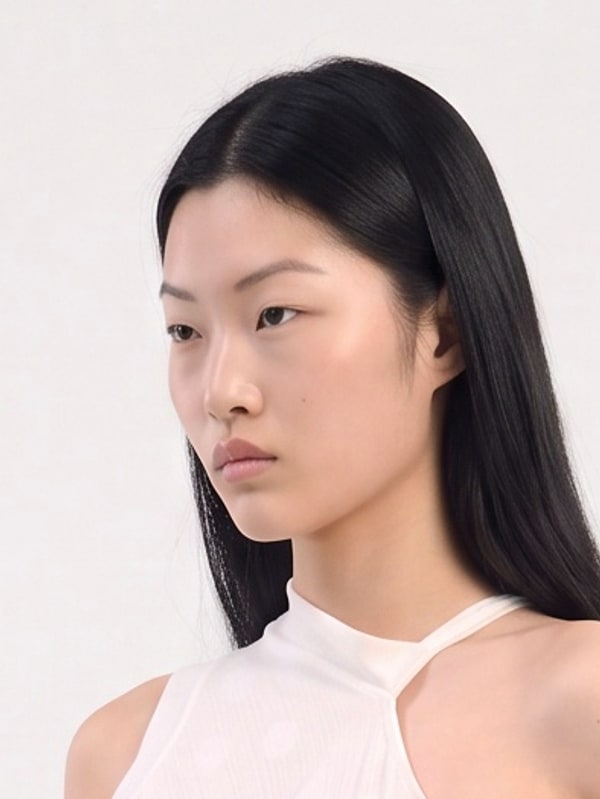
Better color when changing pose or angle
Pose, angle, and image variations used to shift colors slightly toward purple. A correction now keeps shadows, greys, and skin tones as close to the original image as possible.
― 2026-09-22
See every prompt behind an AI campaign
Fall in Korea walks through a campaign made in Sofi — background, model, outfits, poses, edits, and video — with the exact prompt for each step. Click Create similar on any step to load the same setup into your prompt bar.
See the campaign prompts →― 2026-09-20
Bag scene templates are here
Browse 110 bag scenes — packshots, placed shots, cropped and hand-held shots, and mirror selfies. Upload your bag and only the bag is replaced. The rest of the scene stays as it is.
Browse bag templates →― 2026-09-15
Put your shoes into ready-made scenes
Browse 99 shoe scenes — studio packshots, flat lays, colorway lineups, and on-foot shots indoors and outdoors. Pick a scene and upload your shoe. Only the shoes are replaced with your product.
Browse shoe templates →― 2026-09-11
Restyle a Sofi model
Click Vary on any model to keep the same face and change the hairstyle, makeup, or eye color. Describe the change in a prompt, or upload a styling reference.
Browse models →― 2026-08-12
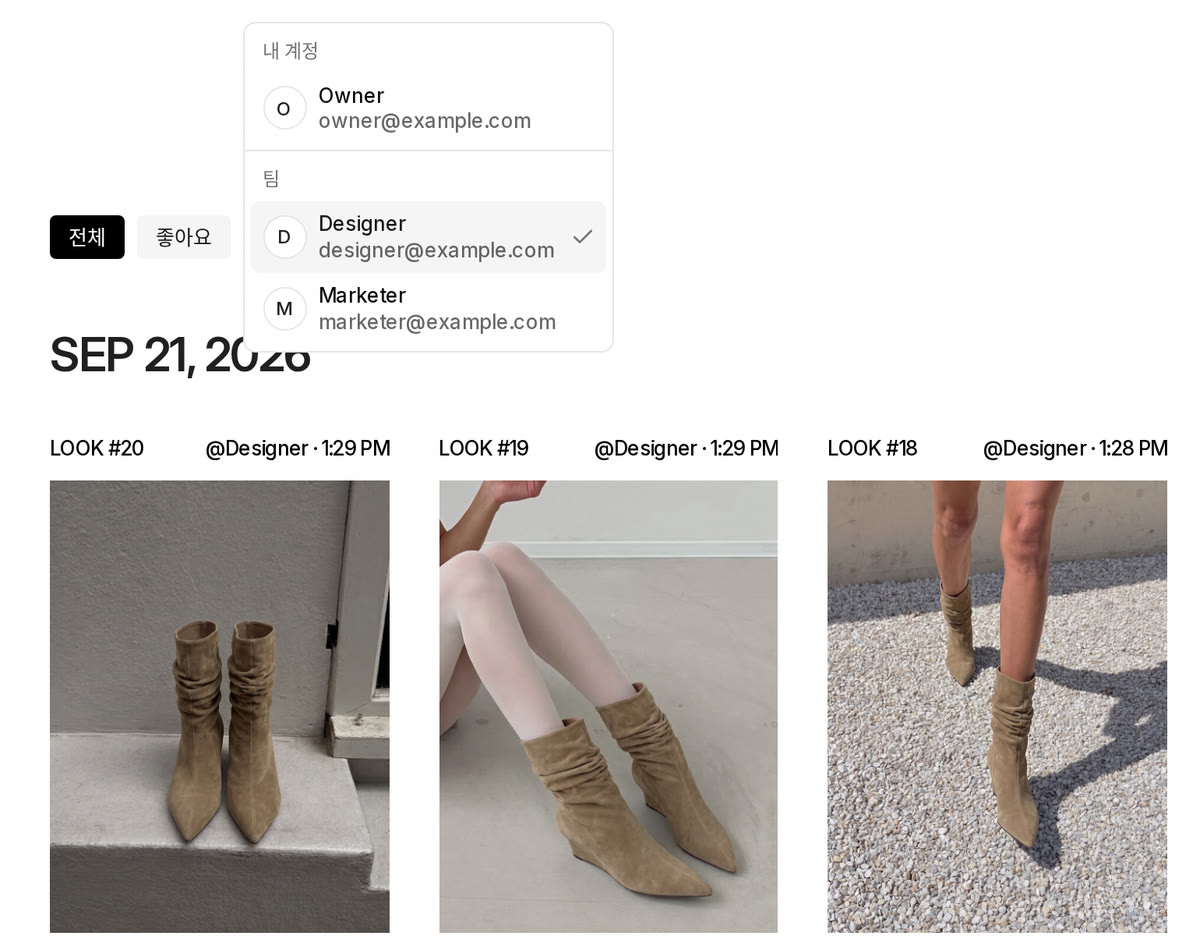
Browse your teammates' generations
Select a teammate in History to browse and edit the images they generated. Sharing is on by default, and you can turn it off anytime on the Team page.
― 2026-08-11
Make videos in 1080p
Choose between 720p and 1080p when generating a video. Hover over the resolution to see the exact output size.
― 2026-07-29
Browse and use the pose library
Explore poses by category in the new pose library and use any pose in your generation. You can also add poses directly from the prompt bar.
― 2026-07-24
More precise area edits
Select the area you want to change, add reference images if needed, and describe the edit. Sofi now applies the result more cleanly while keeping the rest of your image intact.
― 2026-07-21
V1 is now more stable
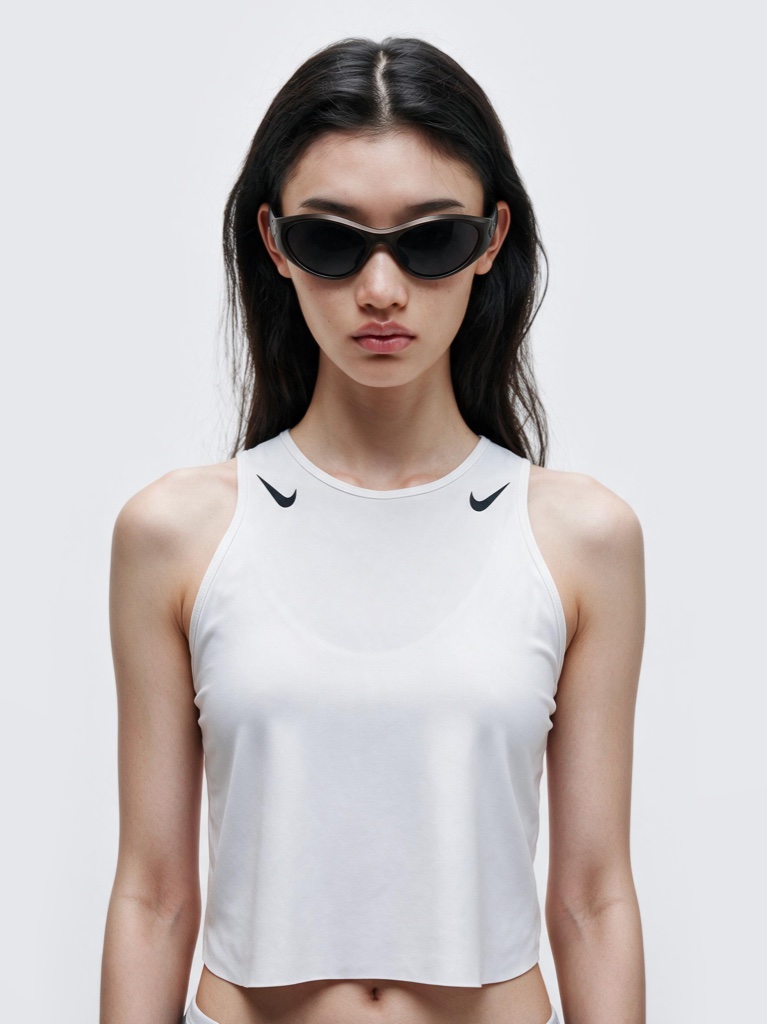
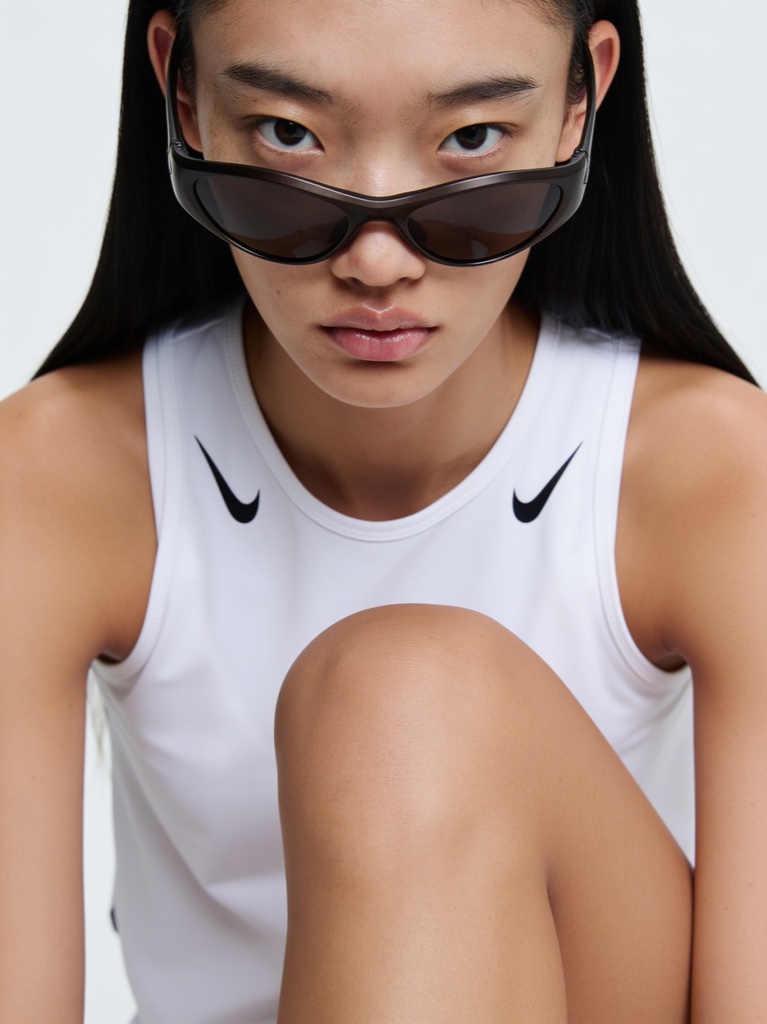
V1 now uses Seedream 5 Pro instead of Seedream 4.5 for more stable generations. Each image costs 40 credits, and output is fixed at 2K resolution.
― 2026-07-17
Adjust the color of a specific object
Select an object in your image, choose a new color, and adjust how strongly it is applied. The original lighting, highlights, and shadows are preserved for a more natural result.
― 2026-07-09
Private beta for brand-only AI models
Model Studio is now in private beta. Request an access code through the form, then register a custom AI model for consistent looks with your own brand assets.
Request access code →― 2026-07-01
Invite friends and get $20 in credits
When a friend signs up through your invite link, everyone receives 1,000 credits.
View invitation →
― 2026-06-22
Finally, you can make videos in Sofi
Add subtle motion, turnarounds, and scene transitions to your generated images and turn them into video. Sofi AI helps you write prompts more easily.
― 2026-06-11
Mention your products and references in prompts
Type @ in the prompt to pull in your saved products, models, backgrounds, poses, and reference images. No more re-uploading — just mention what you want to use.
― 2026-06-09
Save your products as reusable references
Build a product library — upload pack shots and on-model images, and Sofi writes an AI-ready description for each one. Reuse saved products across your generations anytime.
― 2026-06-08
Upload a background, refine it instantly
Upload any background image and Sofi automatically writes a prompt from it. Then refine it — remove people, clean up text and watermarks, or describe your own changes.
― 2026-05-27
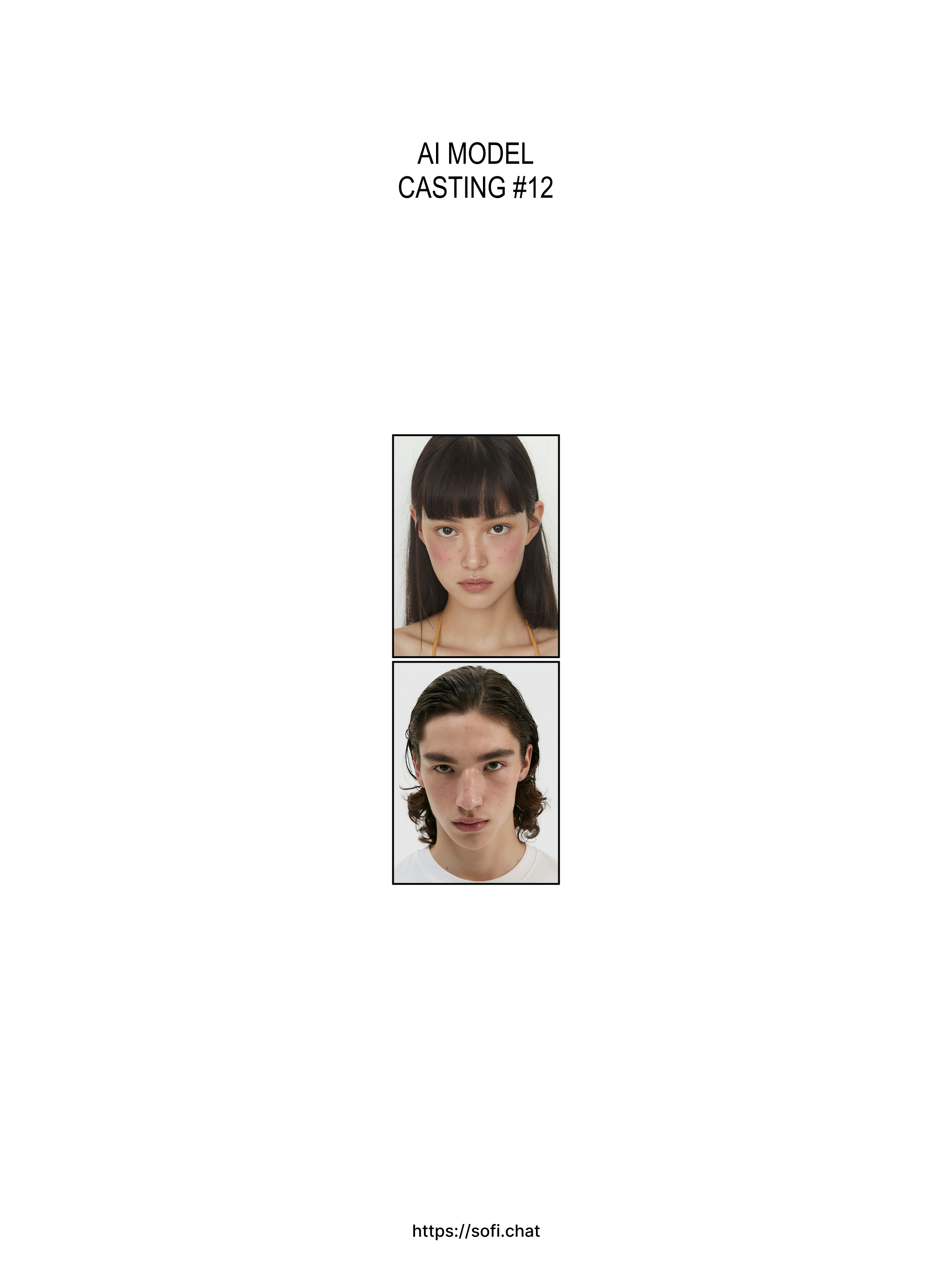
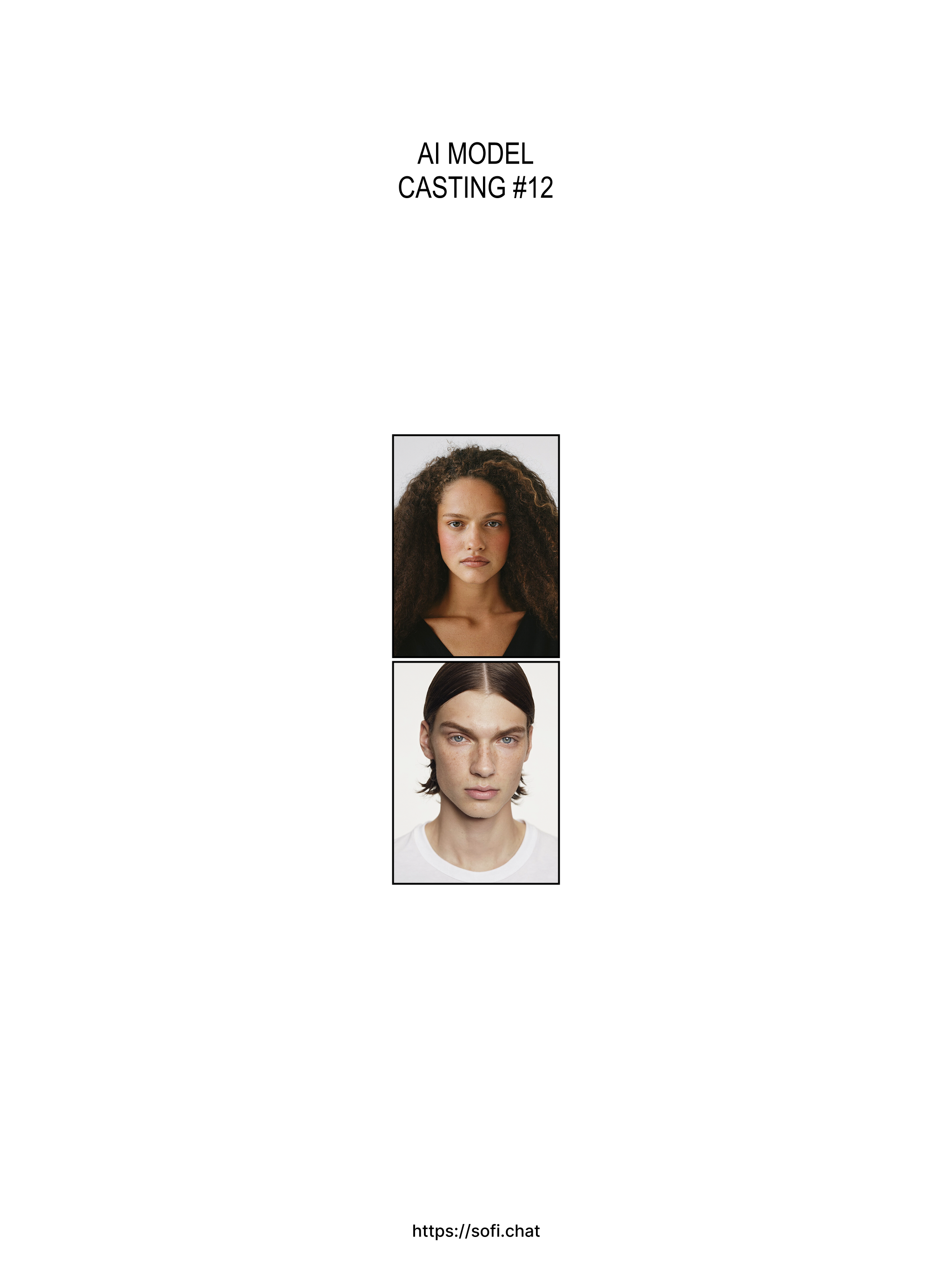
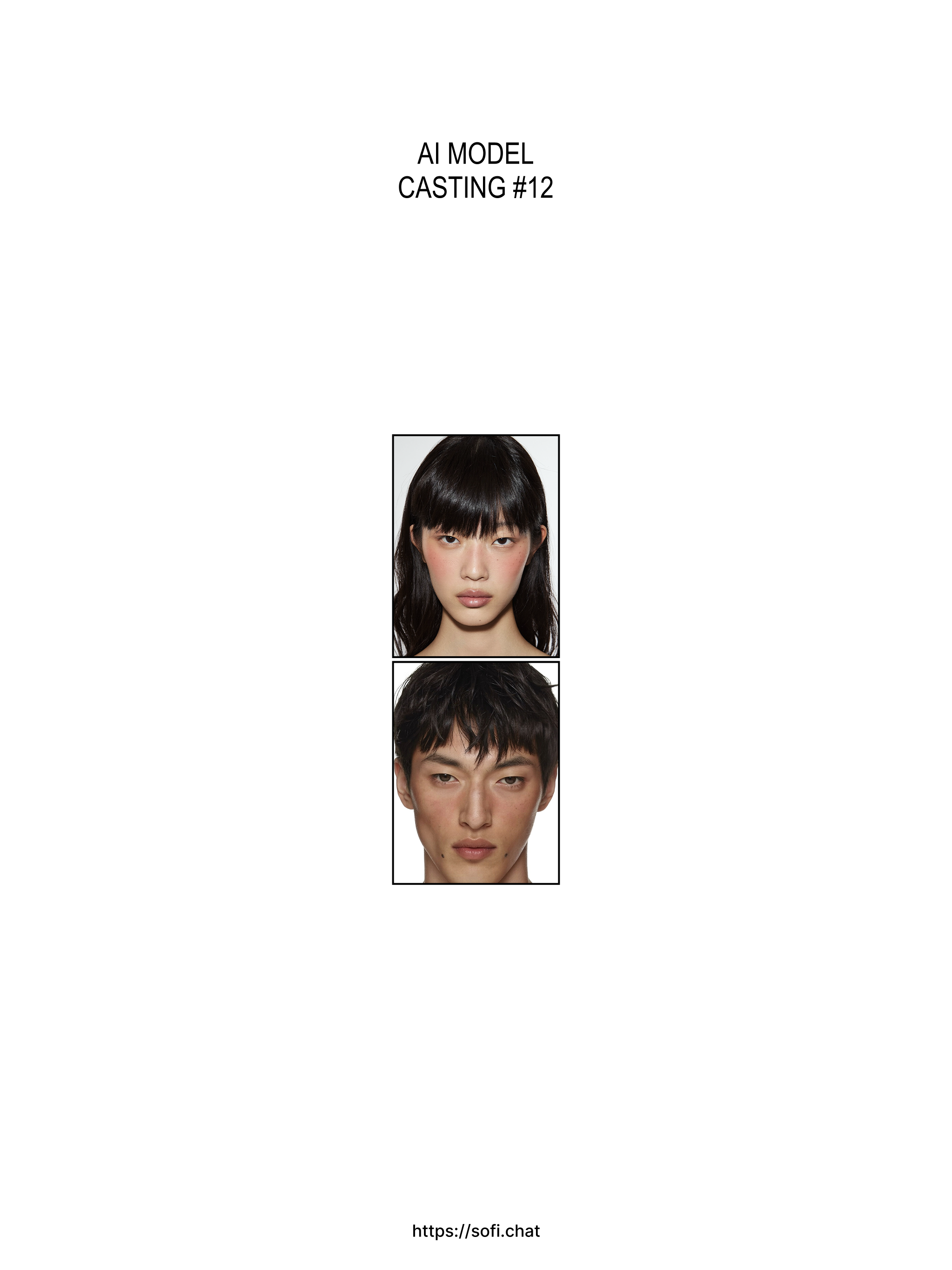
New models are added
Discover new models that match your brand mood. New models are updated every Wednesday.
― 2026-05-25
Save and reuse your best generations
Like any generation to save it to your favorites. Reuse saved generations as a reference to recreate similar results anytime.
― 2026-05-23
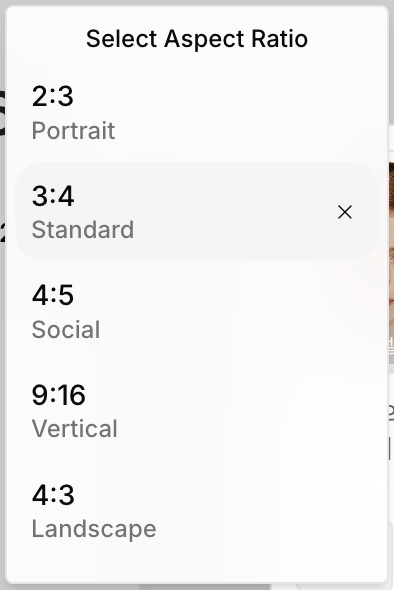
More aspect ratios available
4:5, 9:16, 16:9, and 5:4 are now available. Choose the ratio that fits your channel — social feed, vertical video, or widescreen.
― 2026-05-20
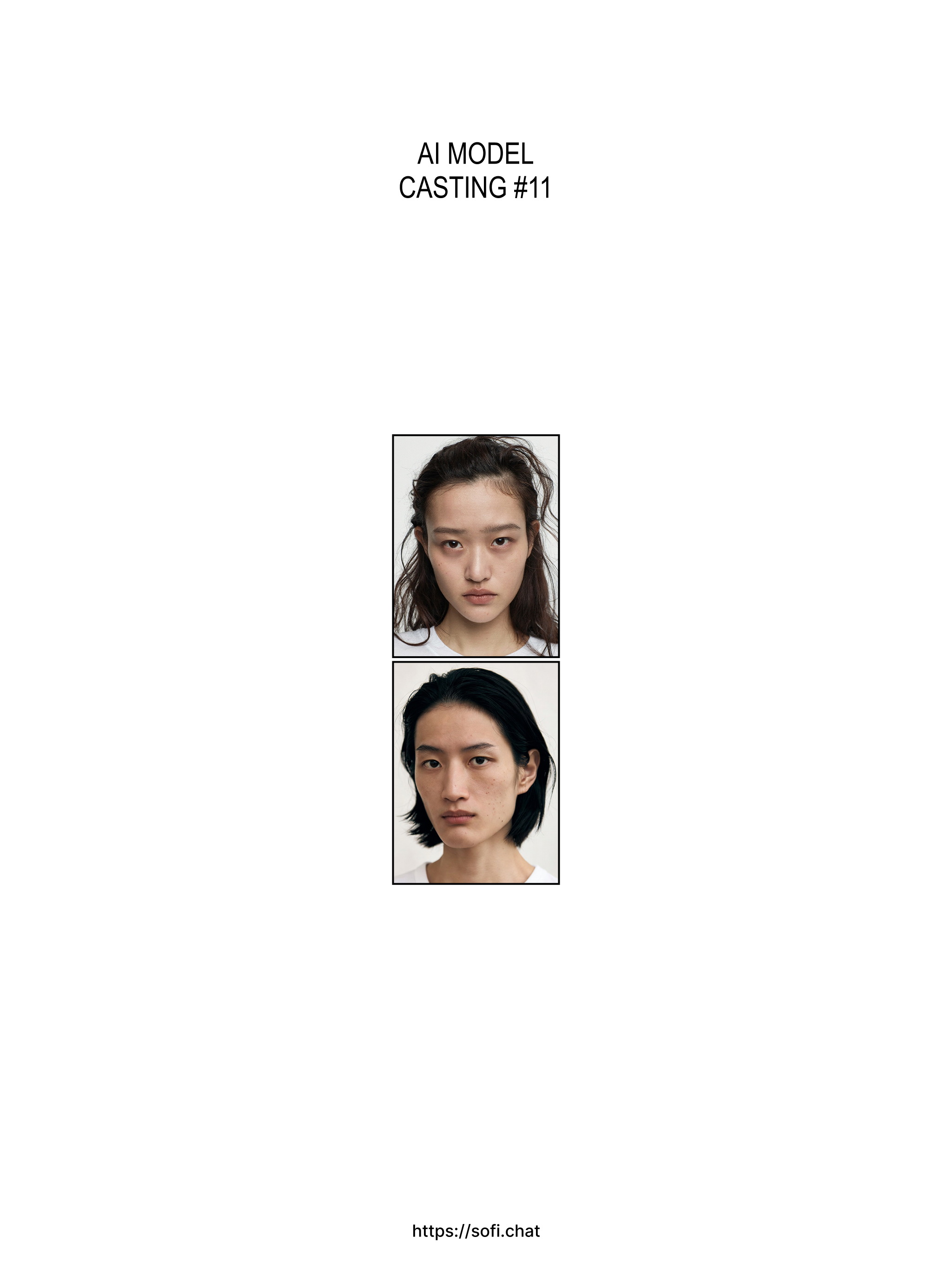
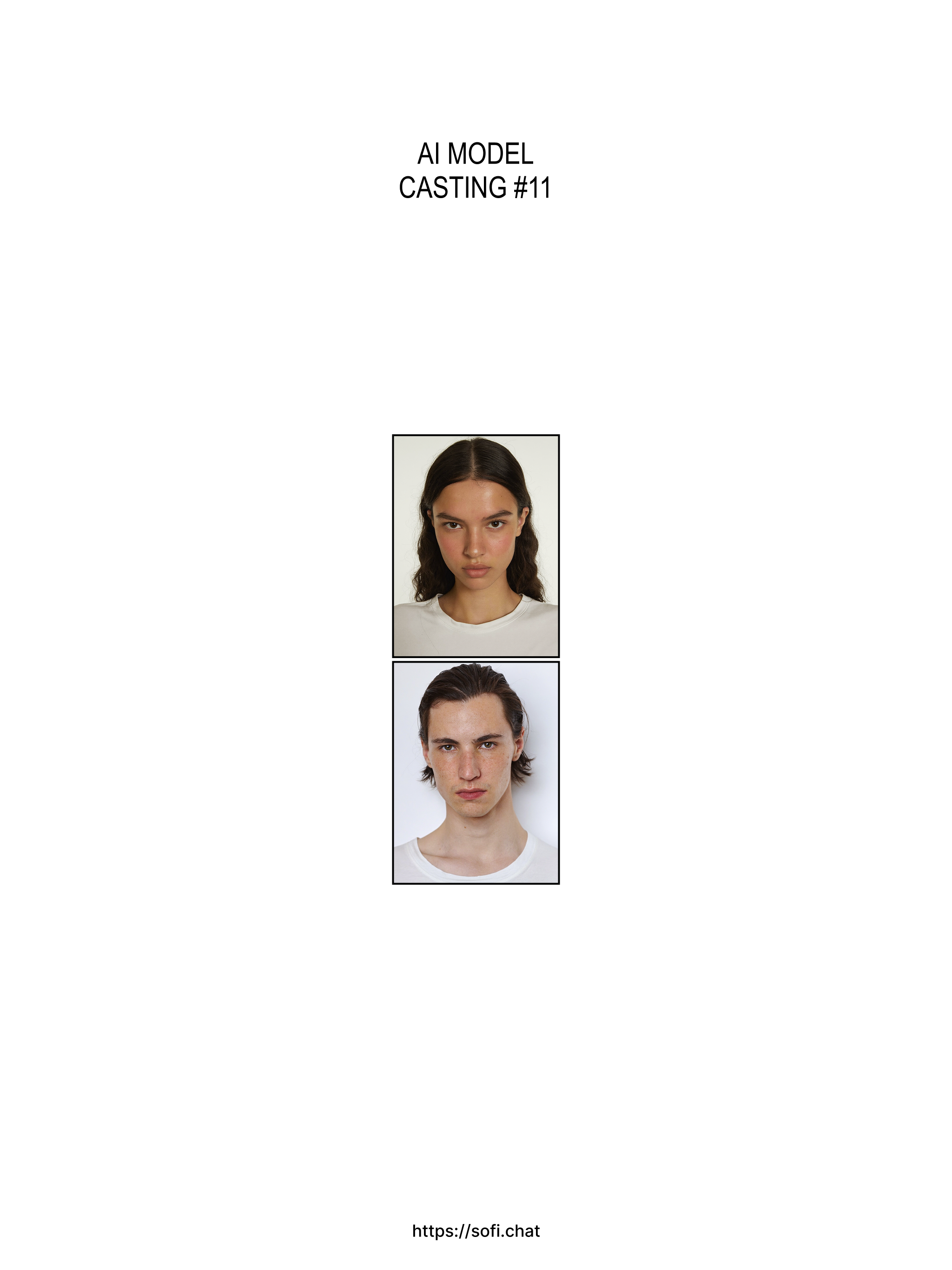
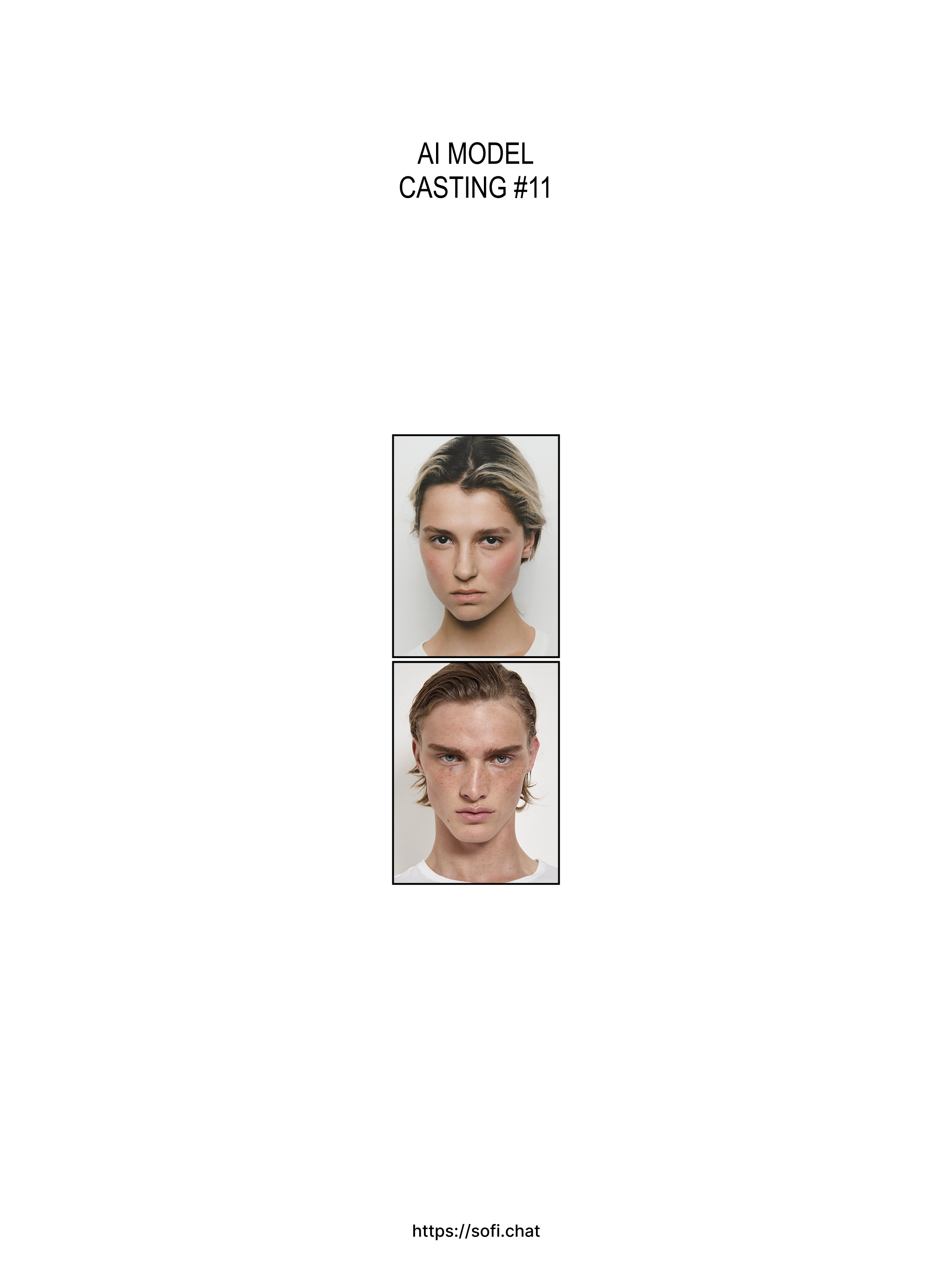
New models are added
Discover new models that match your brand mood. New models are updated every Wednesday.
― 2026-05-19
Unused credits now roll over
Unused subscription credits carry over for 30 days after your billing cycle resets. (Since October 1, 2026, credits also roll over when a canceled subscription ends.)
― 2026-05-14
Edit a specific area
Now you can edit specific areas of your generated image. Brush over a spot — then describe the change. Ex) Make the T-shirt longer, tuck it out, change the sleeve style...
― 2026-05-13
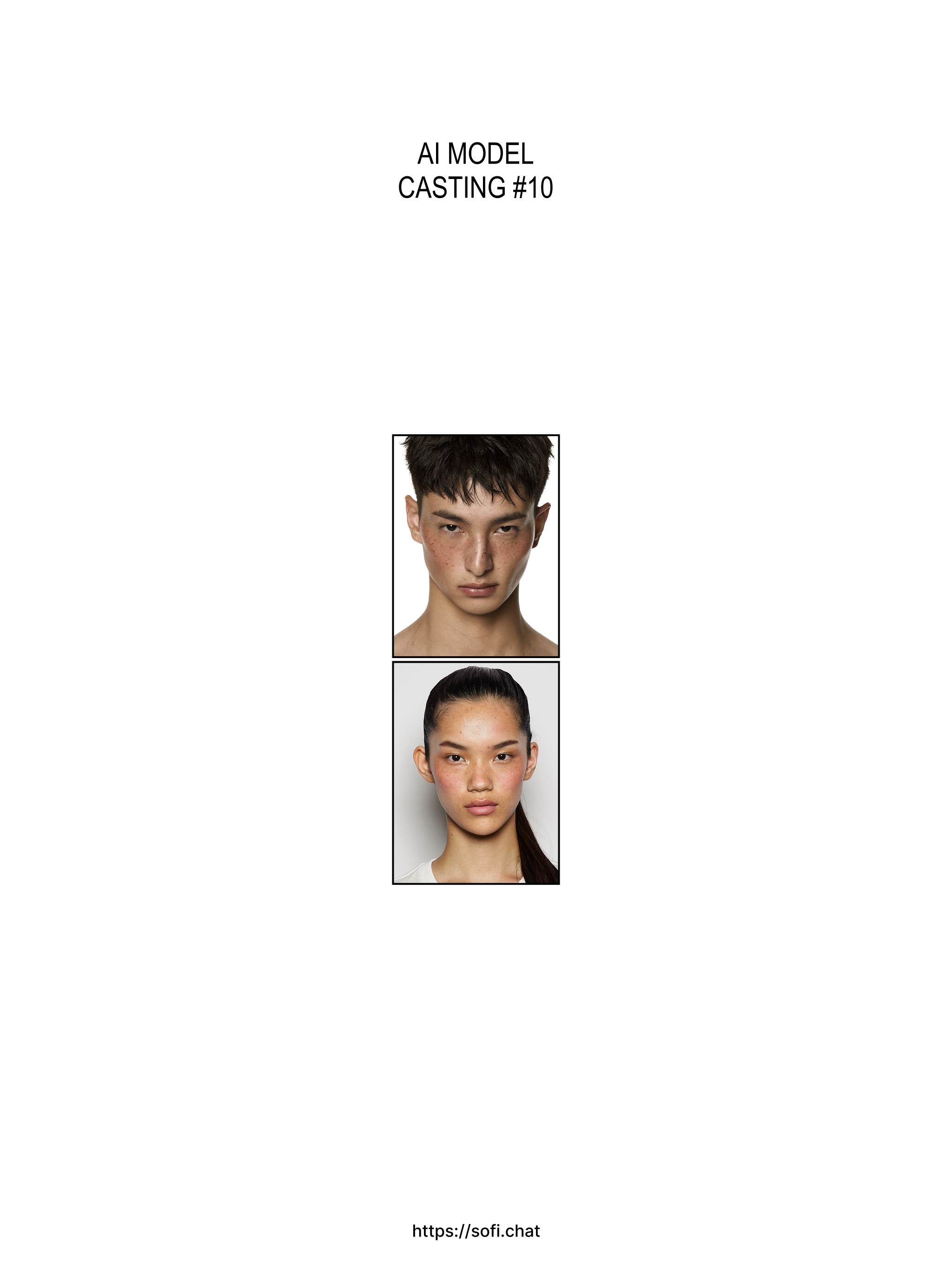
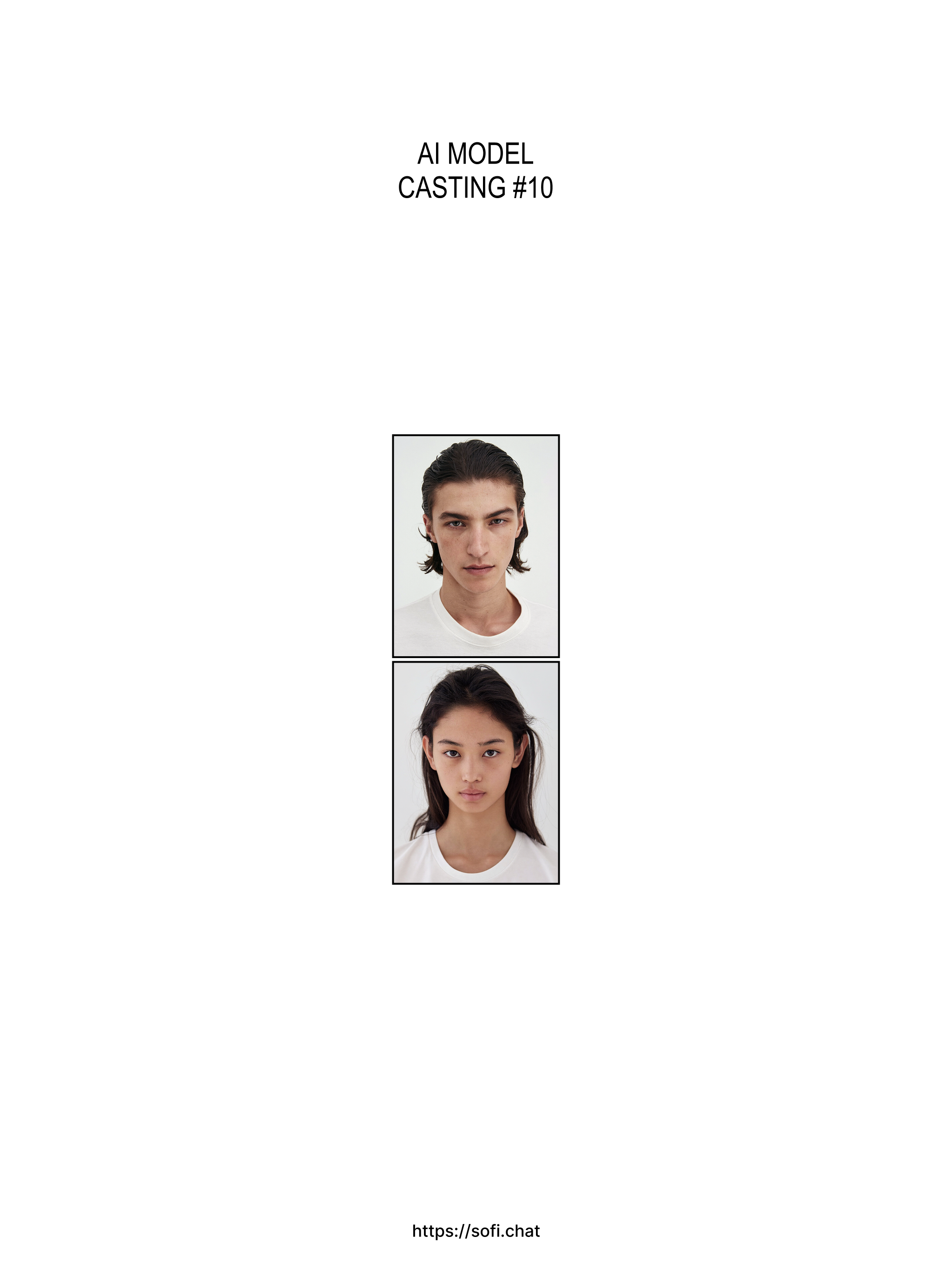
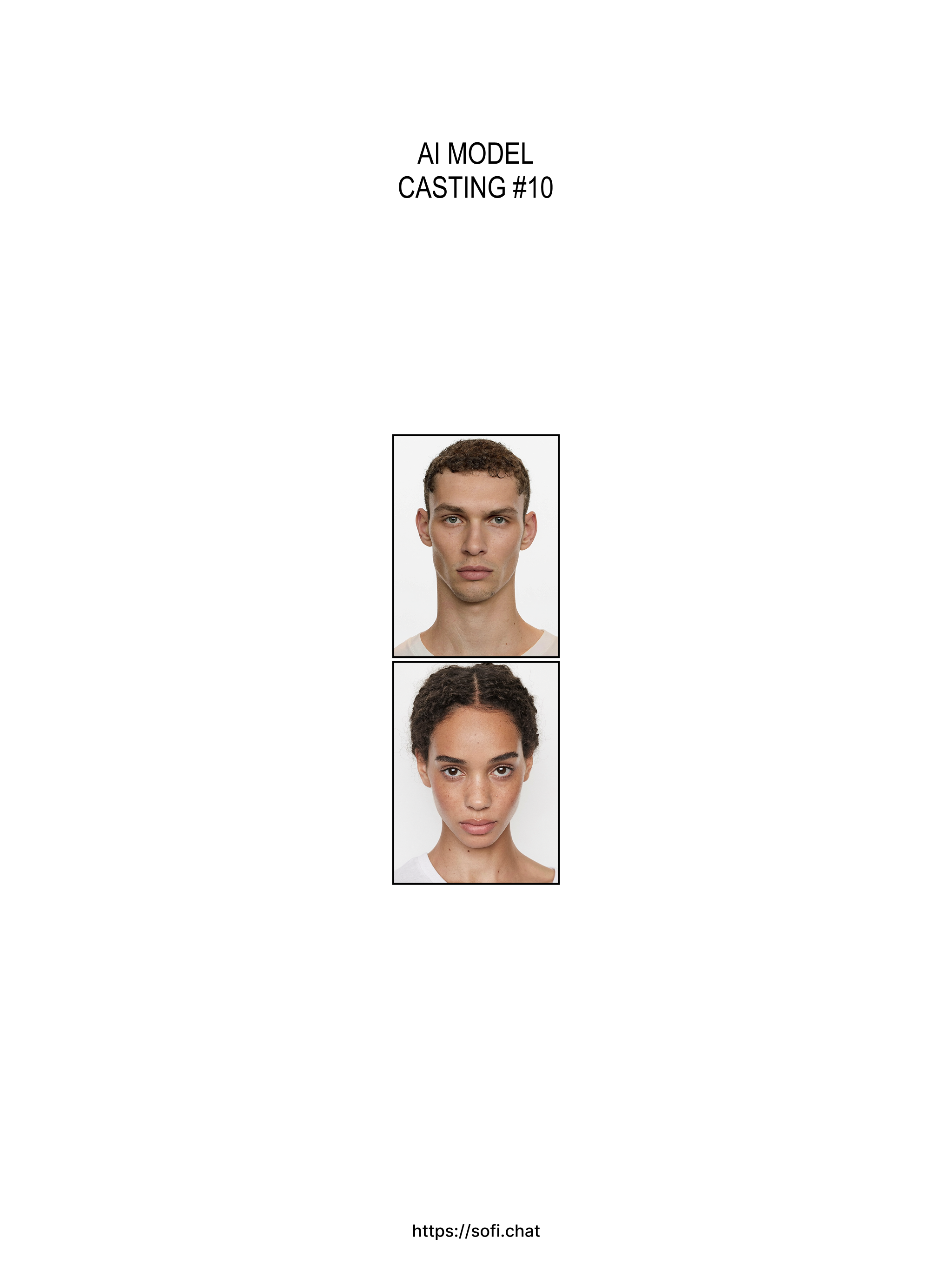
New models are added
Discover new models that match your brand mood. New models are updated every Wednesday.
― 2026-05-06
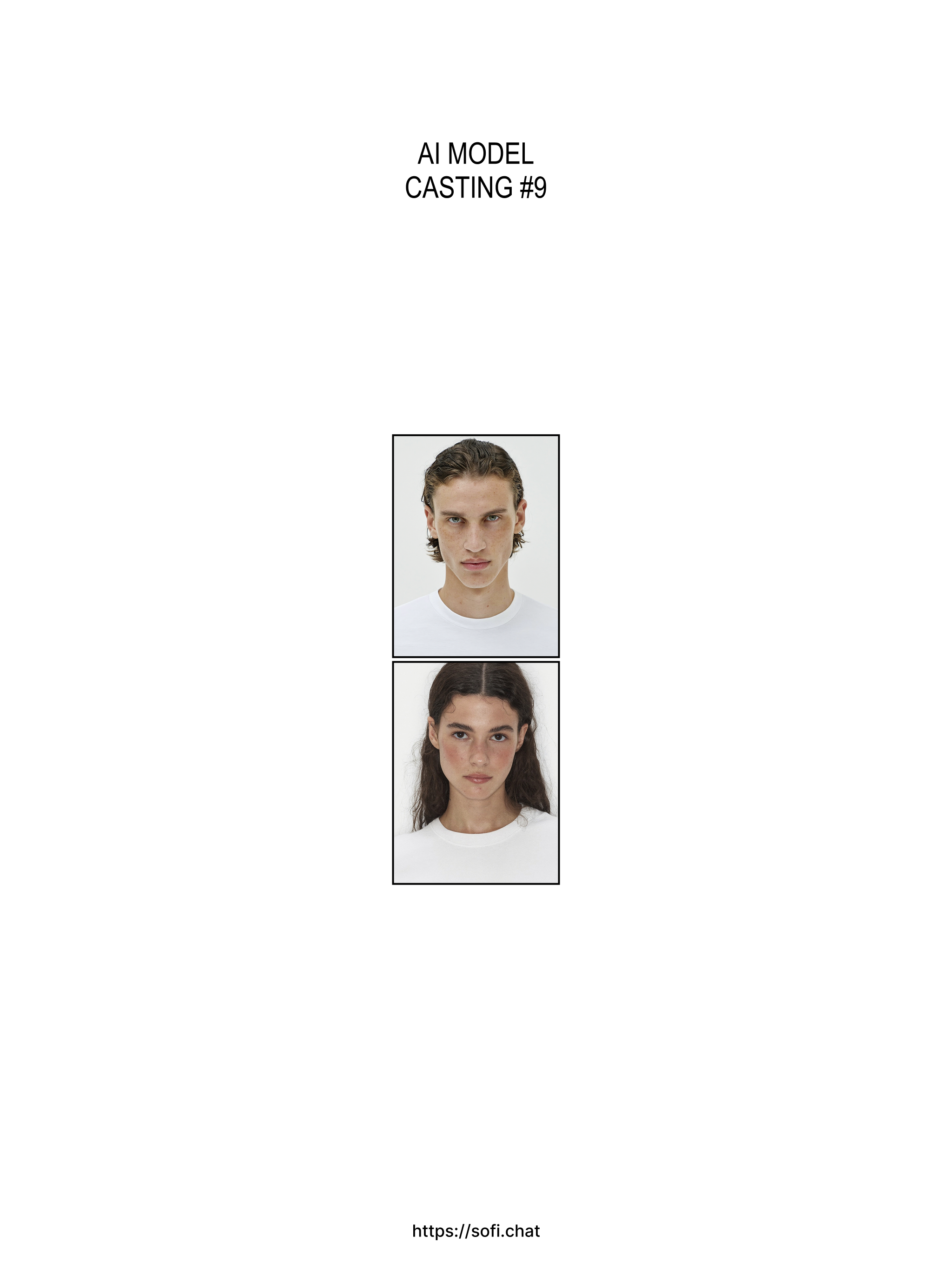
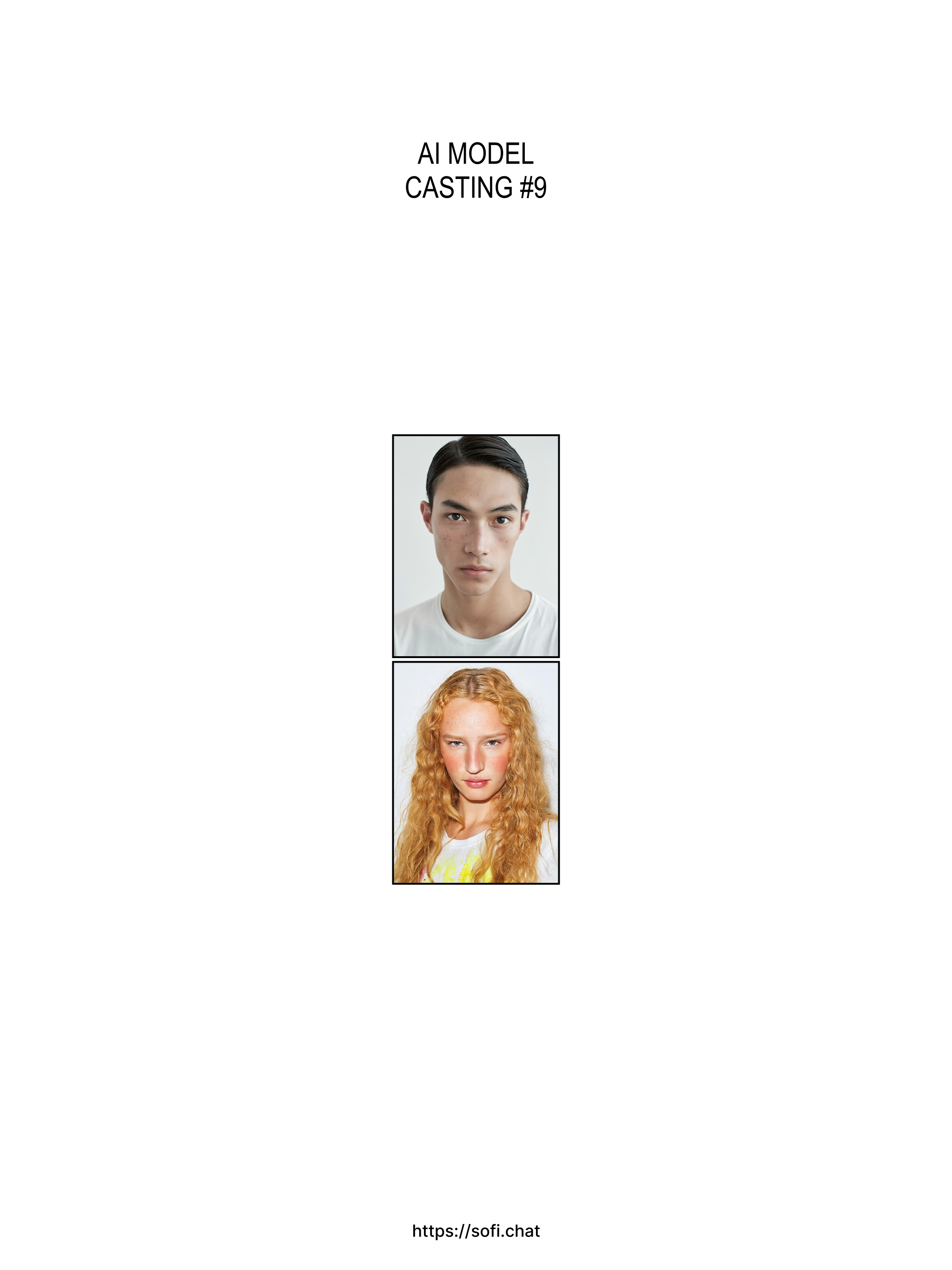
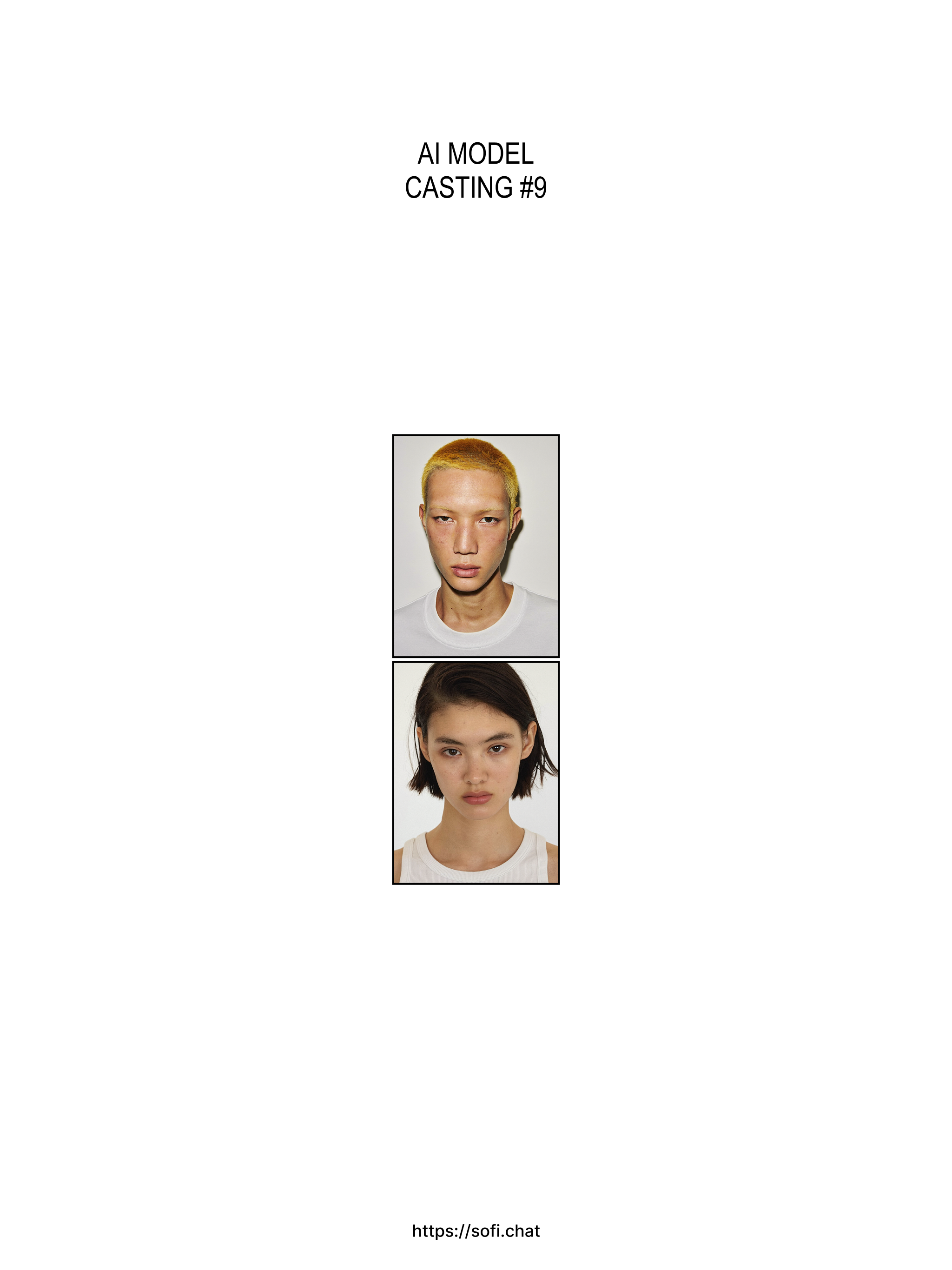
New models are added
Discover new models that match your brand mood. New models are updated every Wednesday.
― 2026-05-03
Variate angle and pose easily
We've made it easier to change poses and angles. Upload a product image that matches the desired angle for better results.
― 2026-04-30
Improve image quality
Restore quality on images that have become degraded. Try it when image edits leave the result looking blurry or low-res.
― 2026-04-29
New models are added
Discover new models that match your brand mood. New models are updated every Wednesday.
― 2026-04-22
New models are added
Discover new models that match your brand mood. New models are updated every Wednesday.
― 2026-04-15
New models are added
Discover new models that match your brand mood. New models are updated every Wednesday.
― 2026-04-09
Save & manage your own locations
Upload a location image and save it as a reusable preset. ― The generated background references your image, so results may not be an exact match.
― 2026-04-02
Upload a pose image, get a pose prompt
Upload a pose reference and Sofi automatically extracts a pose prompt. Save it and reuse it anytime. ― The uploaded image is converted into a text prompt, so the result may differ from the exact pose.
― 2026-03-24
Auto-retry for better face accuracy
Sofi now analyzes face similarity and automatically retries when a different person appears. You'll see a 'RE-GENERATING' overlay while it works — no extra credits charged for retries!
― 2026-03-20
Face & Body morph editor
We added a new editor to fine-tune your generated images. Adjust eyes, nose, mouth, face shape, and body proportions with sliders — or use the freeform brush to warp and fill manually.
― 2026-03-17
Face auto-detection & masking
Face Swap mode now automatically detects and crops faces from your uploaded images. Faces are also auto-masked for cleaner swaps. ― Low-resolution or undetected faces will show a warning.
― 2026-03-14
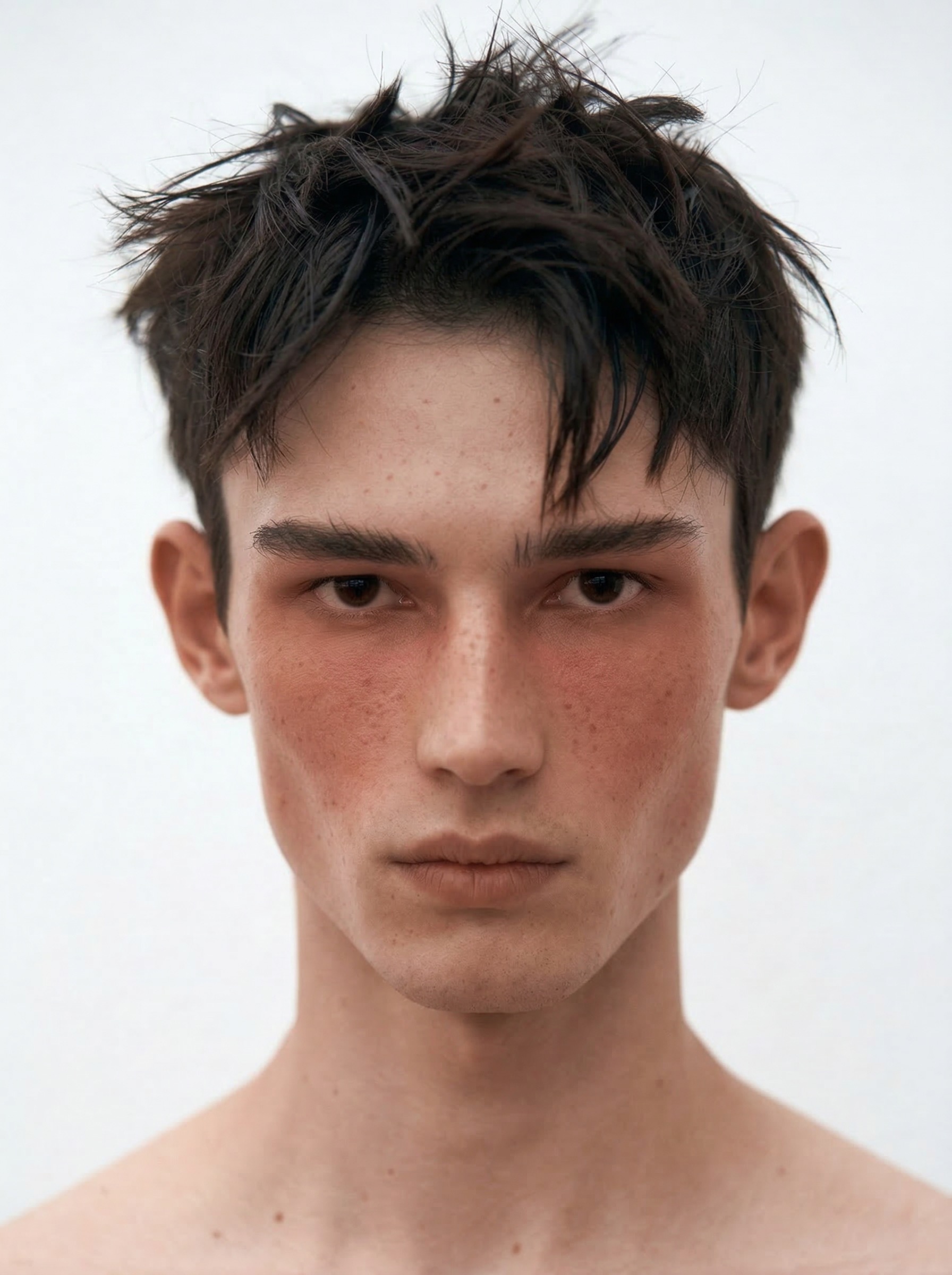
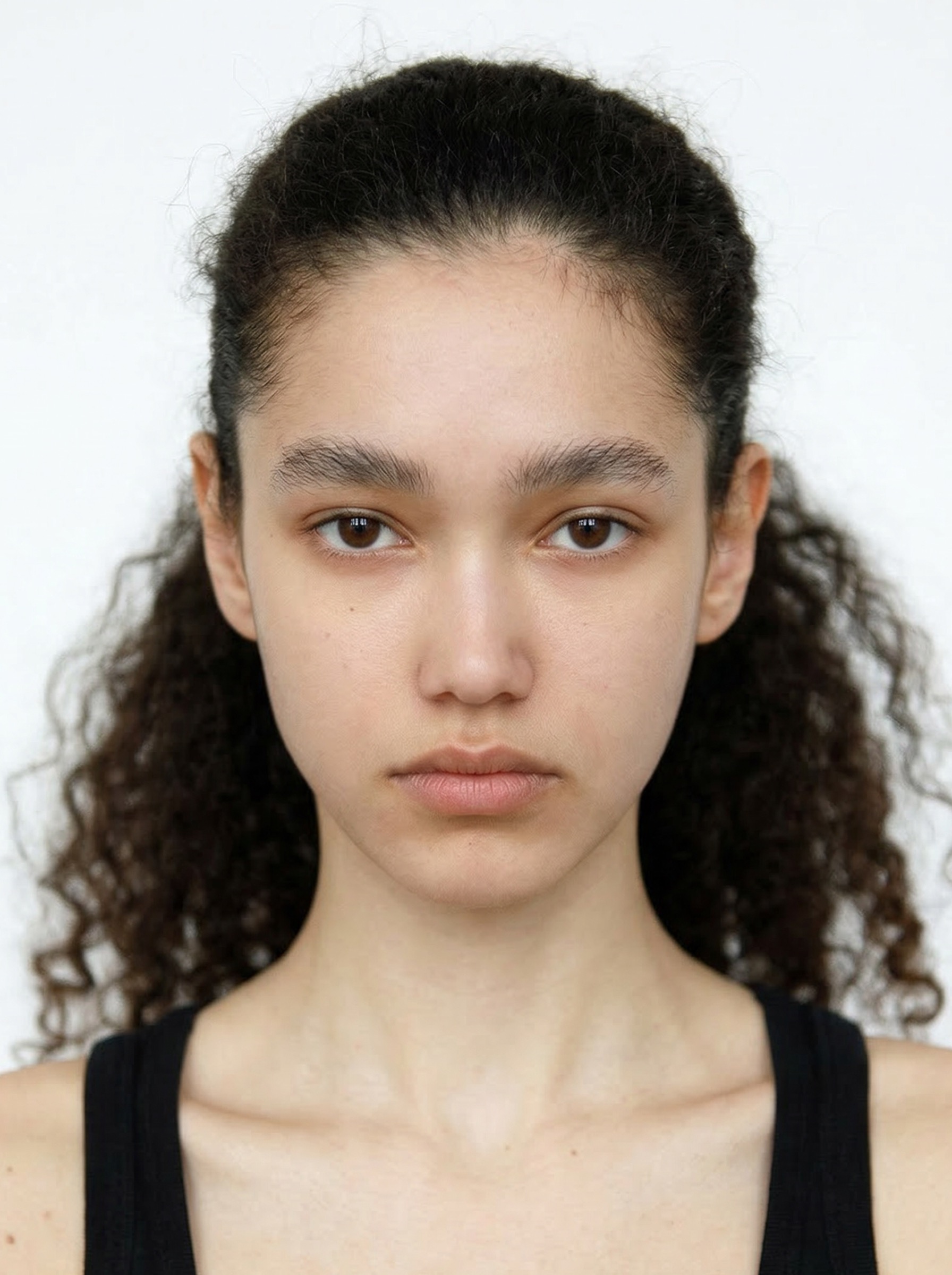
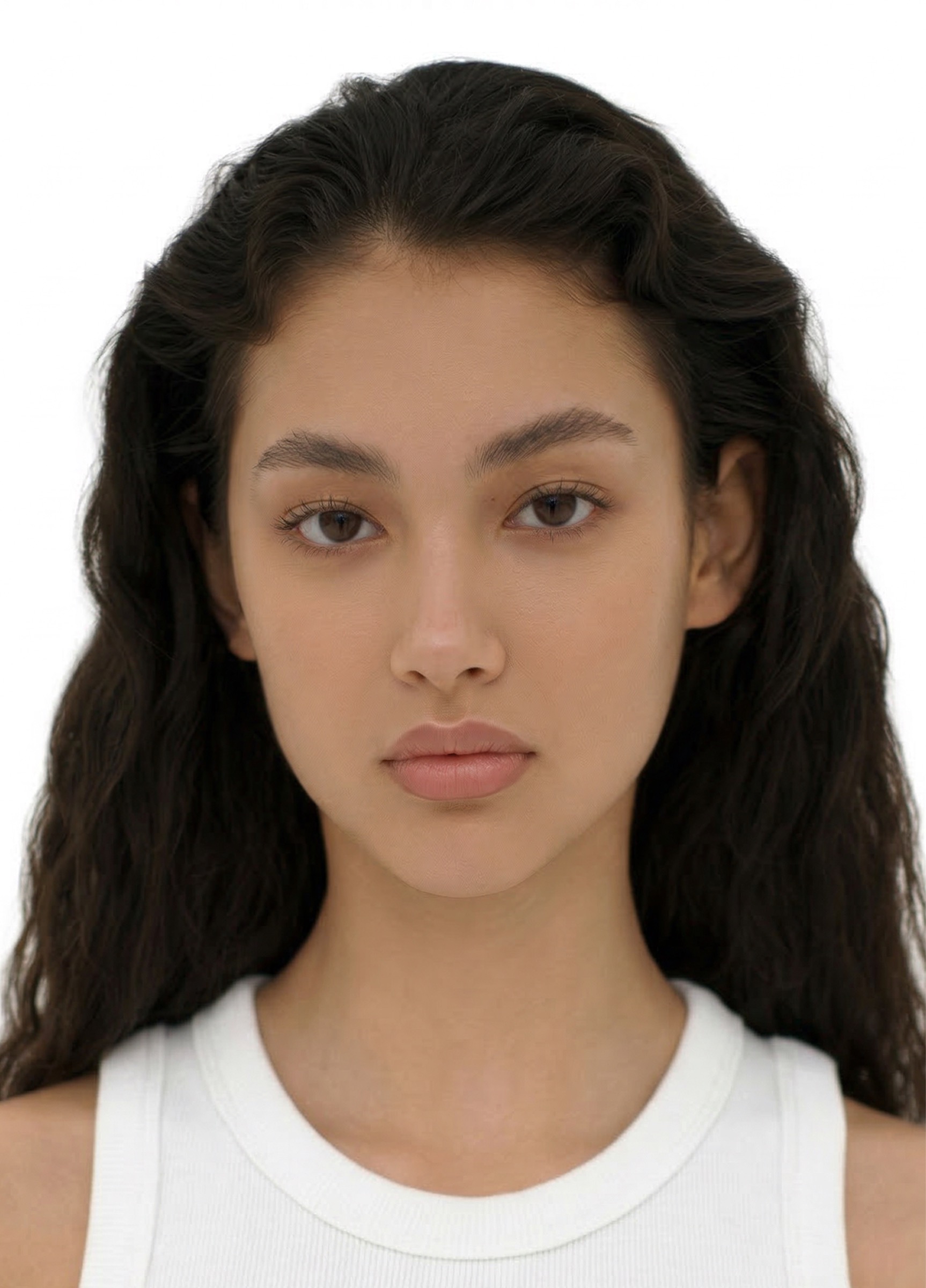
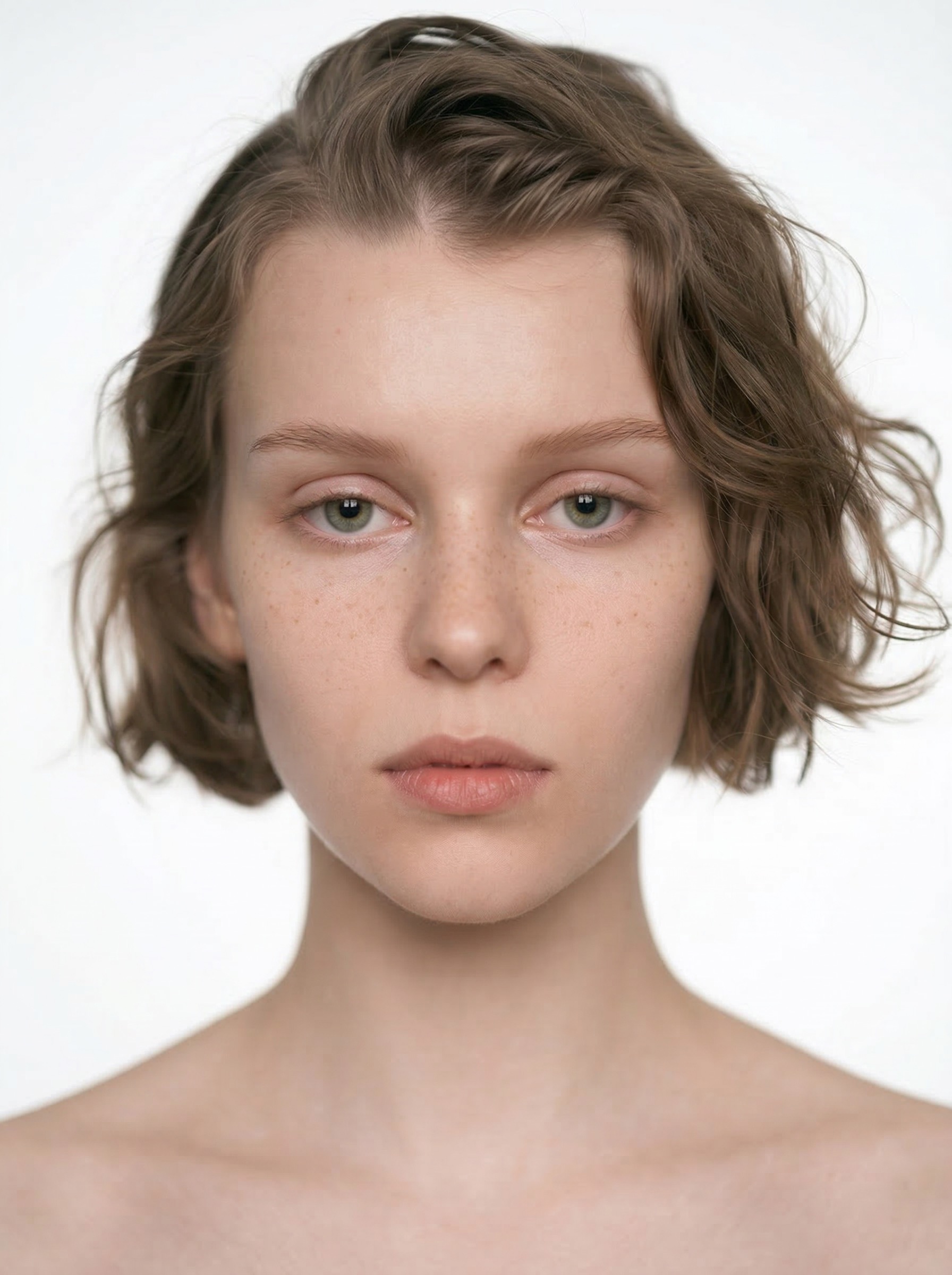
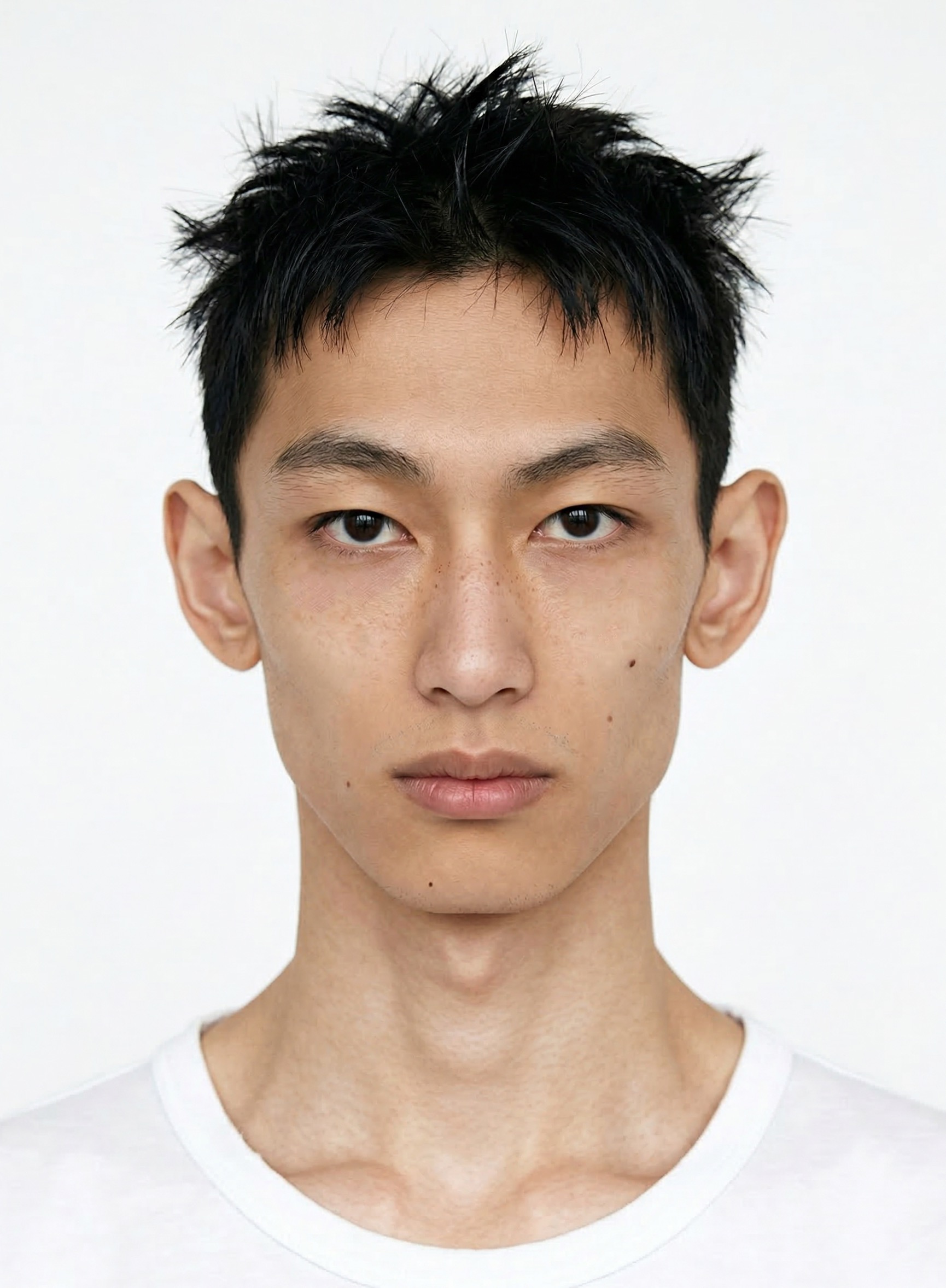
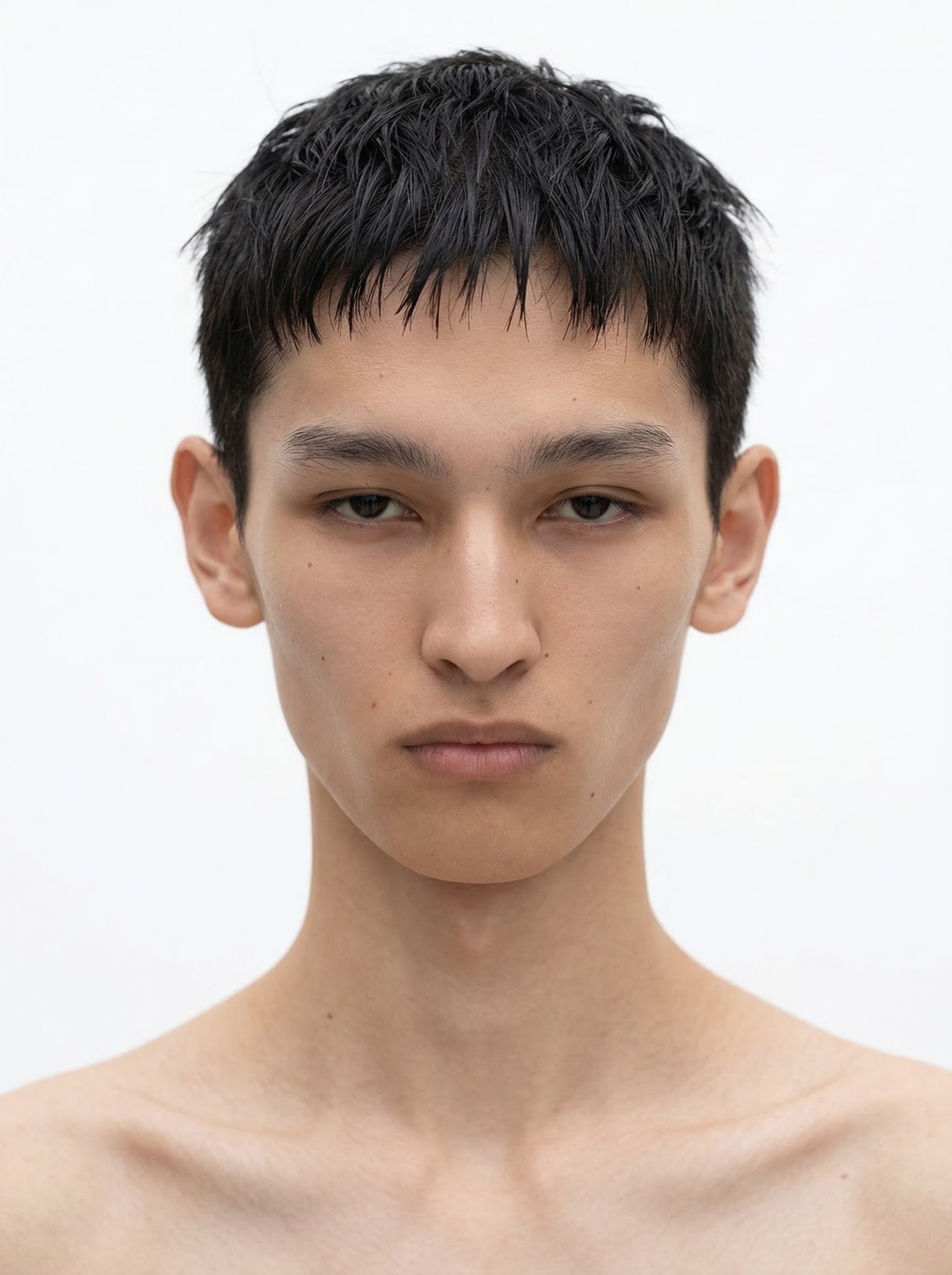
6 New models stocked
Gender-neutral models reflecting your most requested styles. Every Sofi model is carefully crafted and curated — refined down to the shape of the eyes, nose, lips, and facial contours.
― 2026-03-10
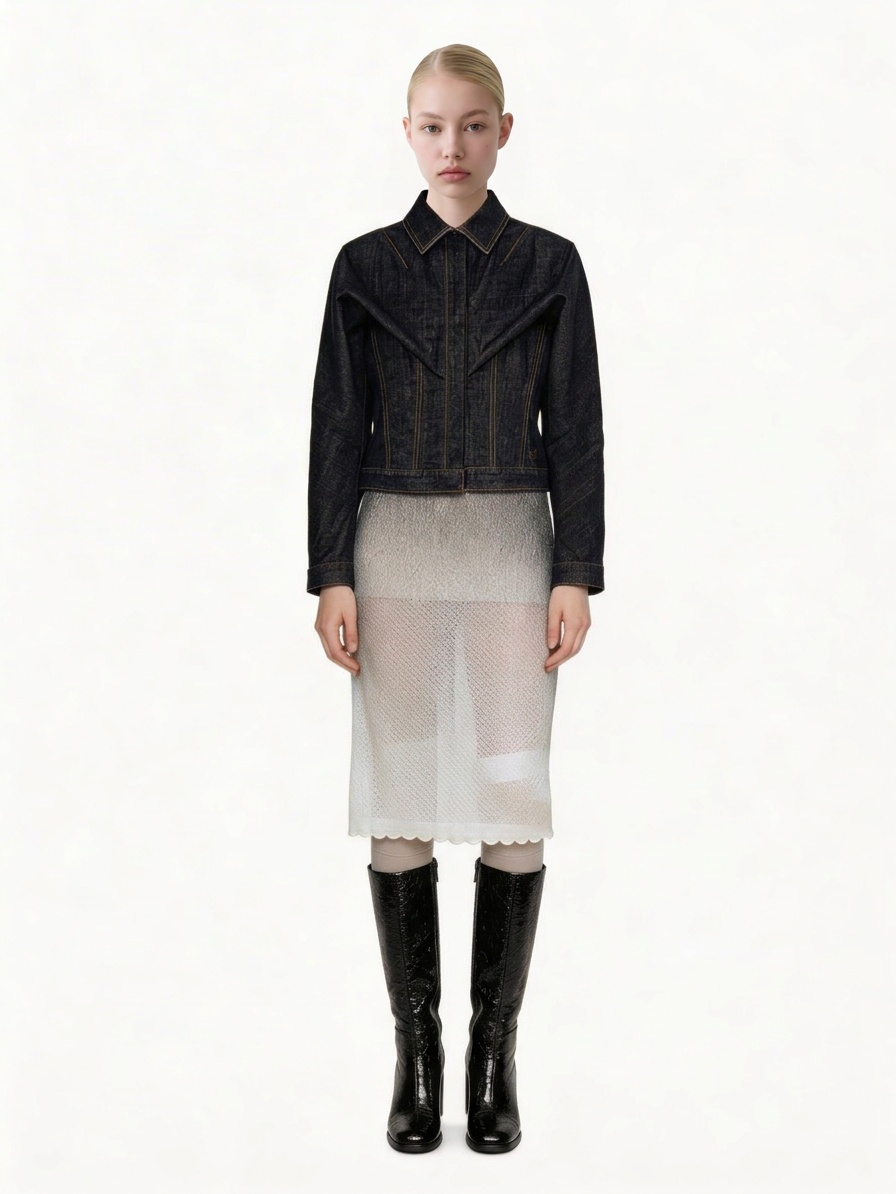
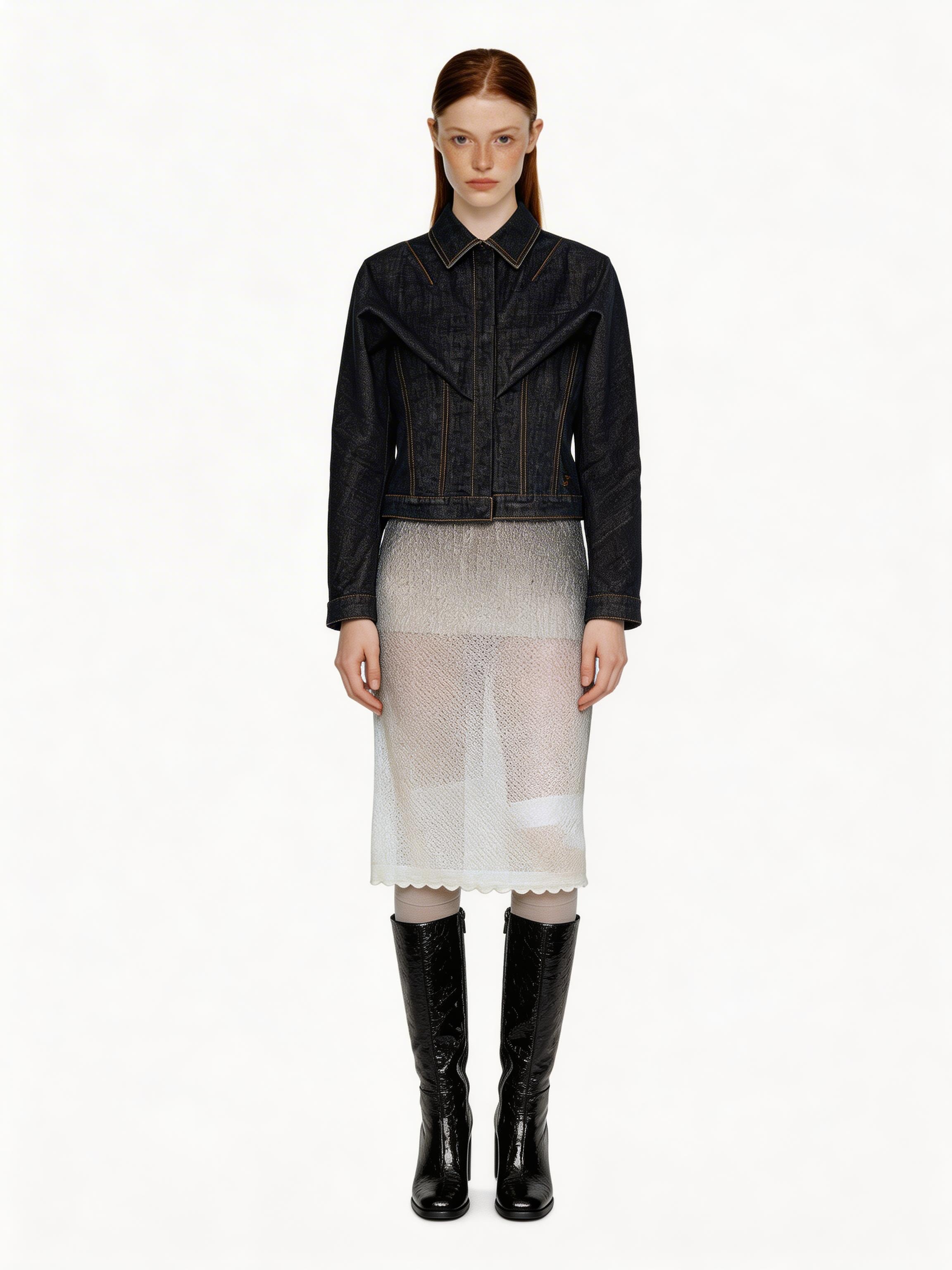
Face Swap mode improved!
Outputs are now more consistent and reliable. ― Side profiles, tilted heads, or faces that aren't clearly visible may still be less accurate.
― 2026-03-09
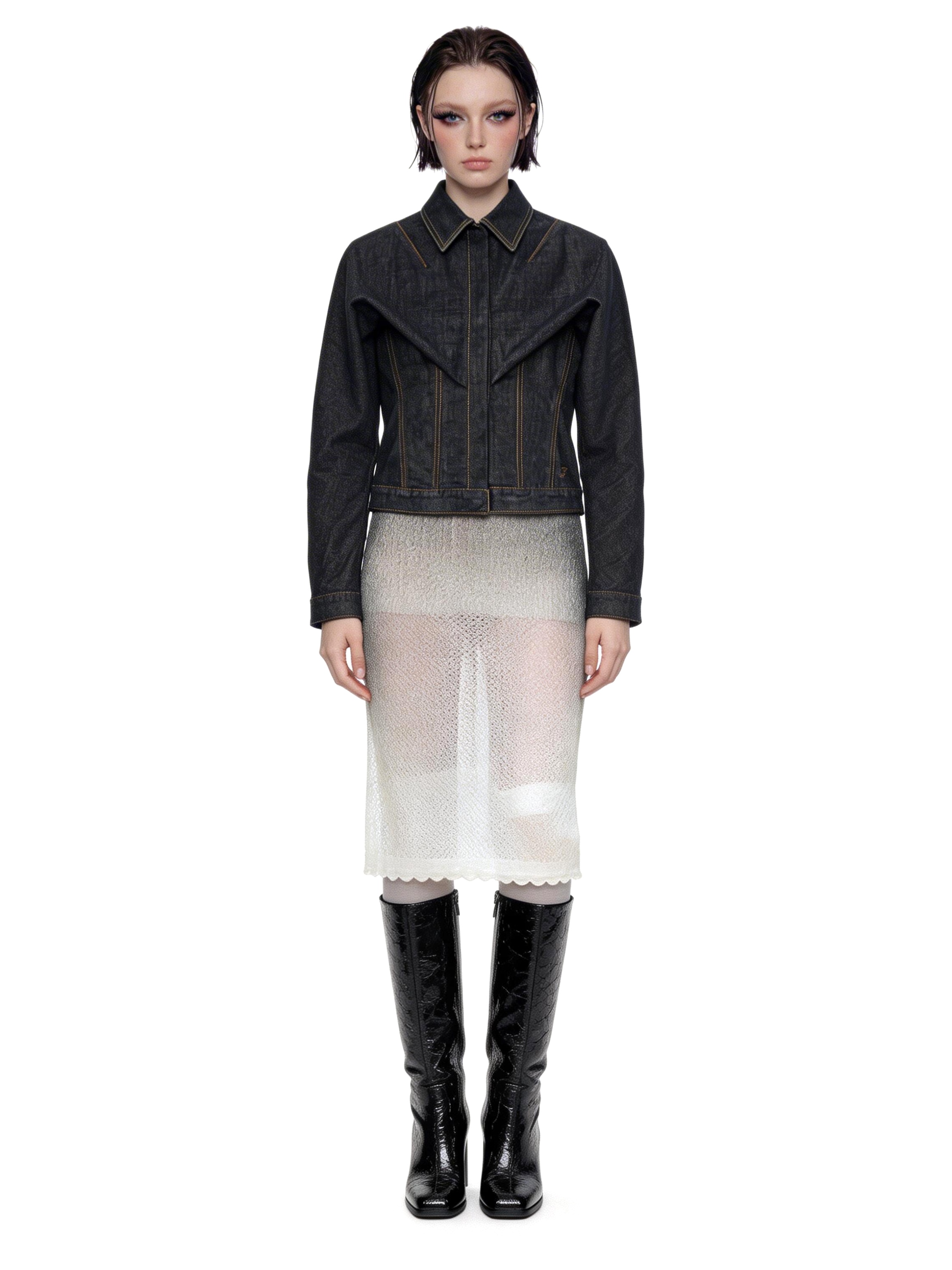
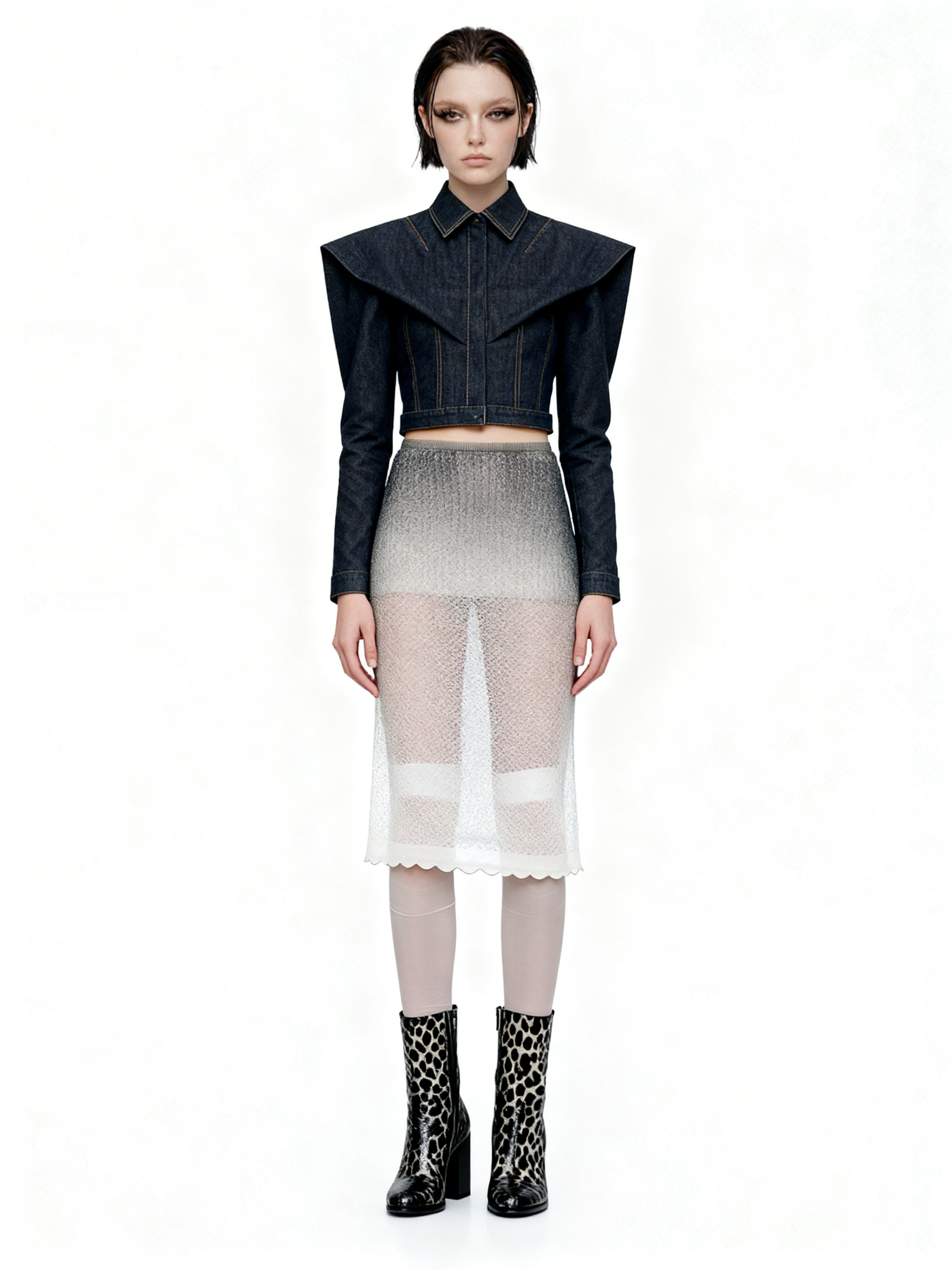
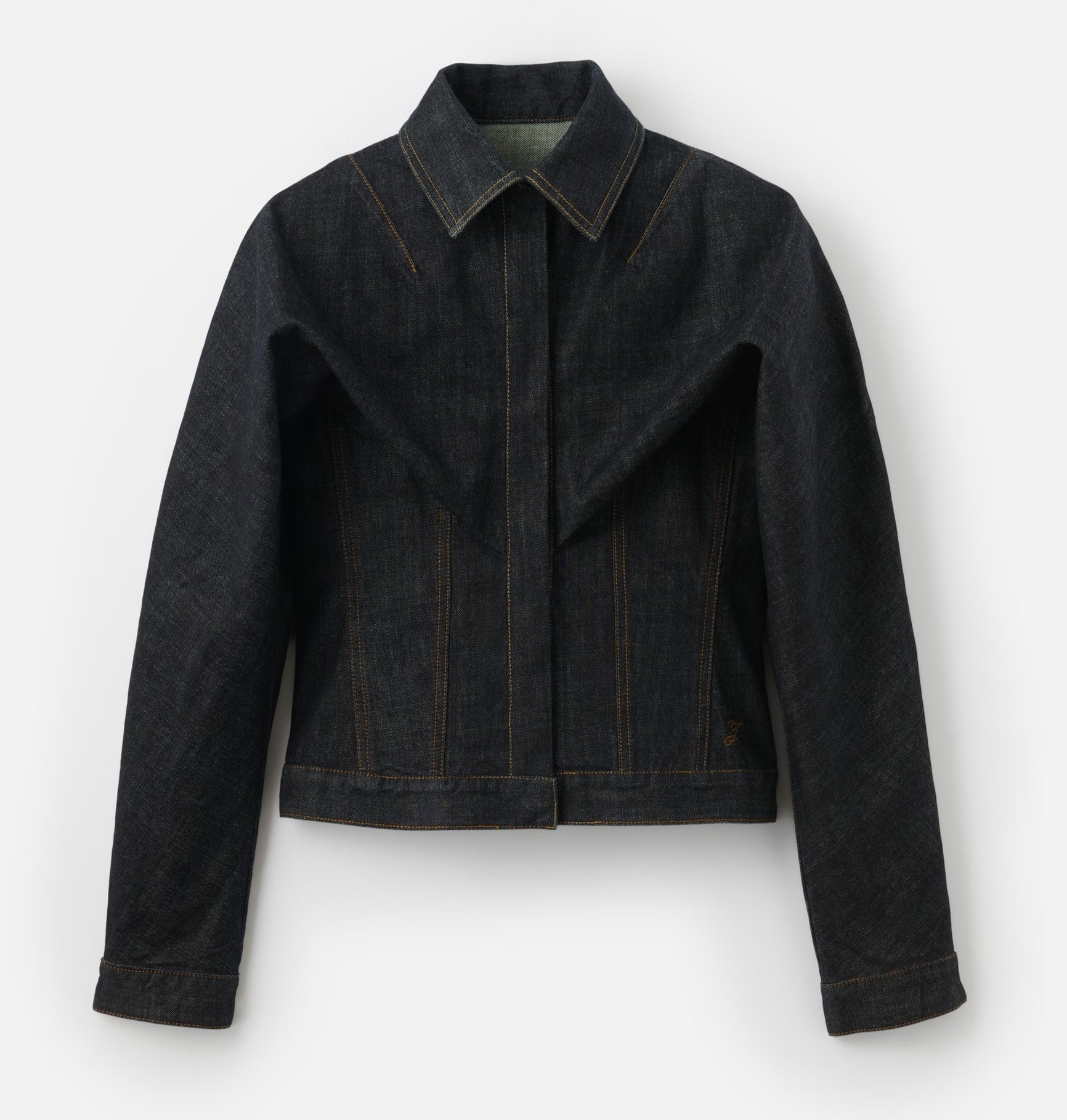
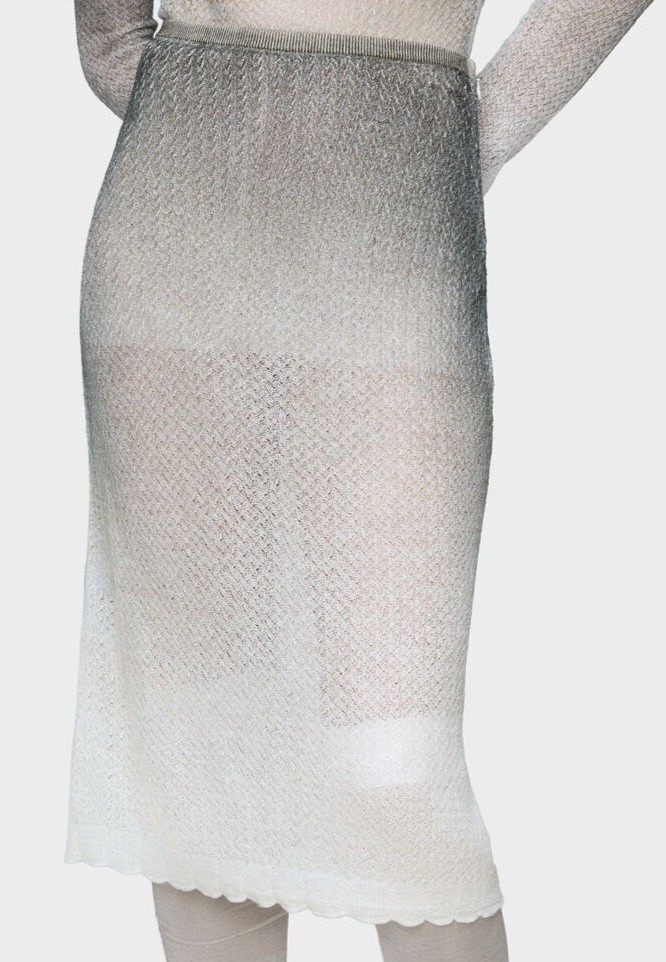
'V1 On-Model' mode significantly improved!
V1 doesn’t dress “creatively” anymore. Multiple outfit images are now extracted much more reliably. ― Does not apply to Free Edit mode. ― If v2 felt too expensive, try generating basic on-model shots with v1!
― 2026-03-07
Team feature is live now
Now you can create images with your team members. Create your team and start collaborating. *Team feature is available from Lookbook plan.
Create your team →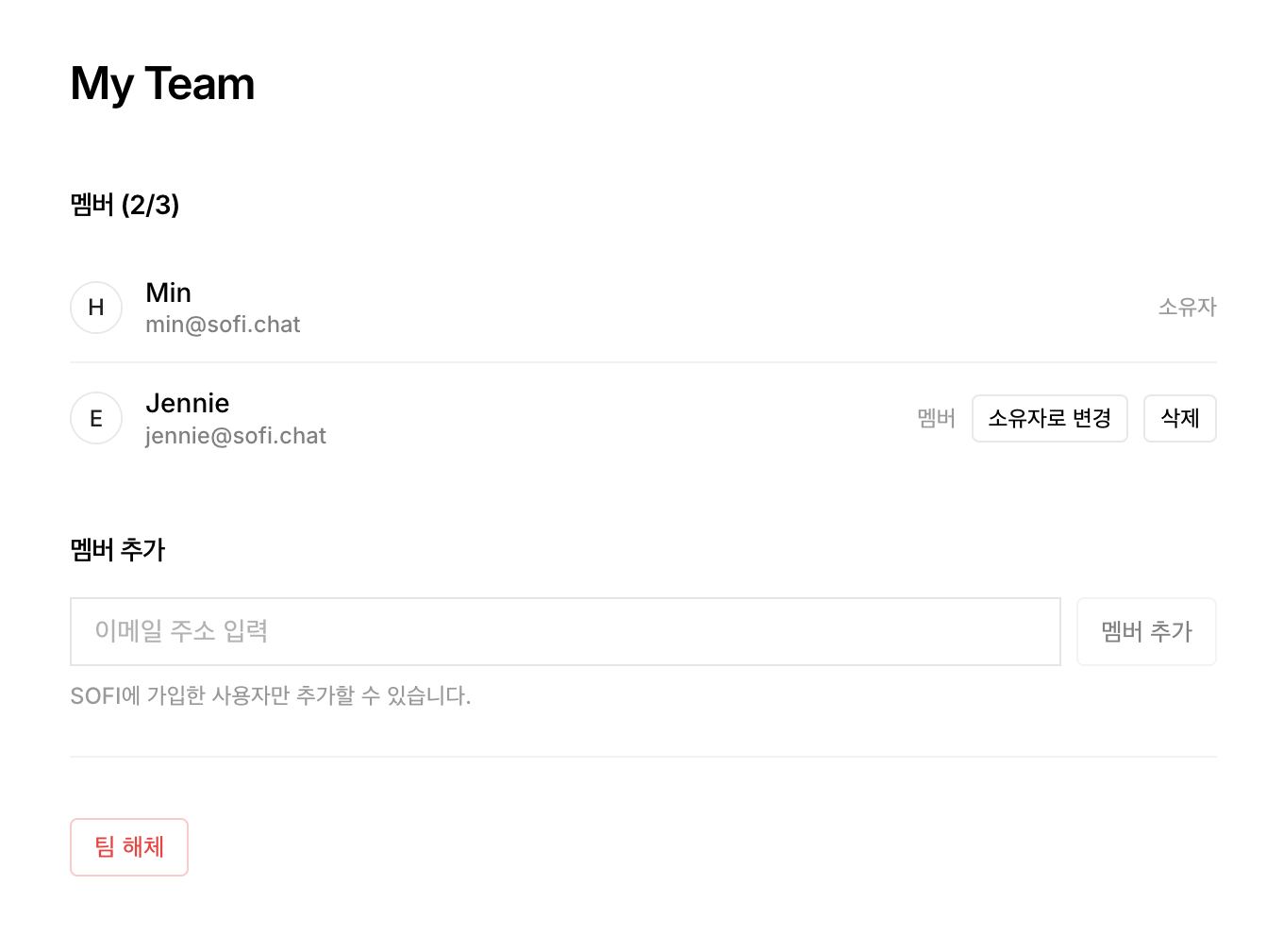
― 2026-03-03
Meet the new Look UI
See your results at a glance and organize ideas for your next collection and styling.