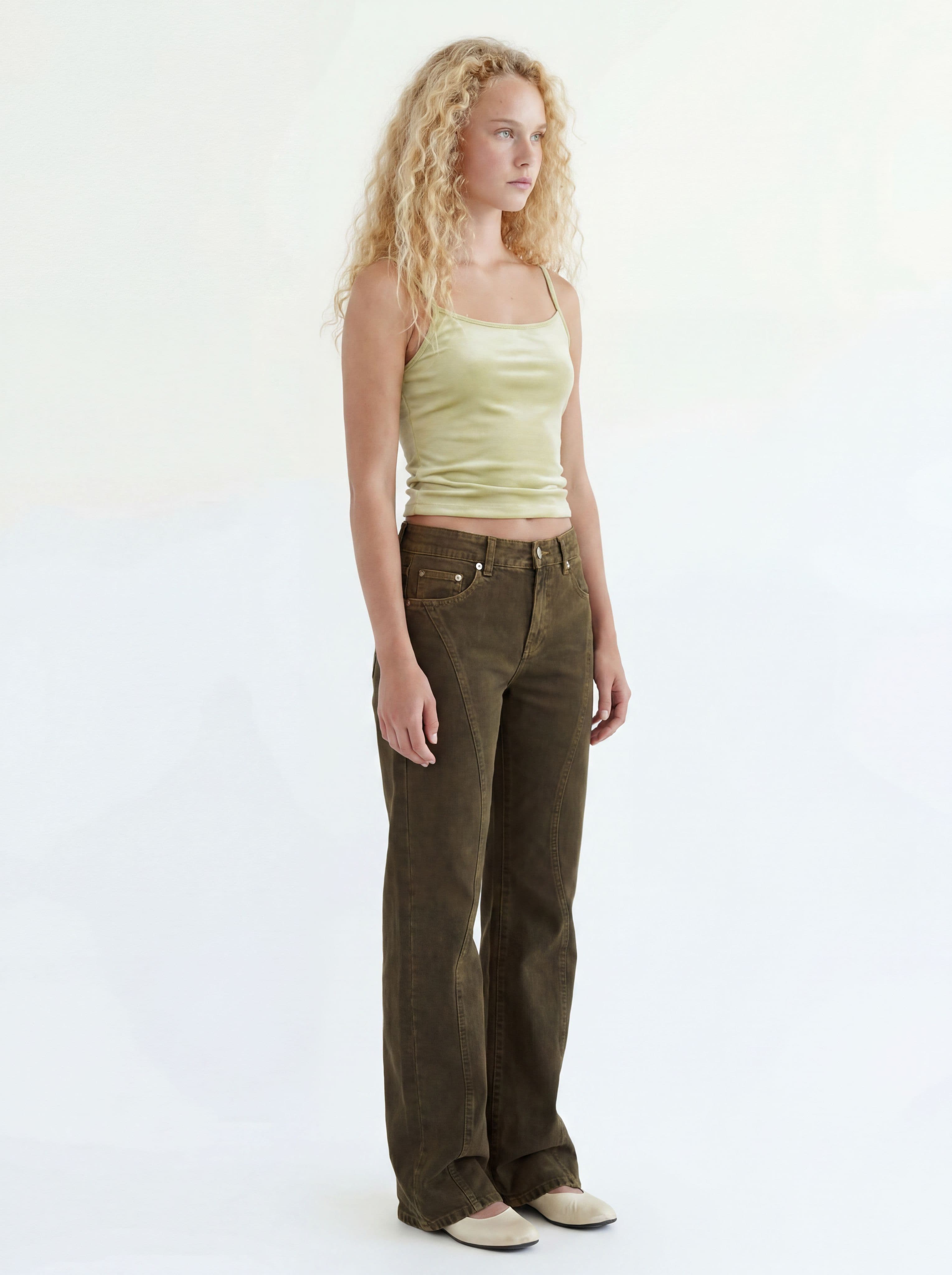
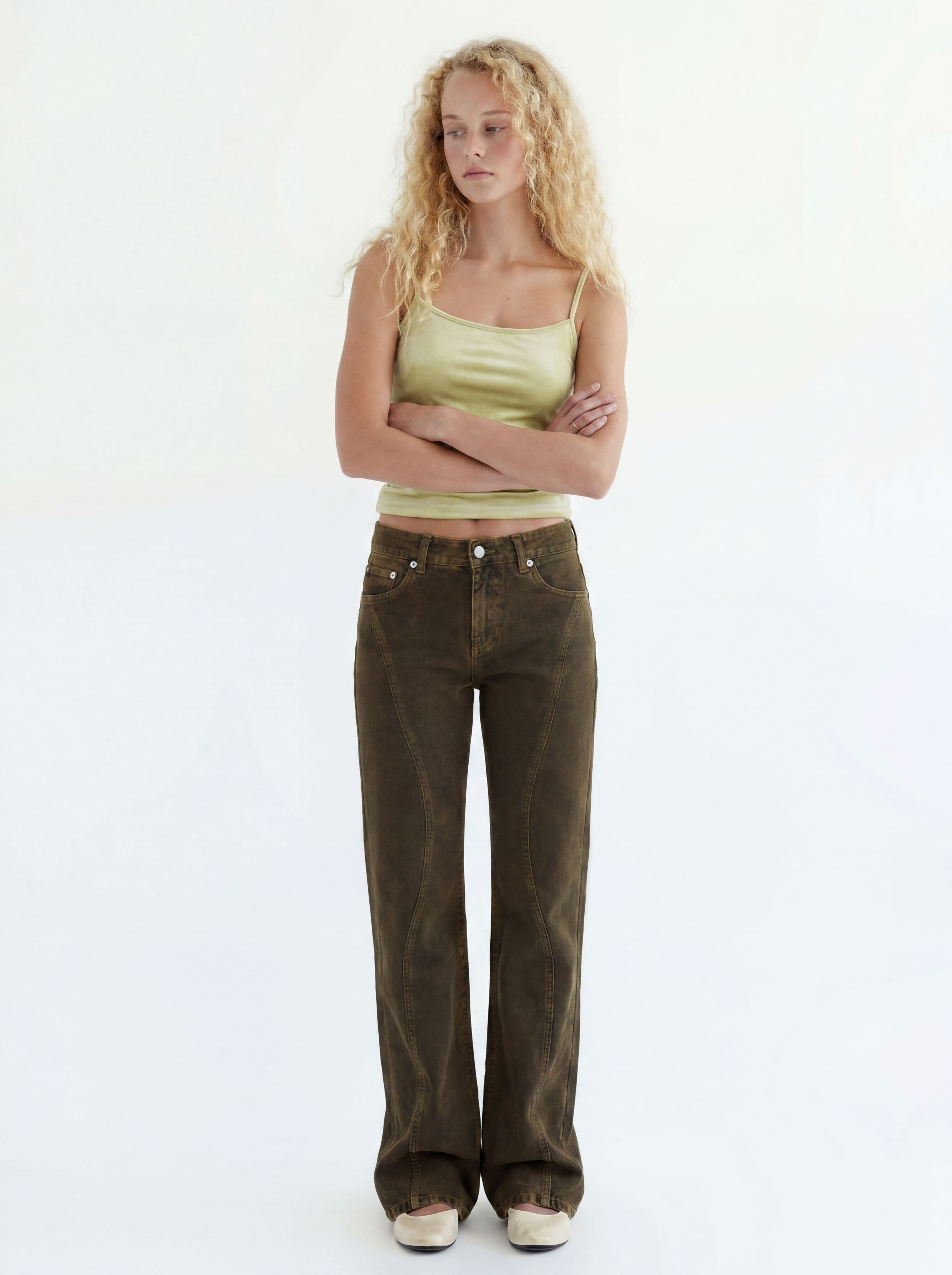
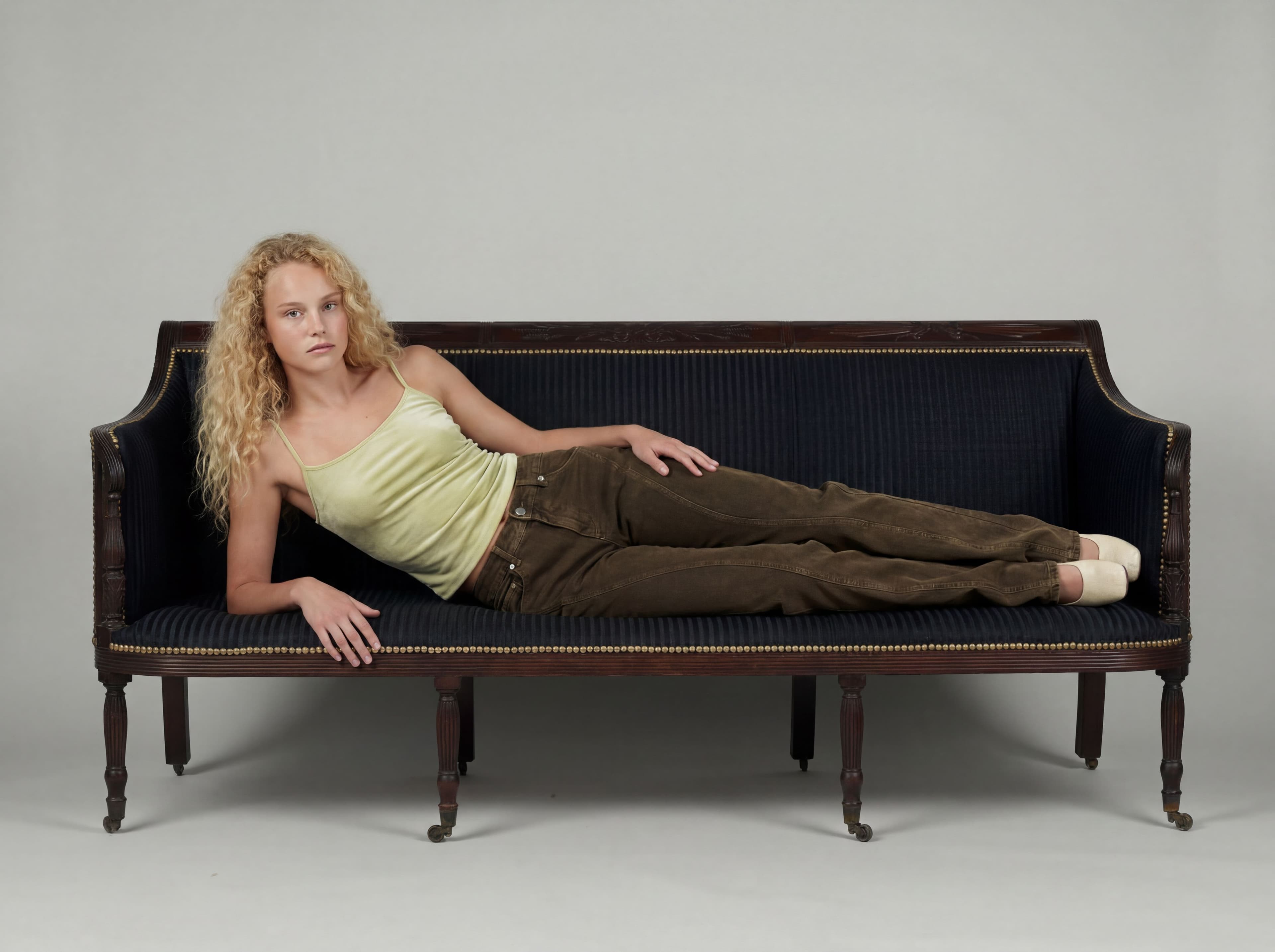
The base on-model cut
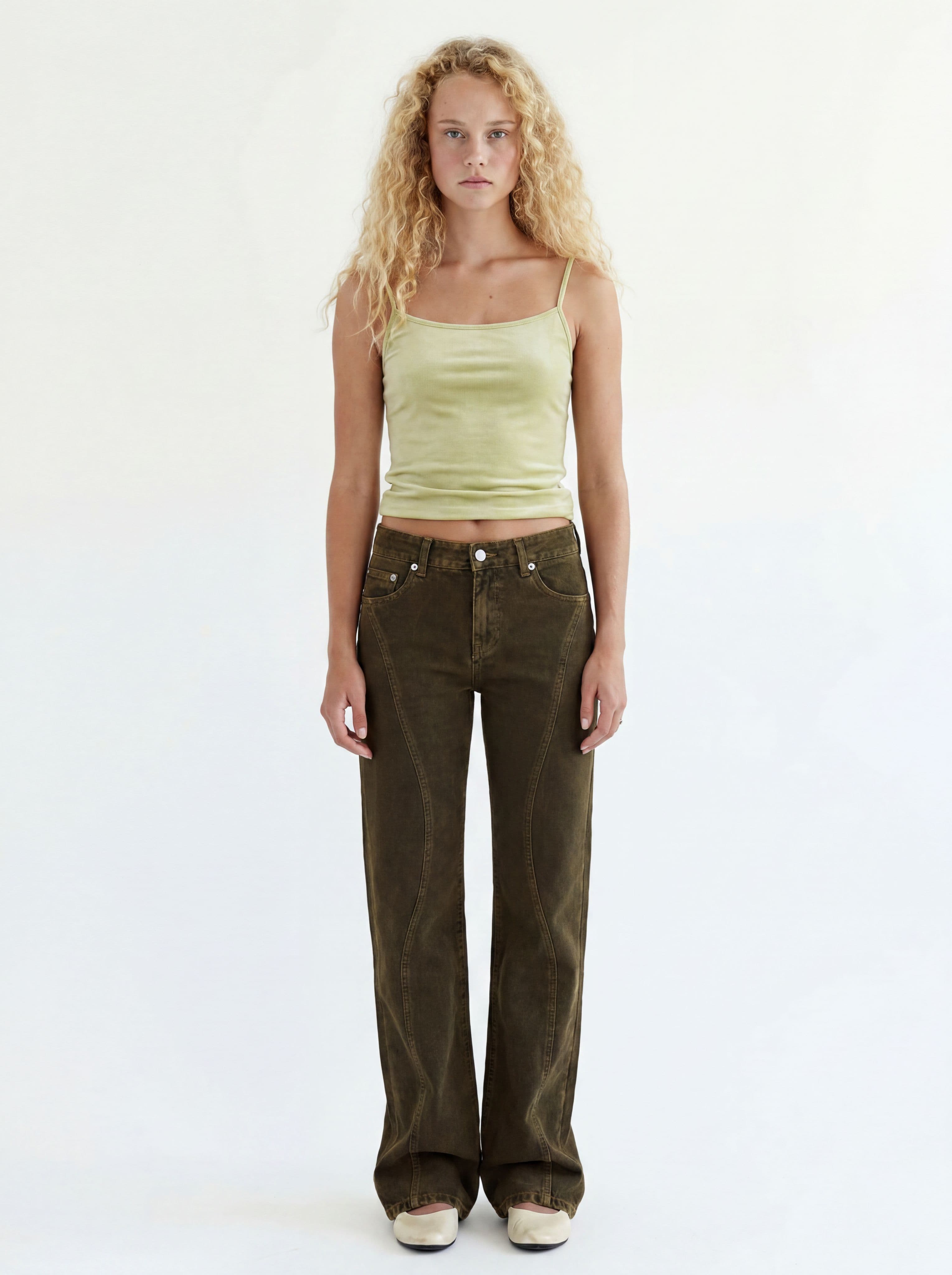
Upload product photos — get the base AI lookbook image of a model wearing them on a seamless studio backdrop.
It loads into the real prompt bar — just press generate.
How it works
Upload product photos
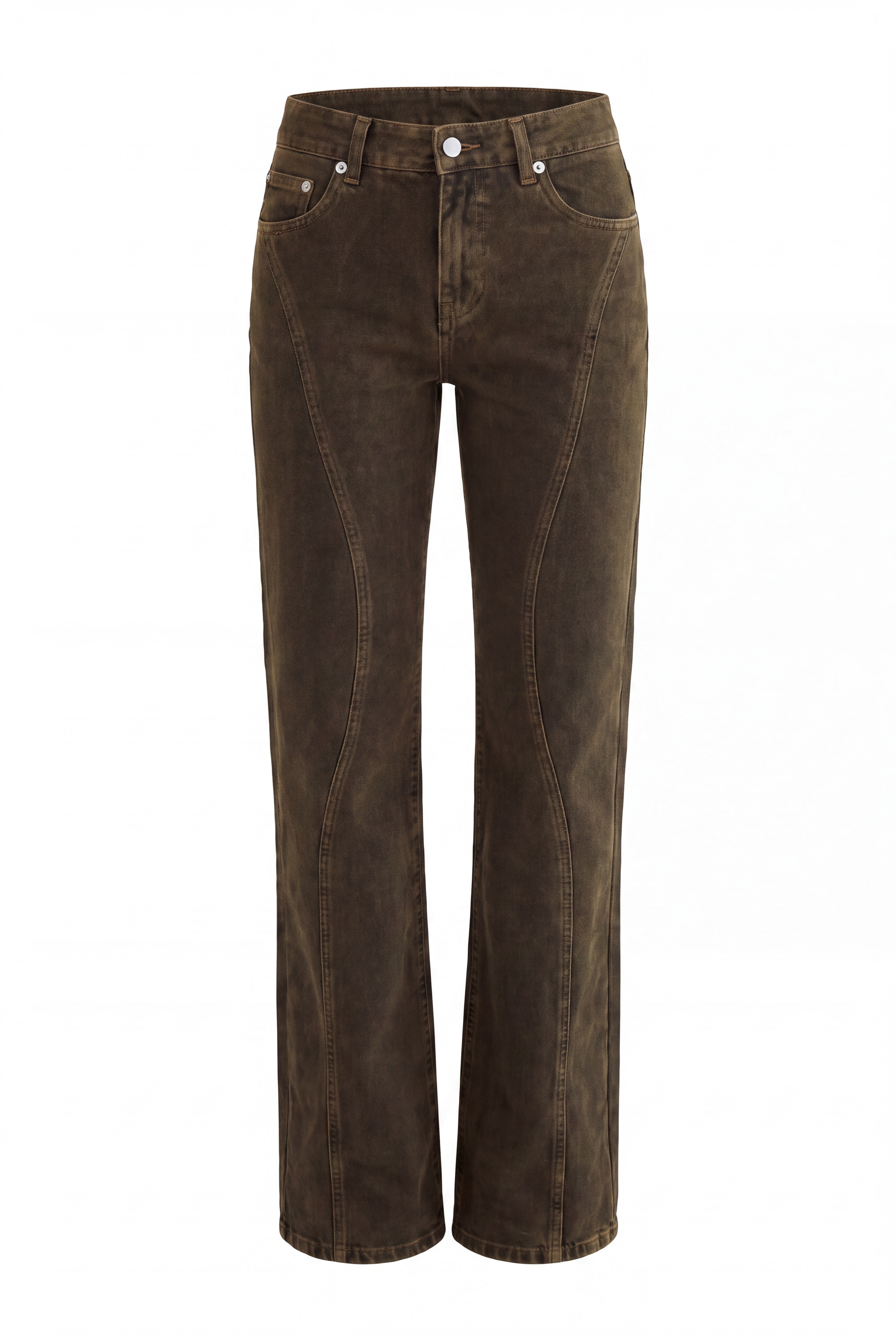
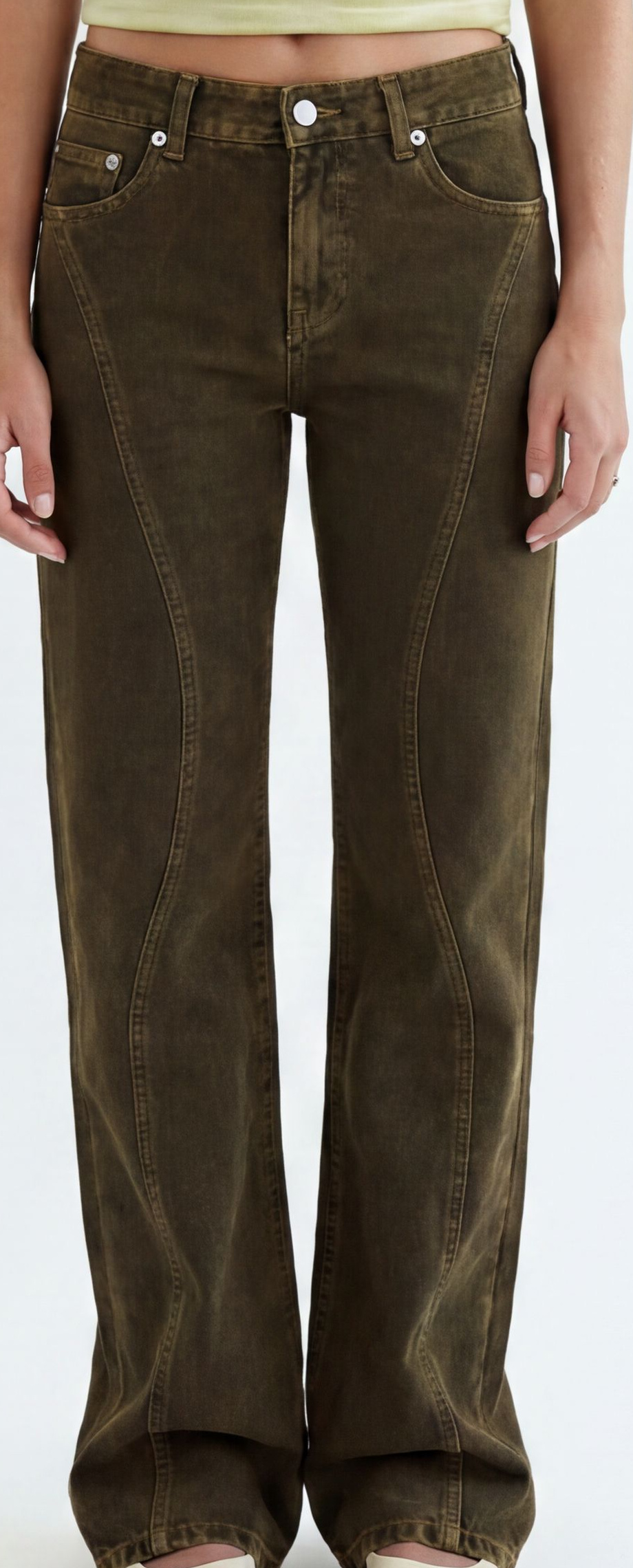
On-model, mannequin, or flat-lay — any photo works. More angles make the details more accurate.
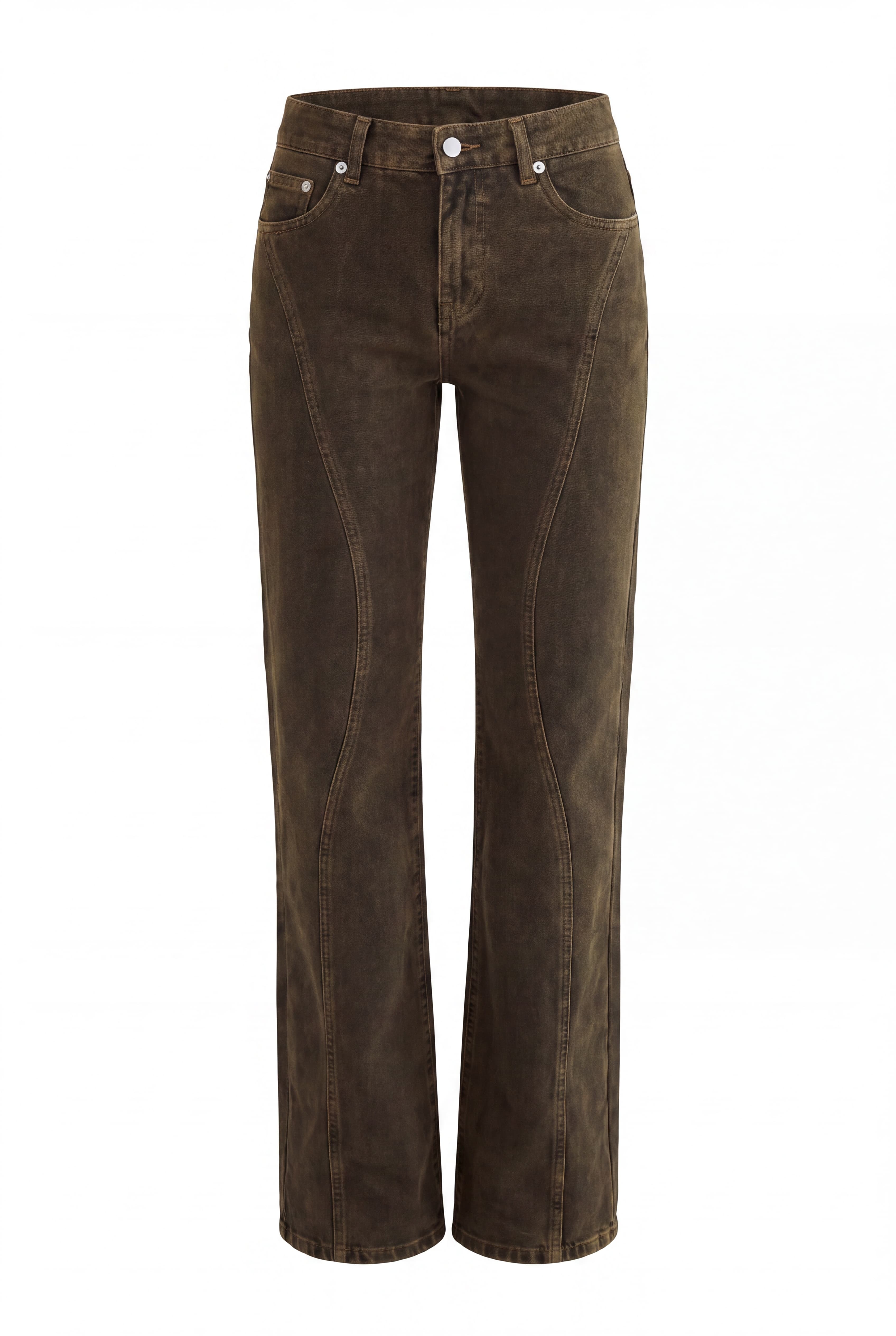
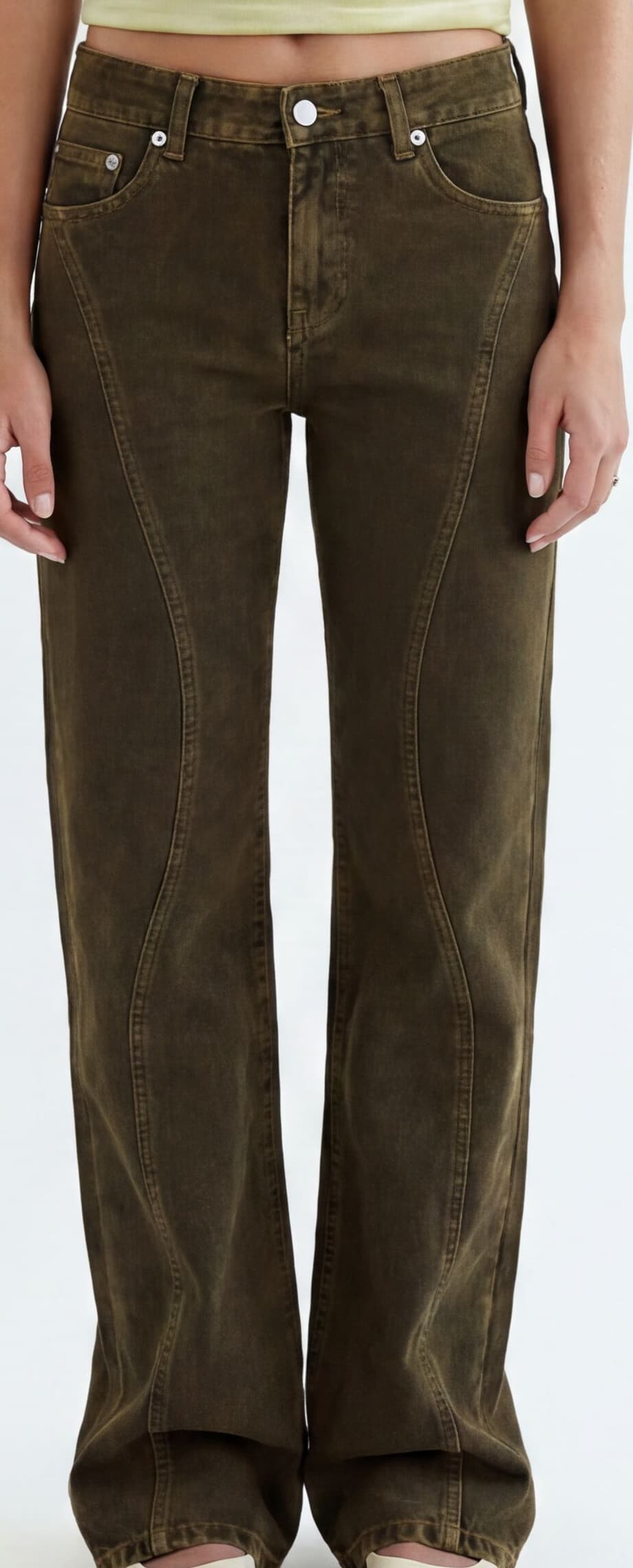
 Line Jean
 Line Jean
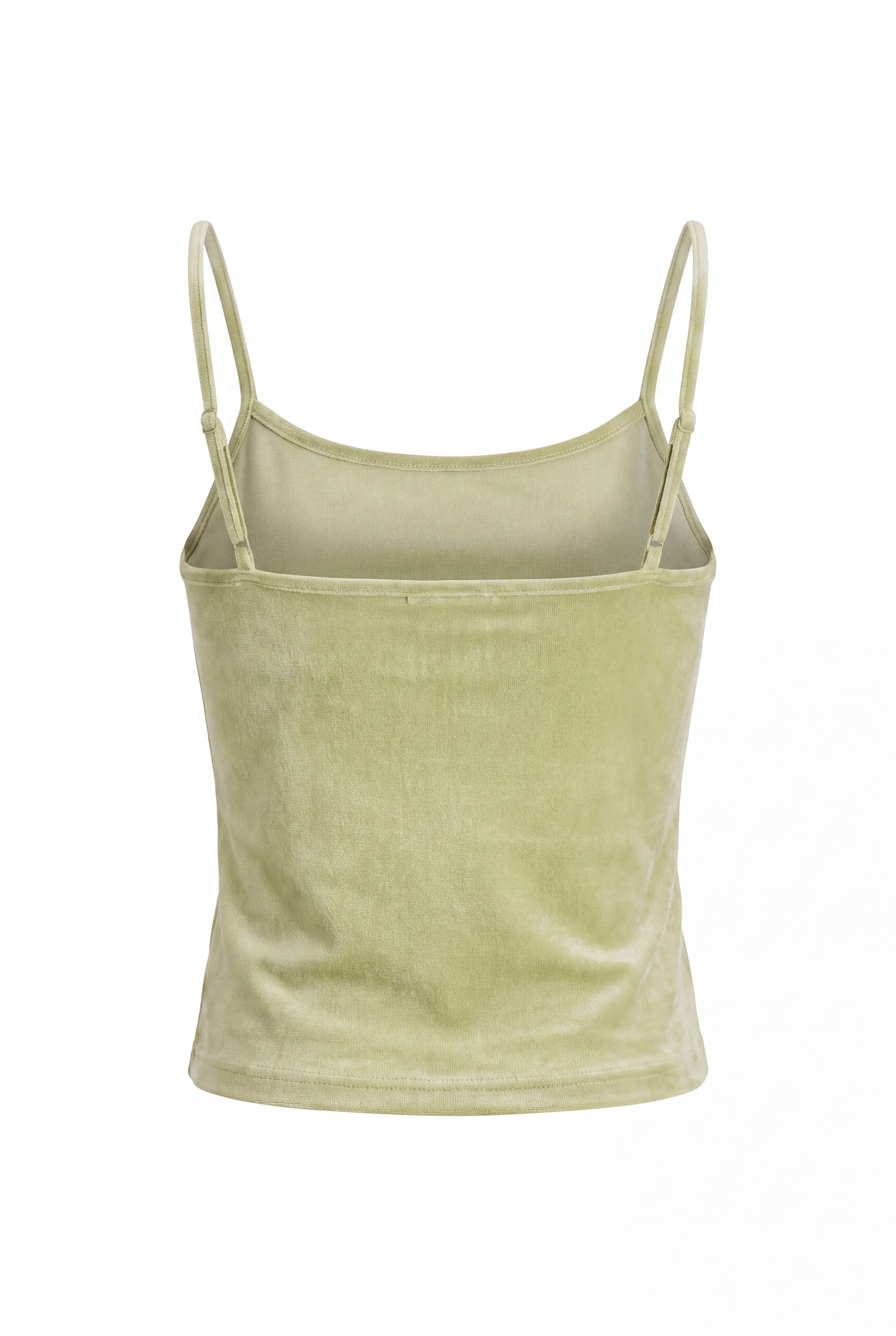
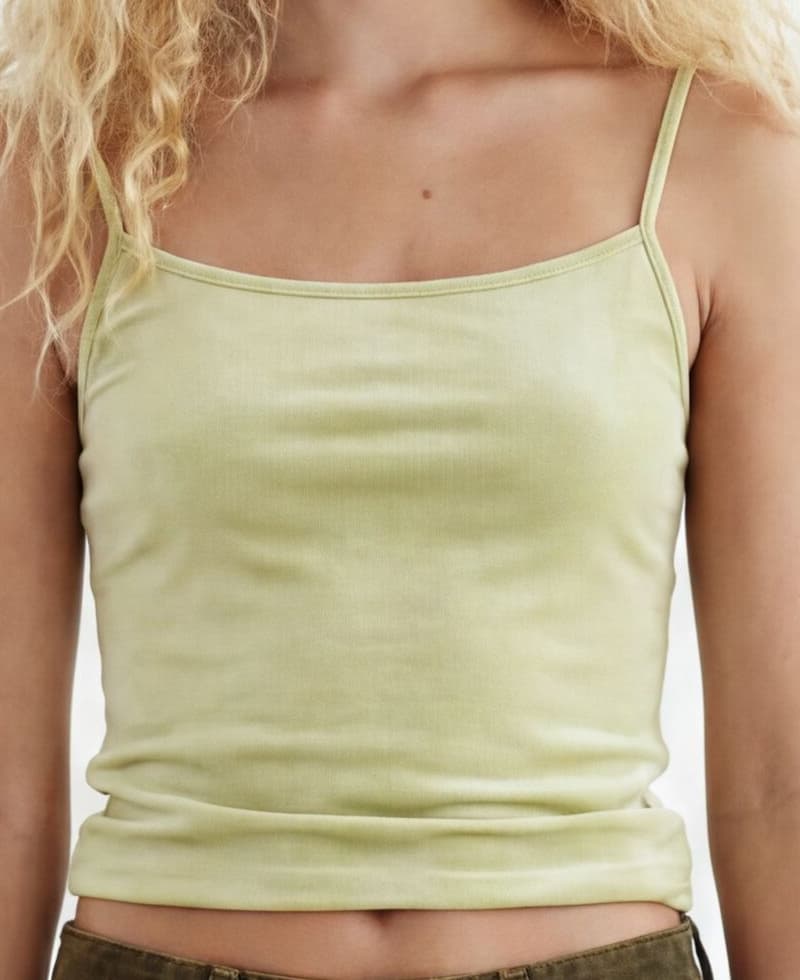
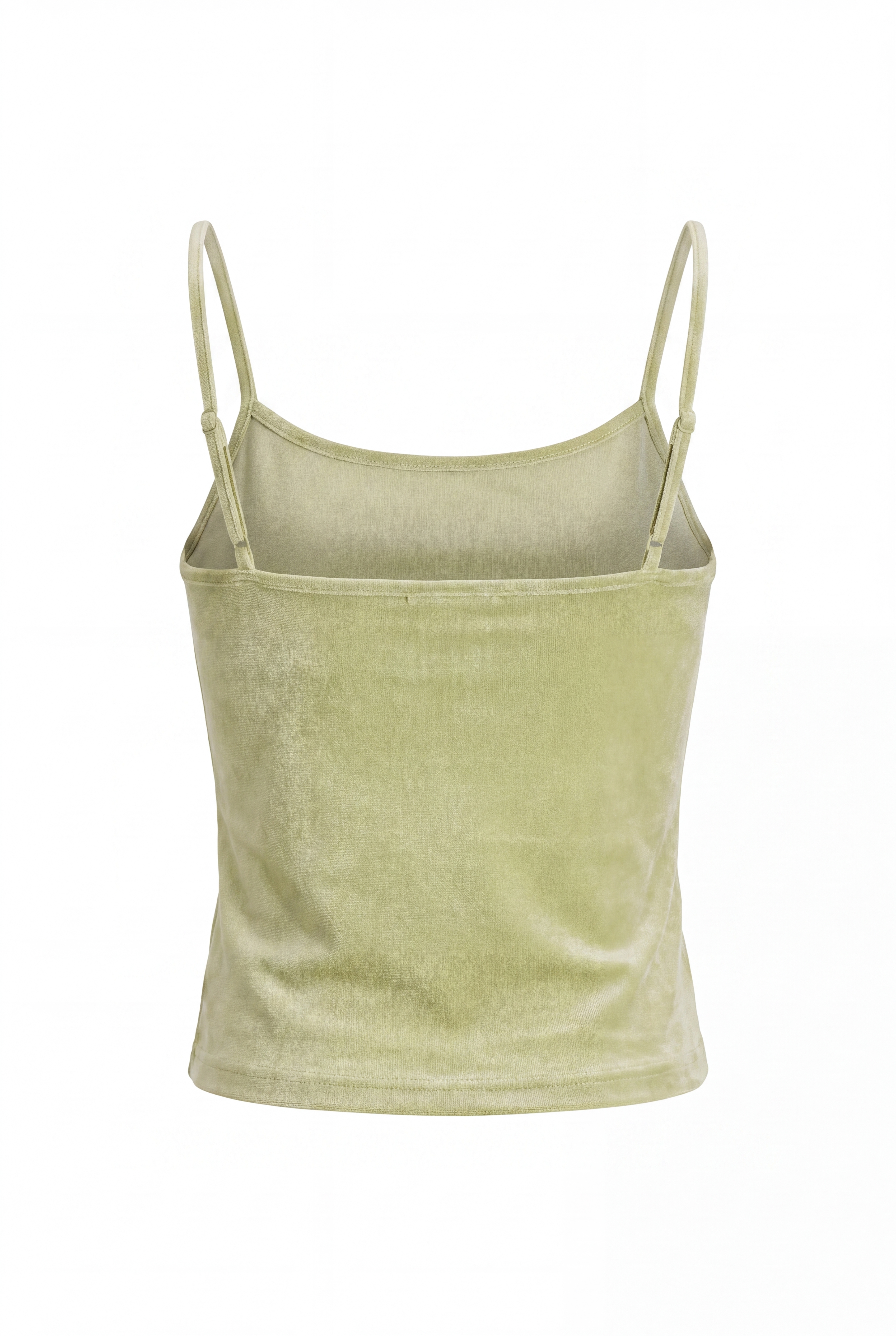 Lime Sleeveless
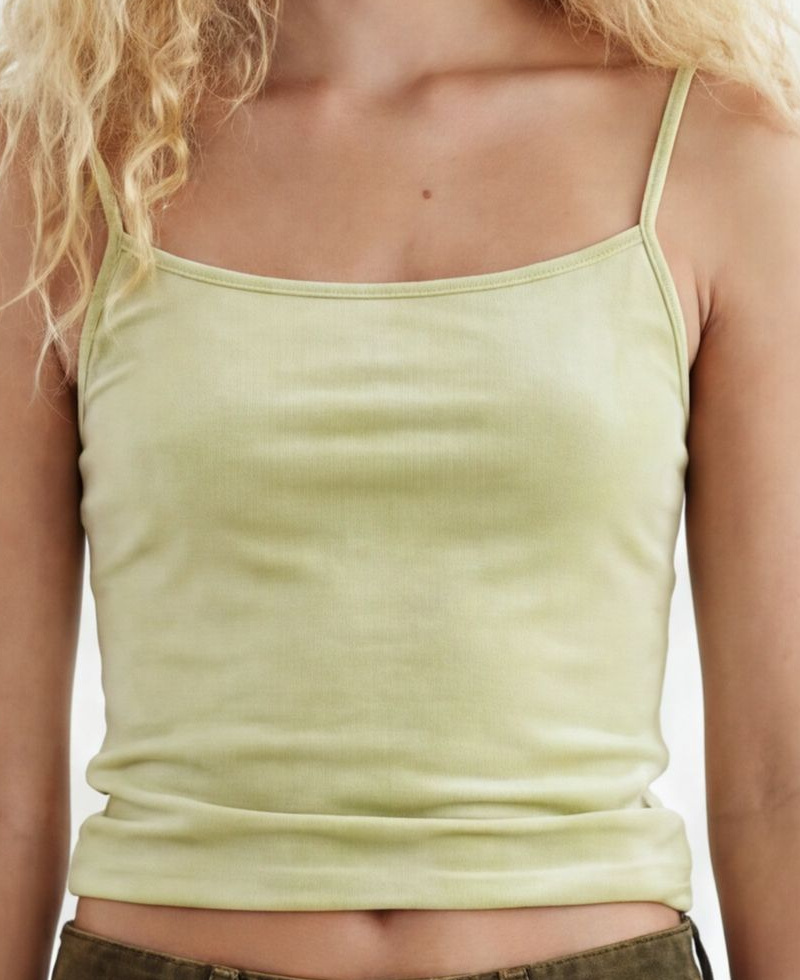 Lime Sleeveless
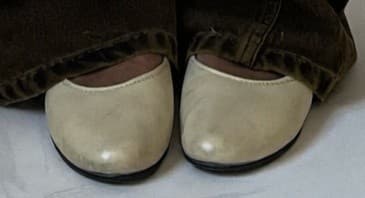
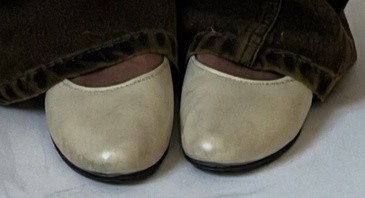 Shoes
ShoesPick a model
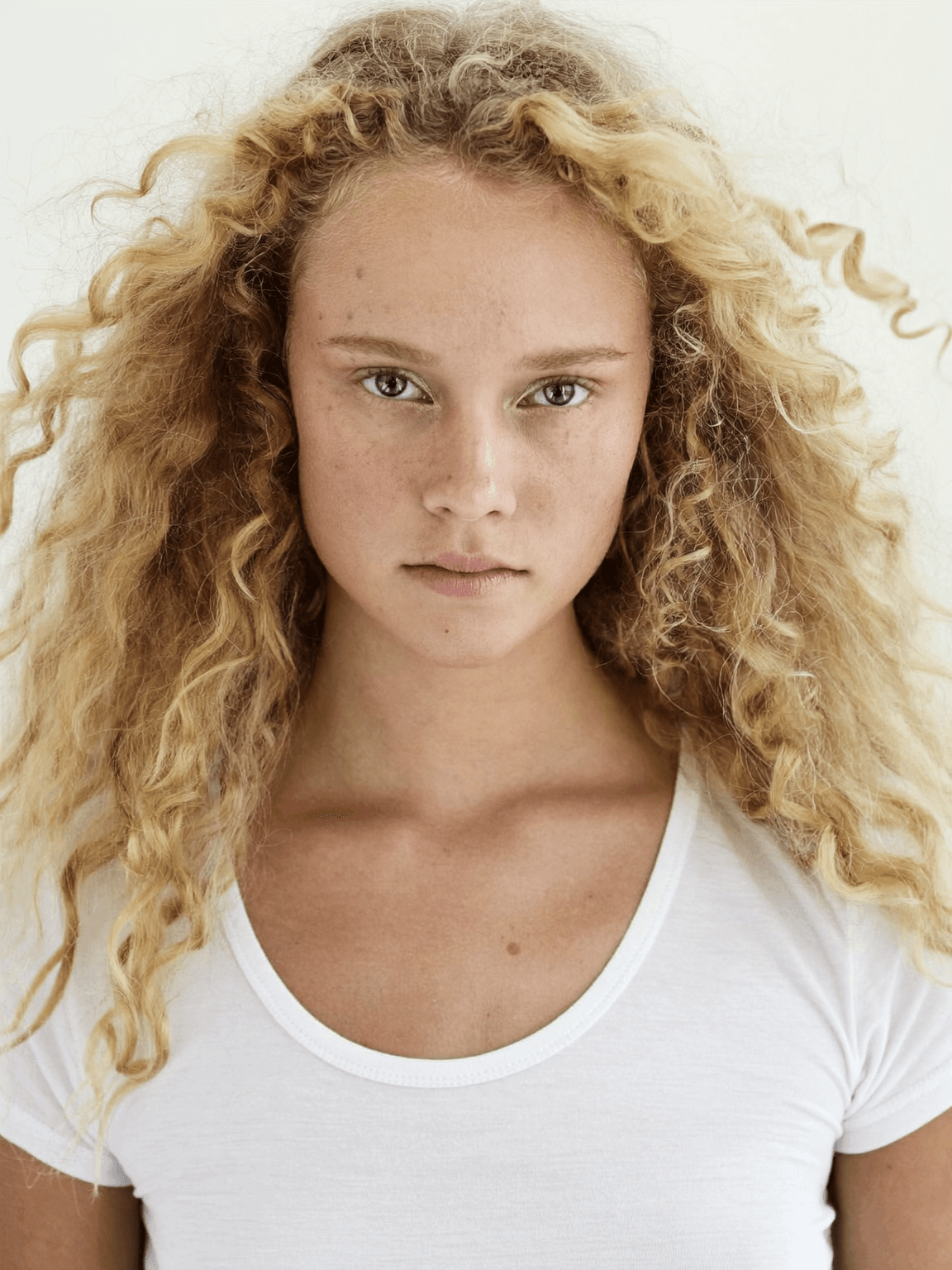
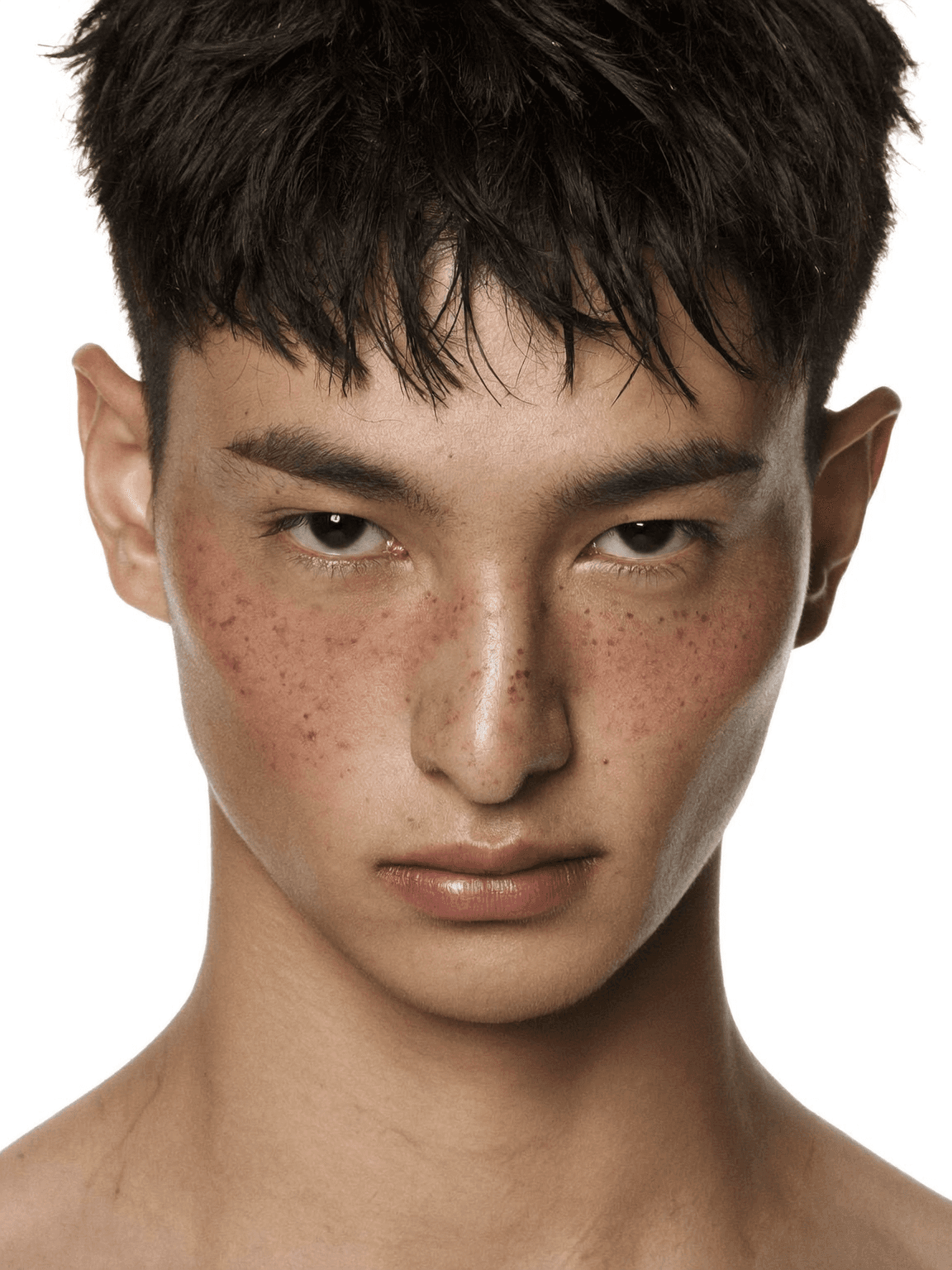
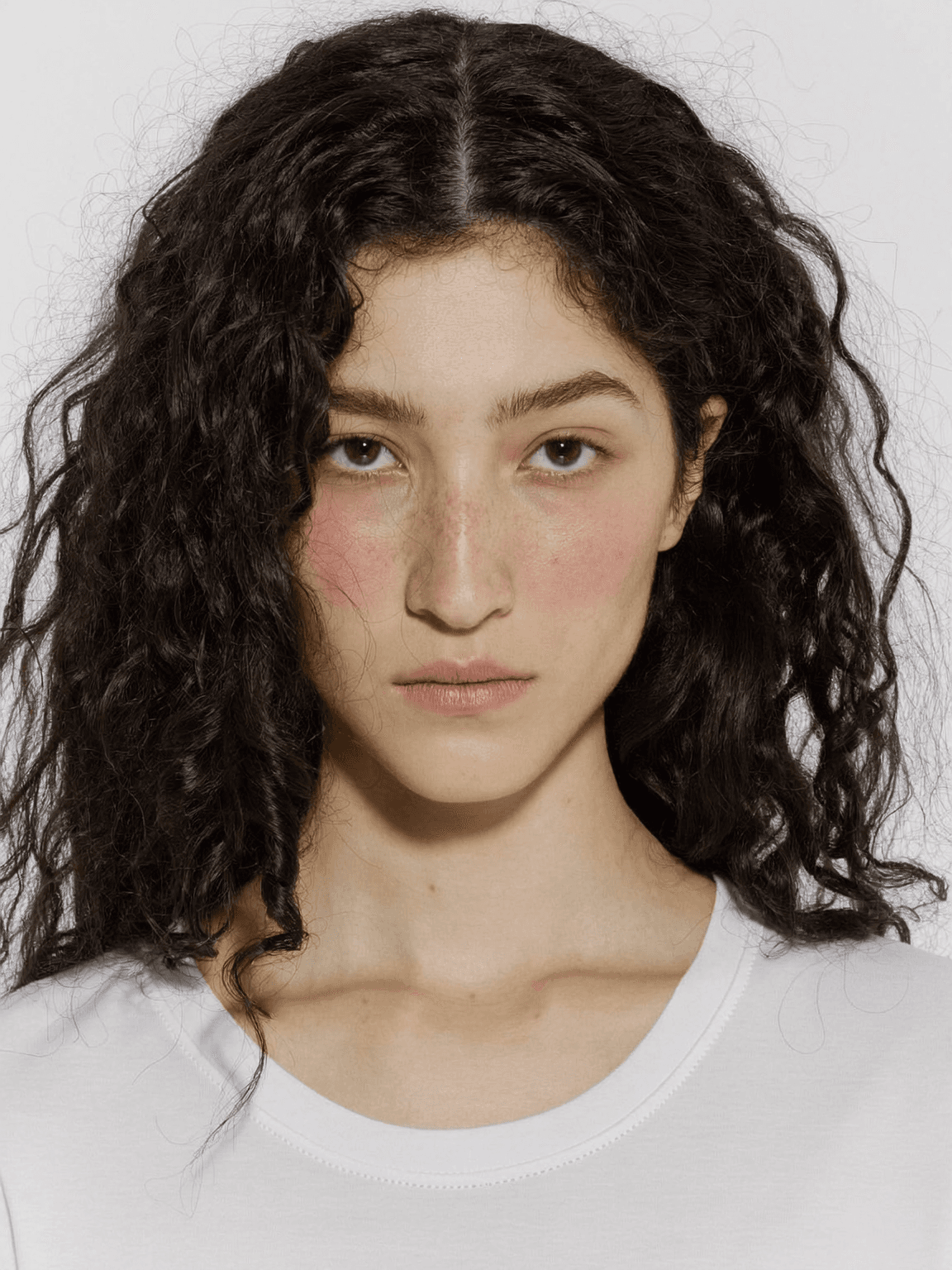
Use a Sofi model, or save your own once and reuse it everywhere.
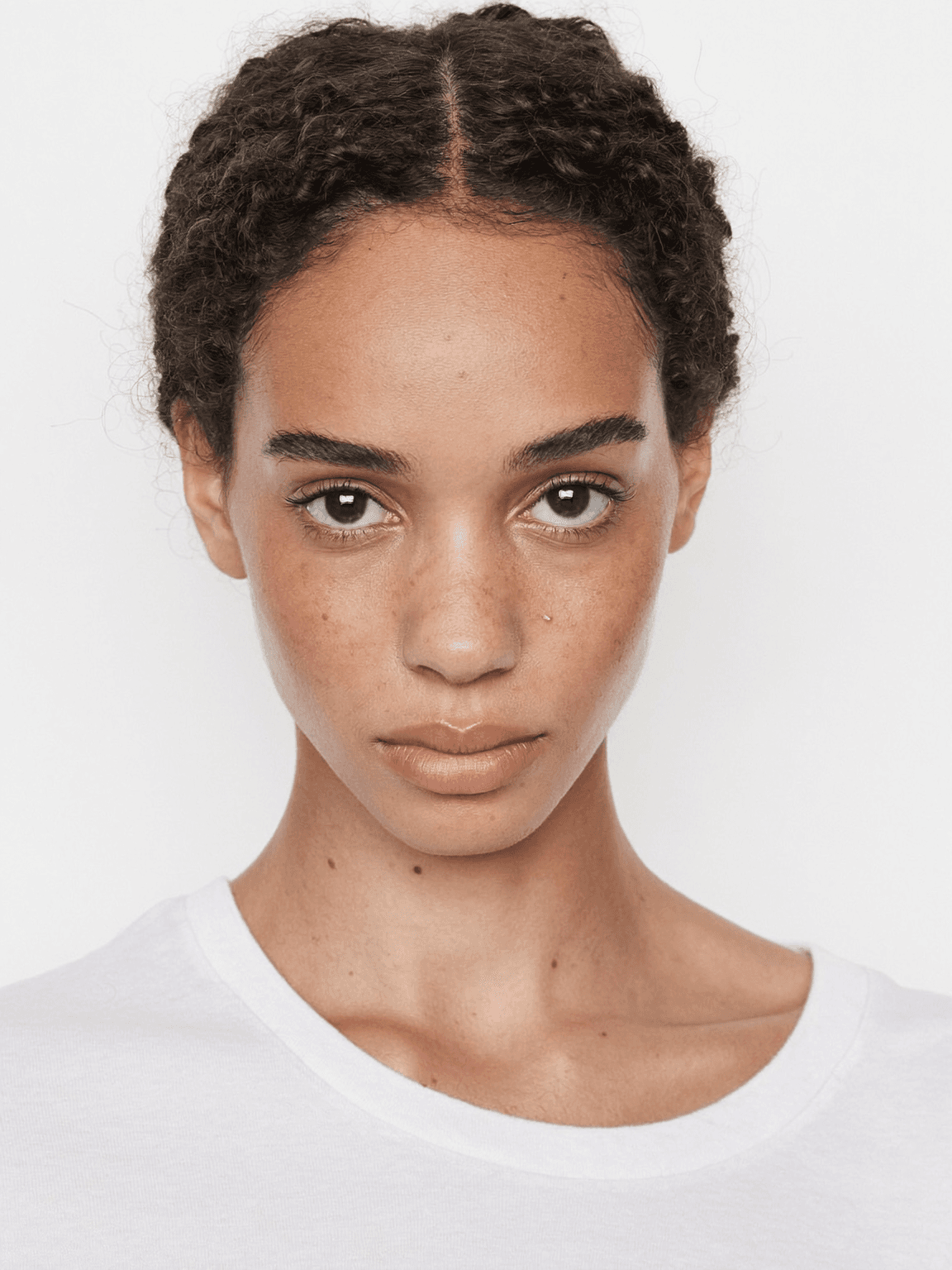
Say how it’s worn
Length, fit, tucked or untucked — the more concrete, the better the cut.
The actual prompt for this cut
Wearing the jeans from images 1-2 and the top from images 3-4, with the shoes from image 5. The jeans are dark olive green high-waisted straight-leg denim — very long and loose, dragging on the floor. The top is a light green velvet cami with spaghetti straps — short cropped slim fit, worn untucked so the waist is slightly visible. She has a thin, slim figure. No alteration to garment details.
One cut becomes the whole set
The base cut anchors everything after it — change the angle, the pose, or the background.