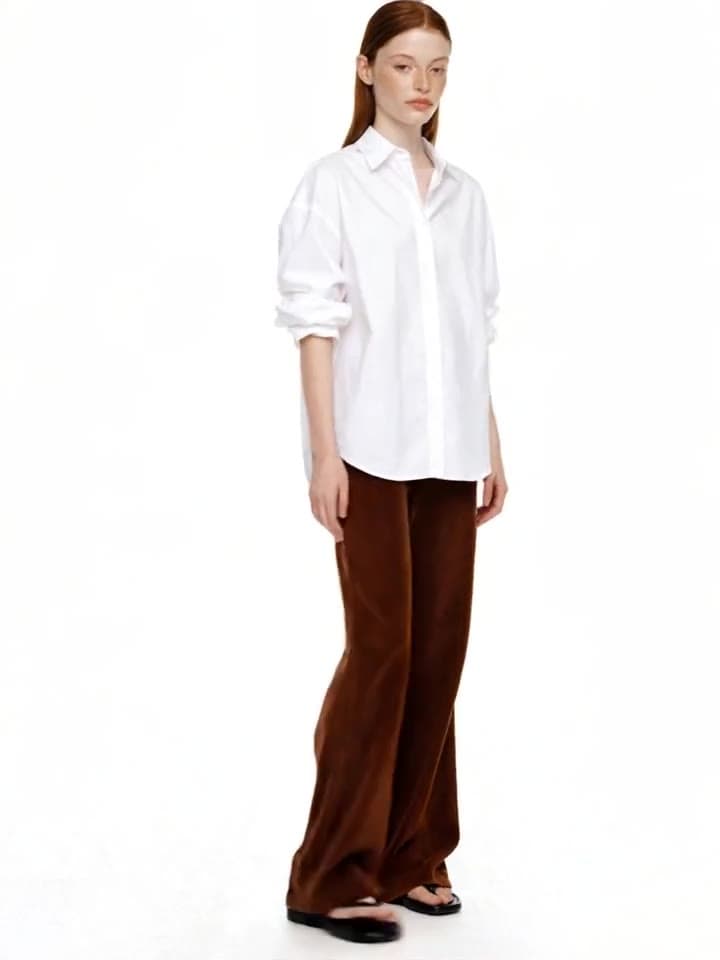
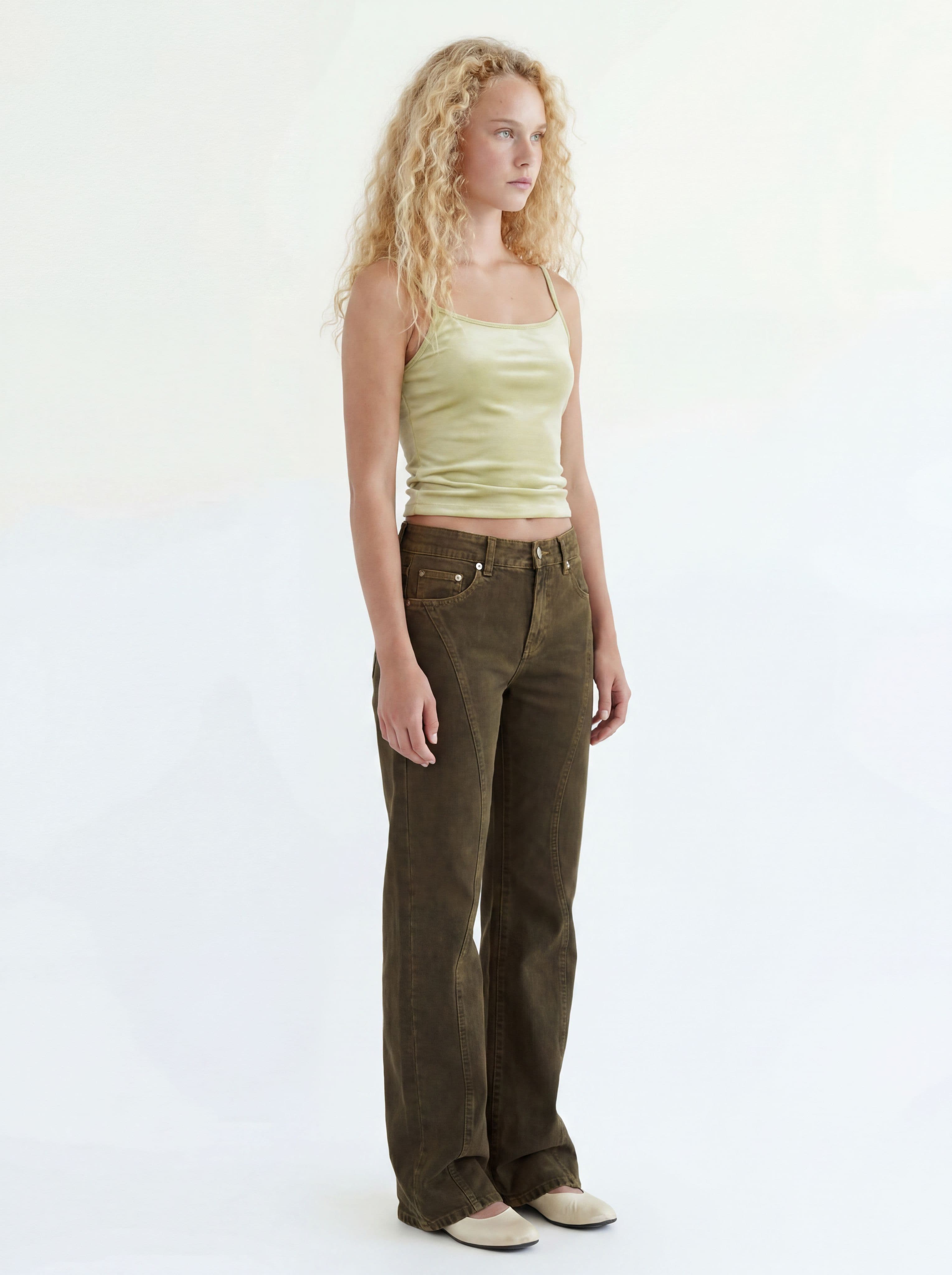
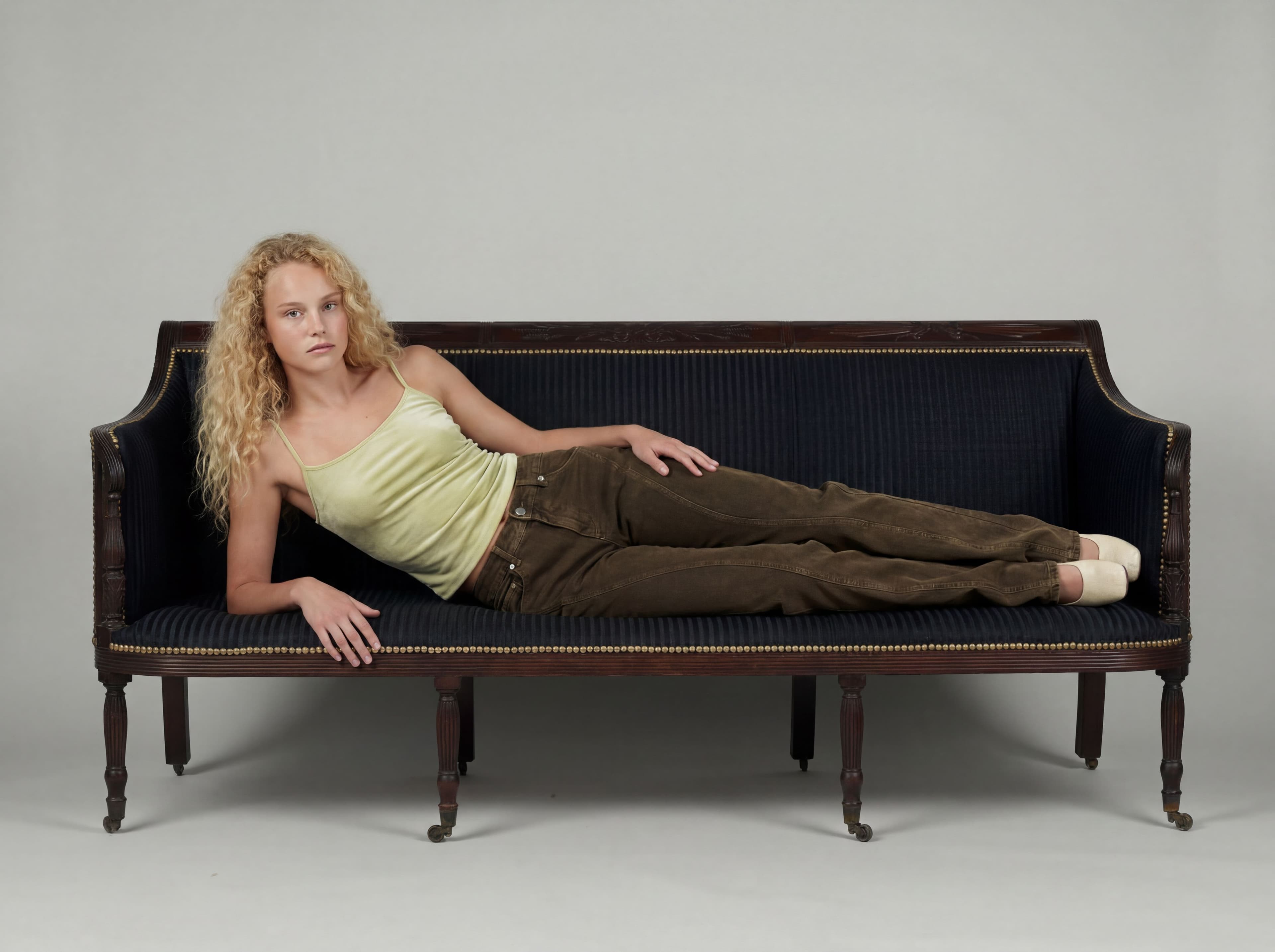
Swap a face
Change the model identity while the outfit, pose, framing, and light stay put.
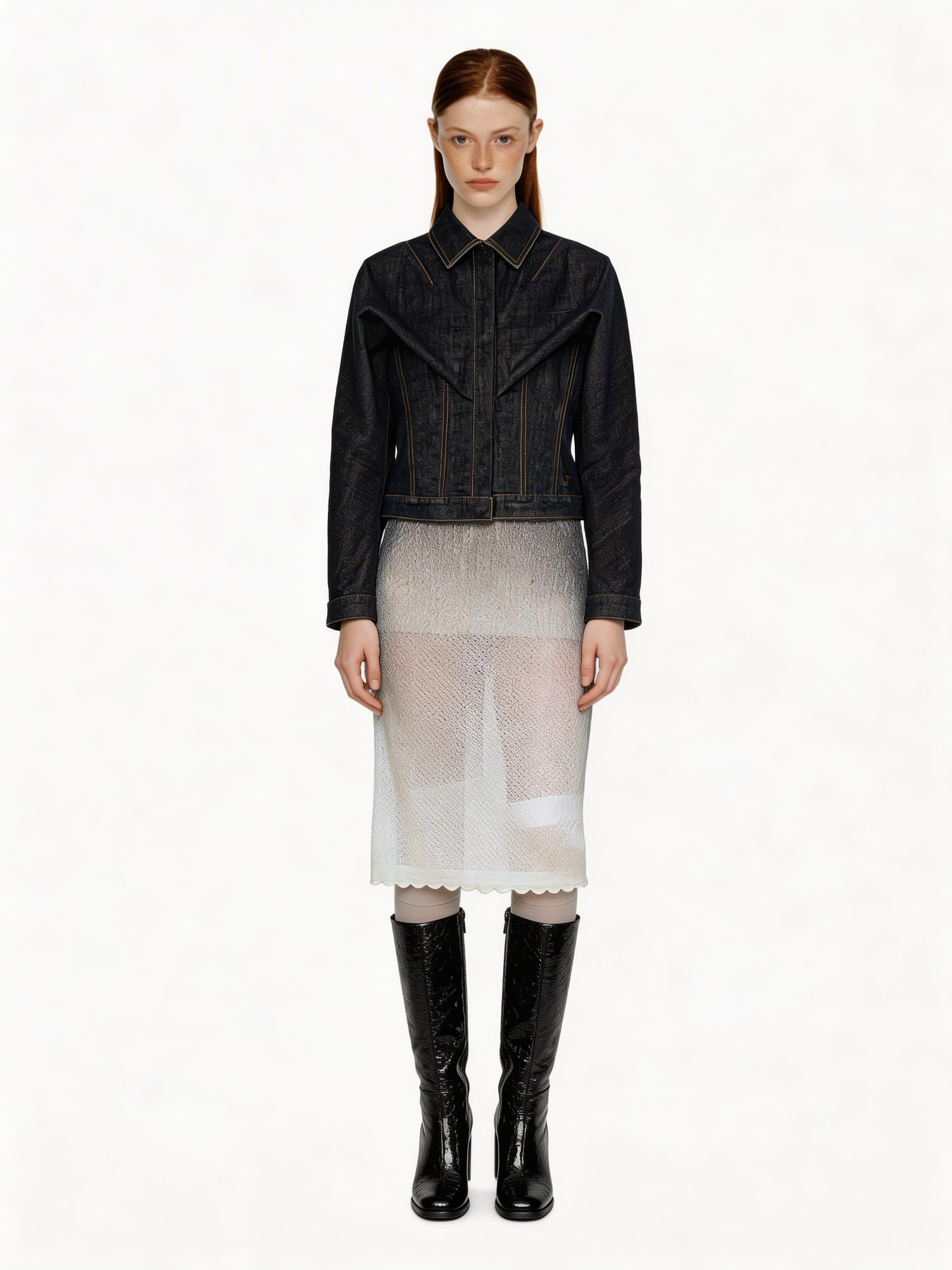

Try face swap
Open Face Swap and choose a cut from your lookbook.
BeforeAfter
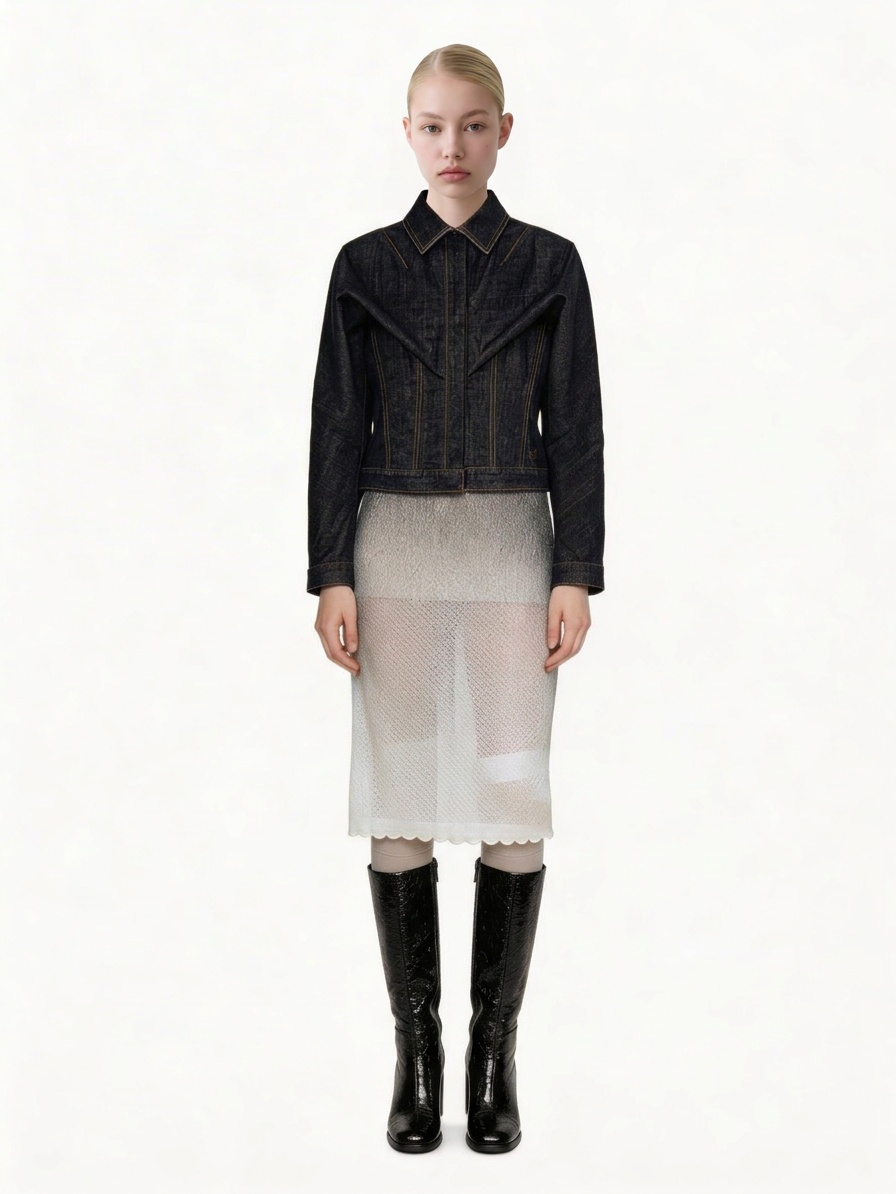
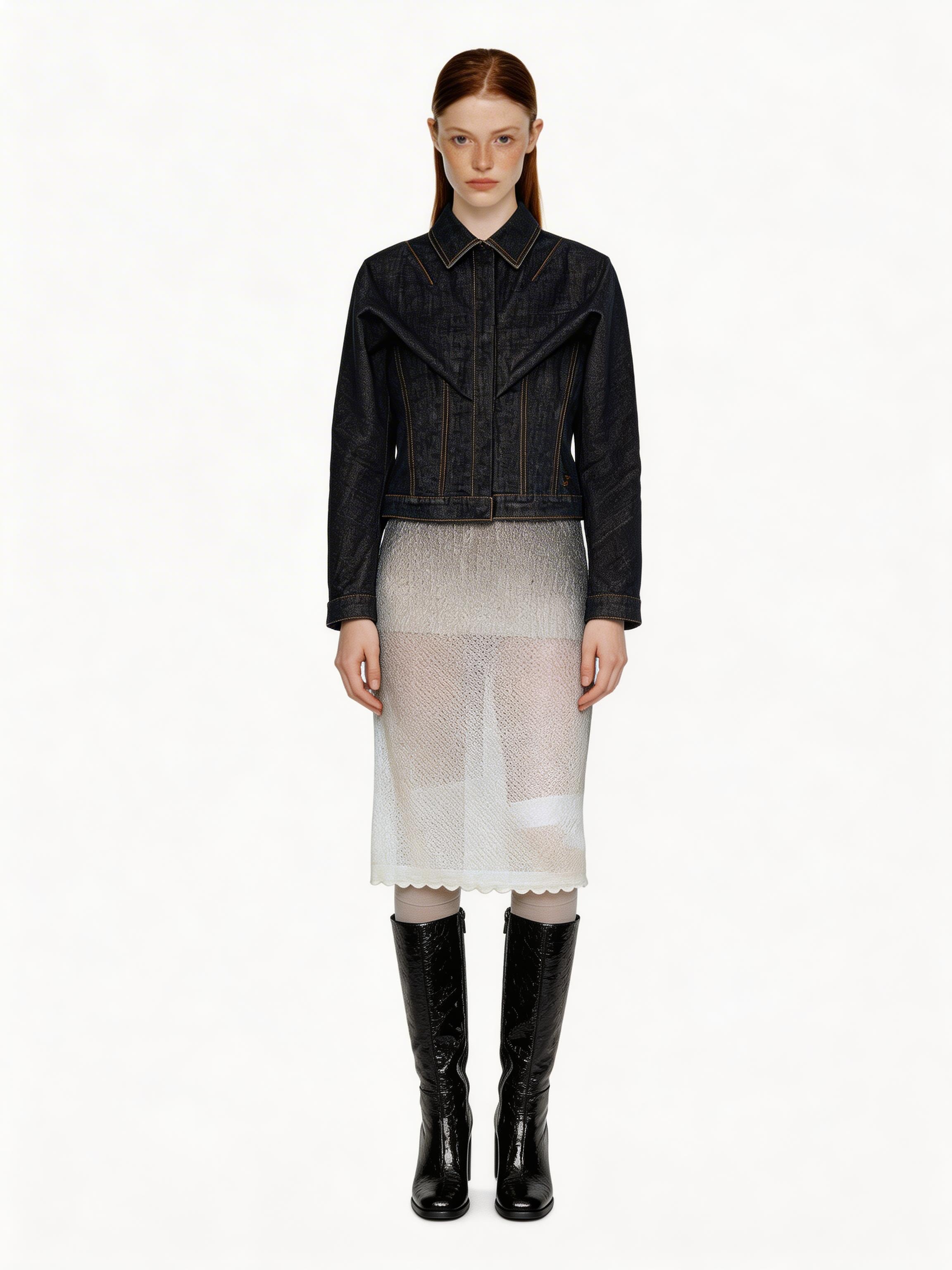
How face swap works
Choose the cut to keep
Upload a finished image or select one from your lookbook. This keeps the outfit, pose, crop, and lighting.
The cut to keep Select or upload a model
Choose a saved model or upload the identity you want to carry across the shot set.
Selected model Compare the result
Check the face at full size. If the source face is small or turned away, use a clearer cut for better accuracy.
BeforeAfter
Keep finishing the shot
The face-swapped cut can go straight into video, variations, or a new editorial.